Neu
Quelle: store.steampowered.com/news/ap…0/view/676260695908549367Space Engineers 2 News-Hub schrieb:
Hello, Engineers!
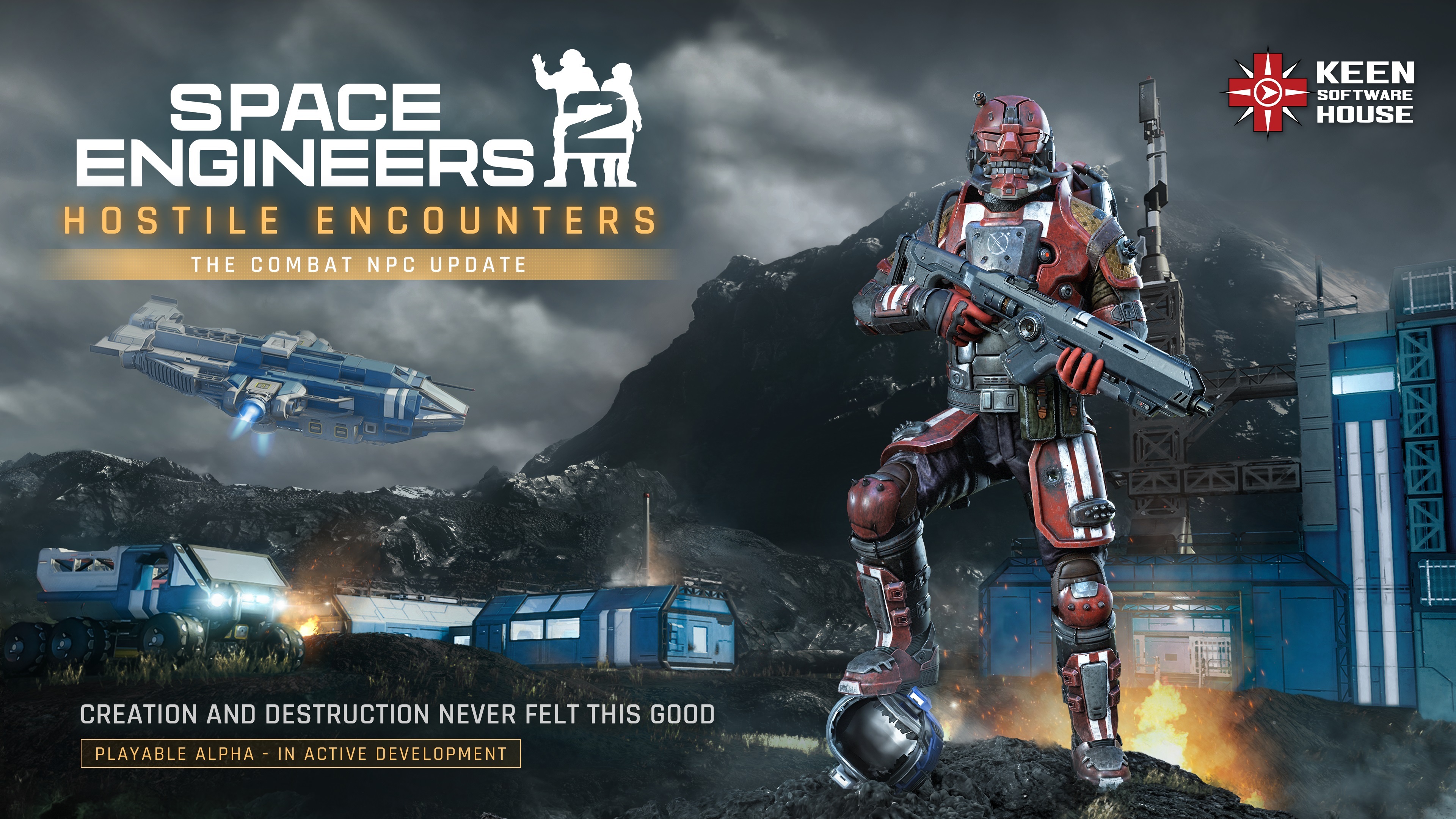
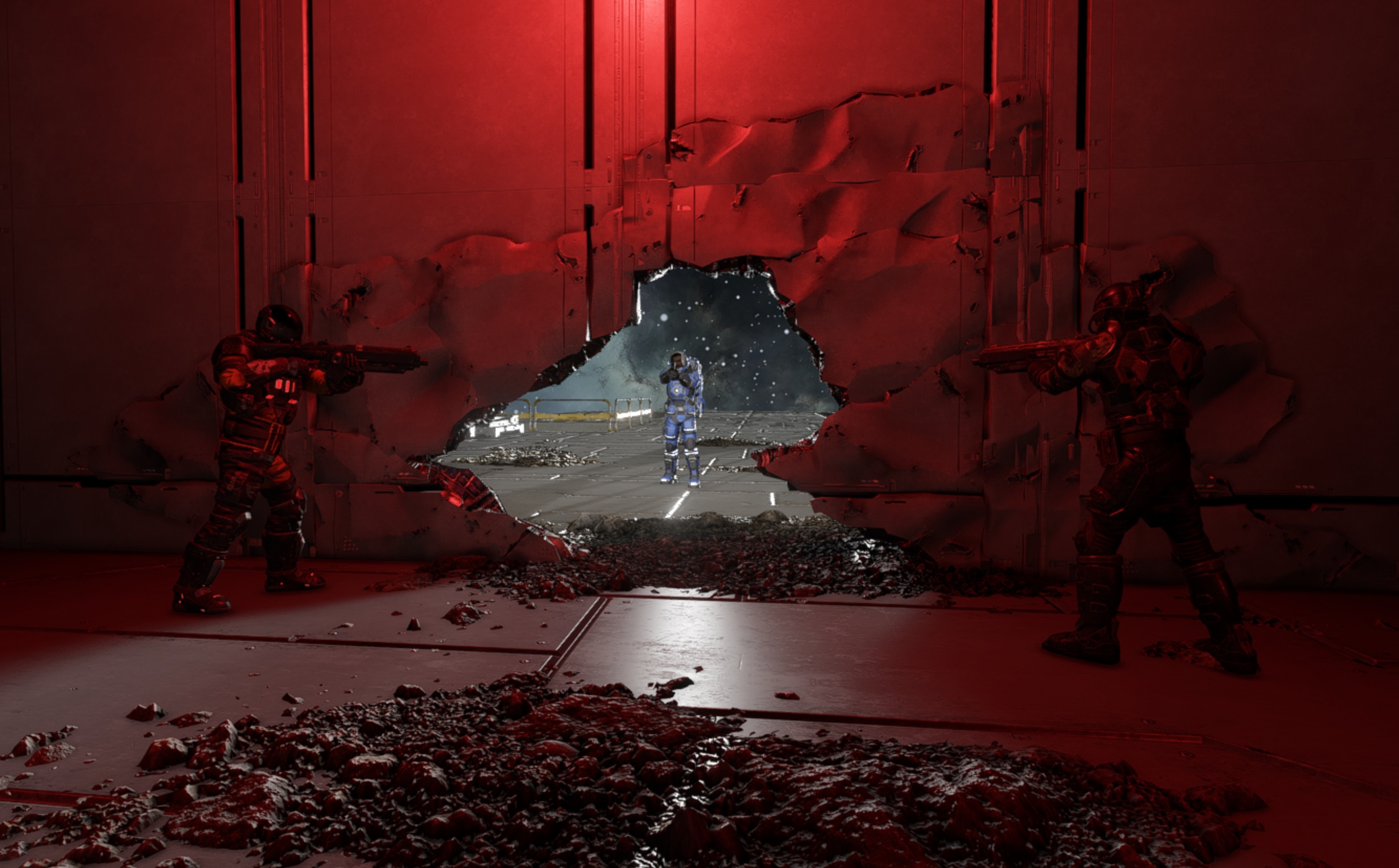
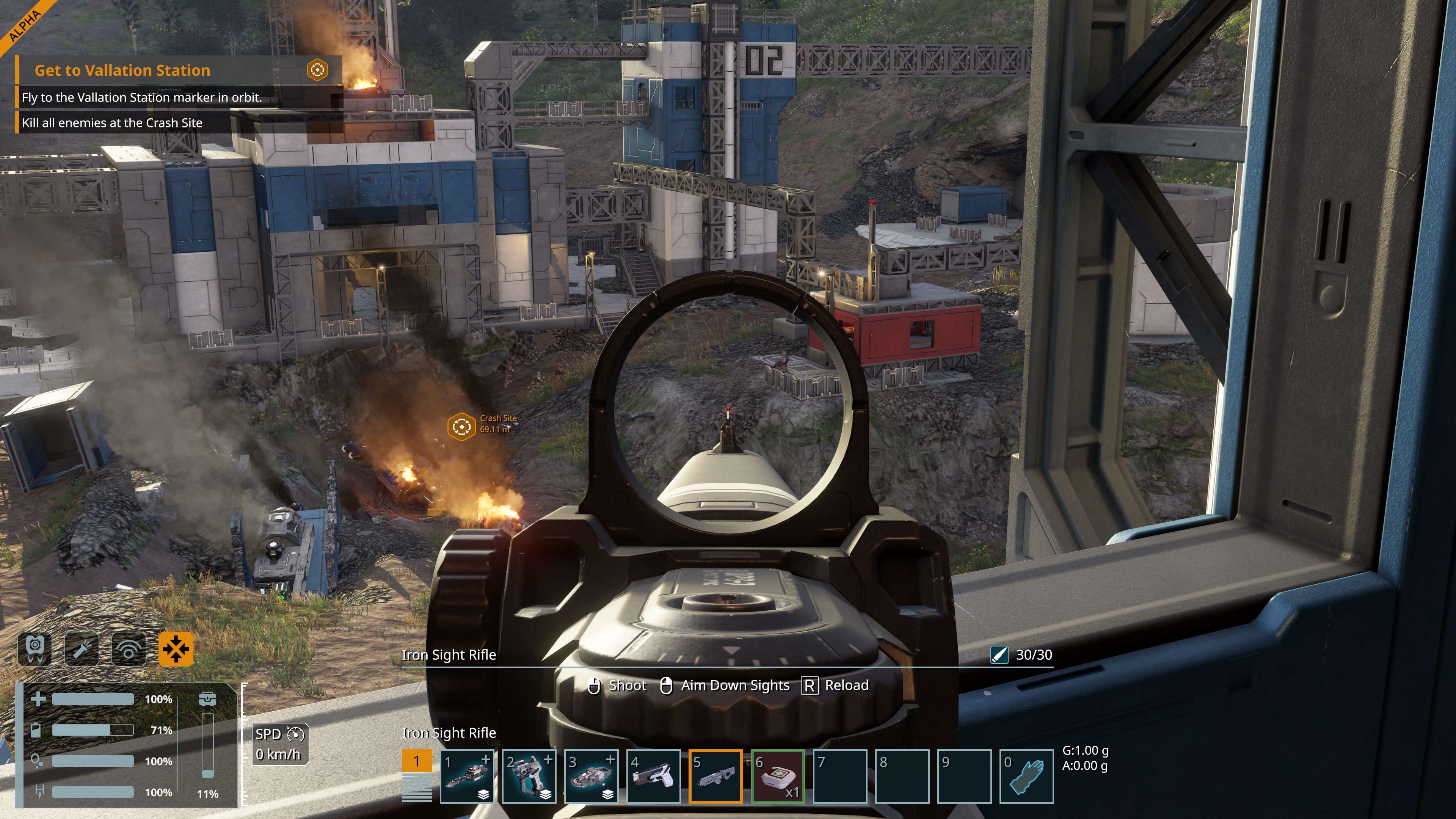
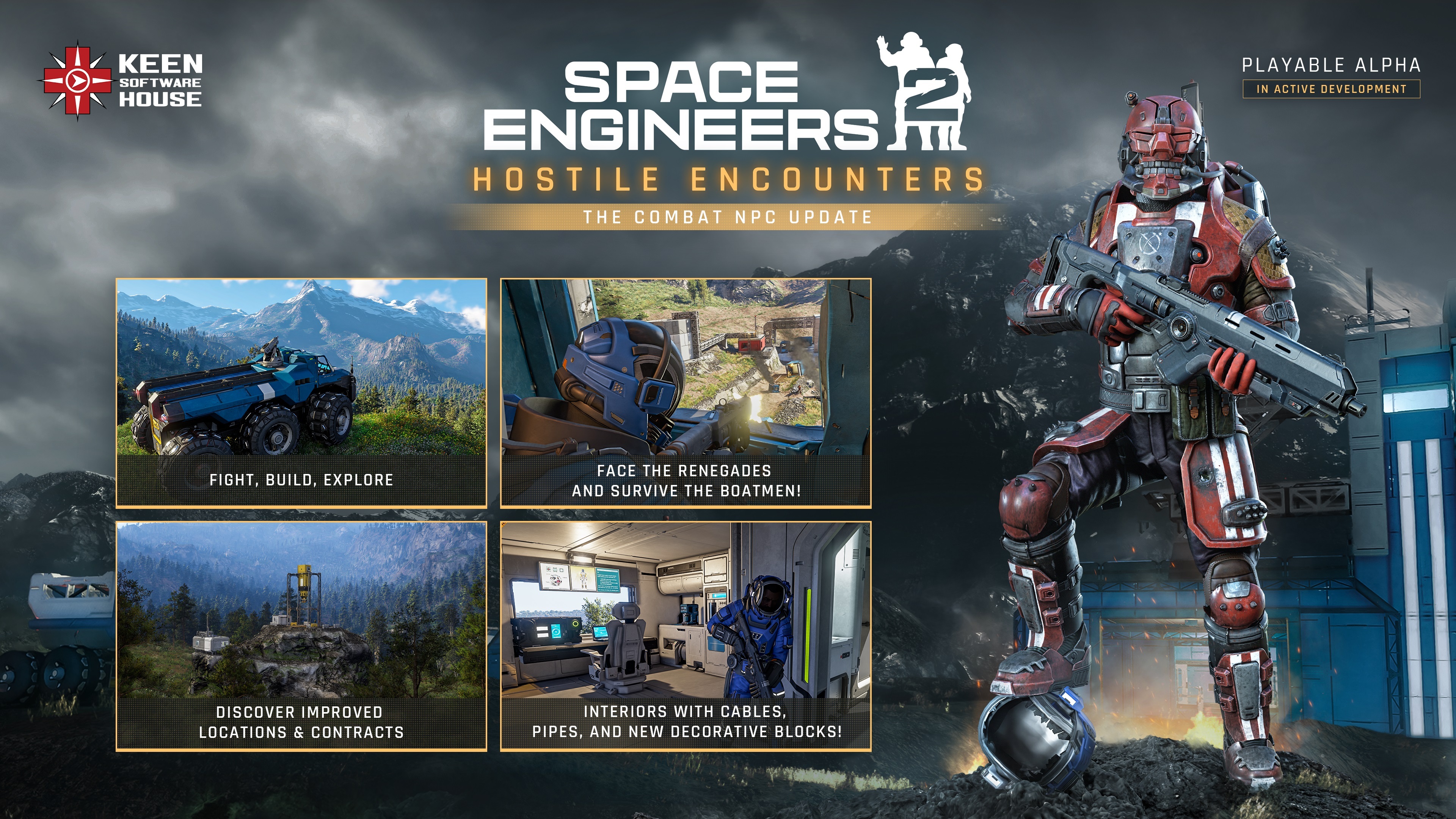
Hostile Encounters is here, bringing Combat NPCs to Space Engineers 2 for the first time. Face the Renegades, watch out for the heavier Boatmen, and take on enemies that can patrol, take cover, react to damage, communicate threats, and fight both you and your creations.
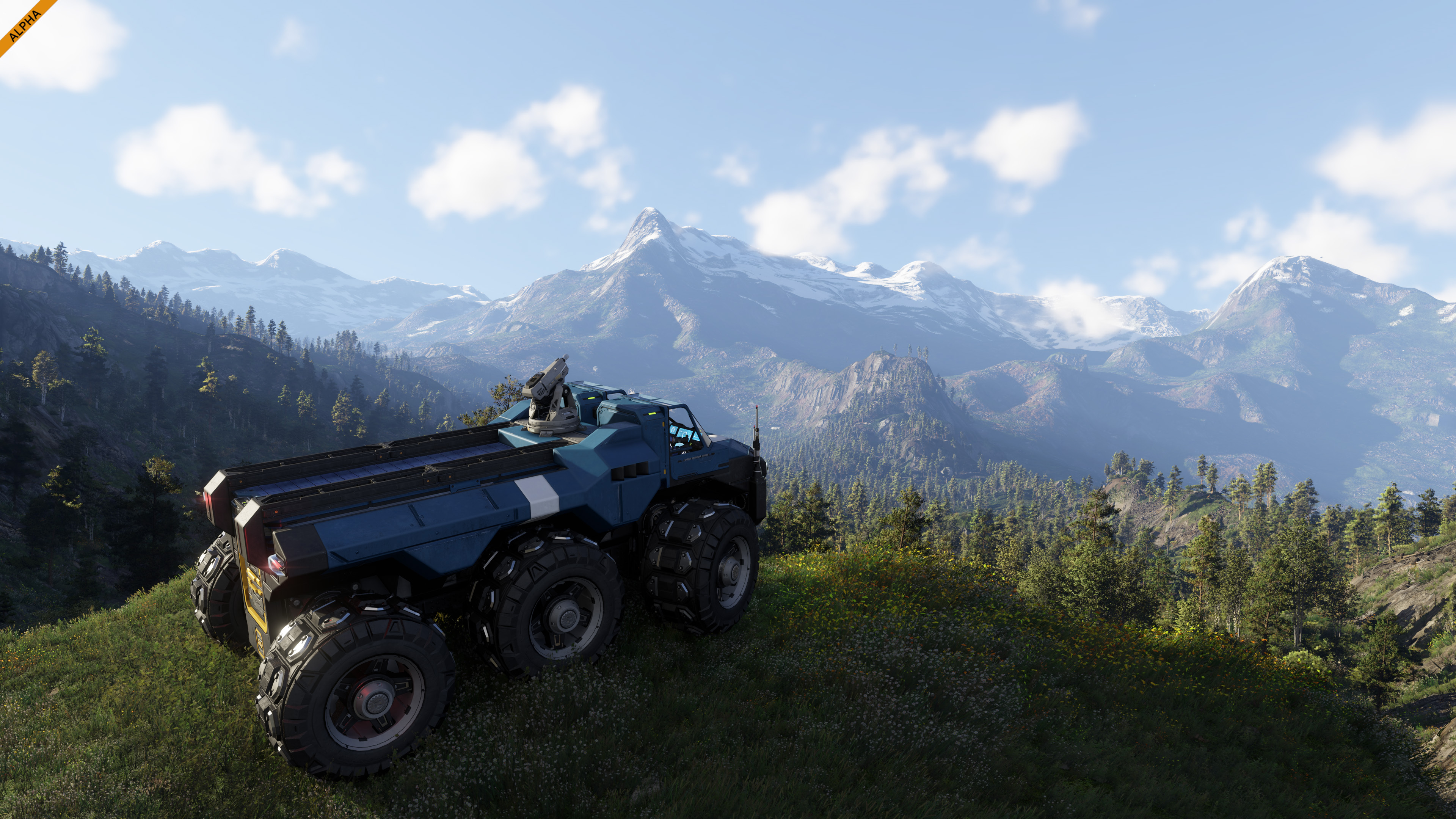
The update expands the Almagest System with improved Locations and Contracts, overhauled ores, new Verdure flora, updated lighting, new combat effects, and a fresh set of building blocks including Cables, Pipes, Armor Slabs, Interior Turrets, and decorative props.
Hostile Encounters introduces several new systems that will serve as a foundation for future updates. These are first steps into areas we want to keep expanding over time, giving us more room for new gameplay, interactions, and challenges across Space Engineers 2.Combat NPCs FoundationsBringing Combat NPCs into Space Engineers 2 is a very different problem from adding enemies to a traditional shooter. There are no fixed corridors or carefully protected combat arenas here. Space Engineers 2 is a vast open sandbox where the environment itself can change at any moment.
Voxel terrain can be mined or destroyed. Buildings can be damaged, rebuilt, or removed completely. Players can create almost any layout they want. Ships and other grids can move, land anywhere, crash, deform, and break apart. A doorway that existed when a fight started might be gone seconds later. The cover can disappear. A new wall can appear. A vehicle can be parked directly across an NPC's route. All of this exists inside a large continuous world without any loading screens.
That makes navigation, combat, and basic decision-making much harder. NPCs cannot depend on a level designer knowing where every corridor, doorway, obstacle, or piece of cover will be. They need to understand and react to an environment that can change around them at any moment.
This is why Combat NPCs are such an important milestone for us. We needed NPCs that could function inside the same fully destructible sandbox as the player. It sounded almost impossible.
But we got there. Combat NPCs now work inside the same unpredictable universe as everything else in Space Engineers 2.
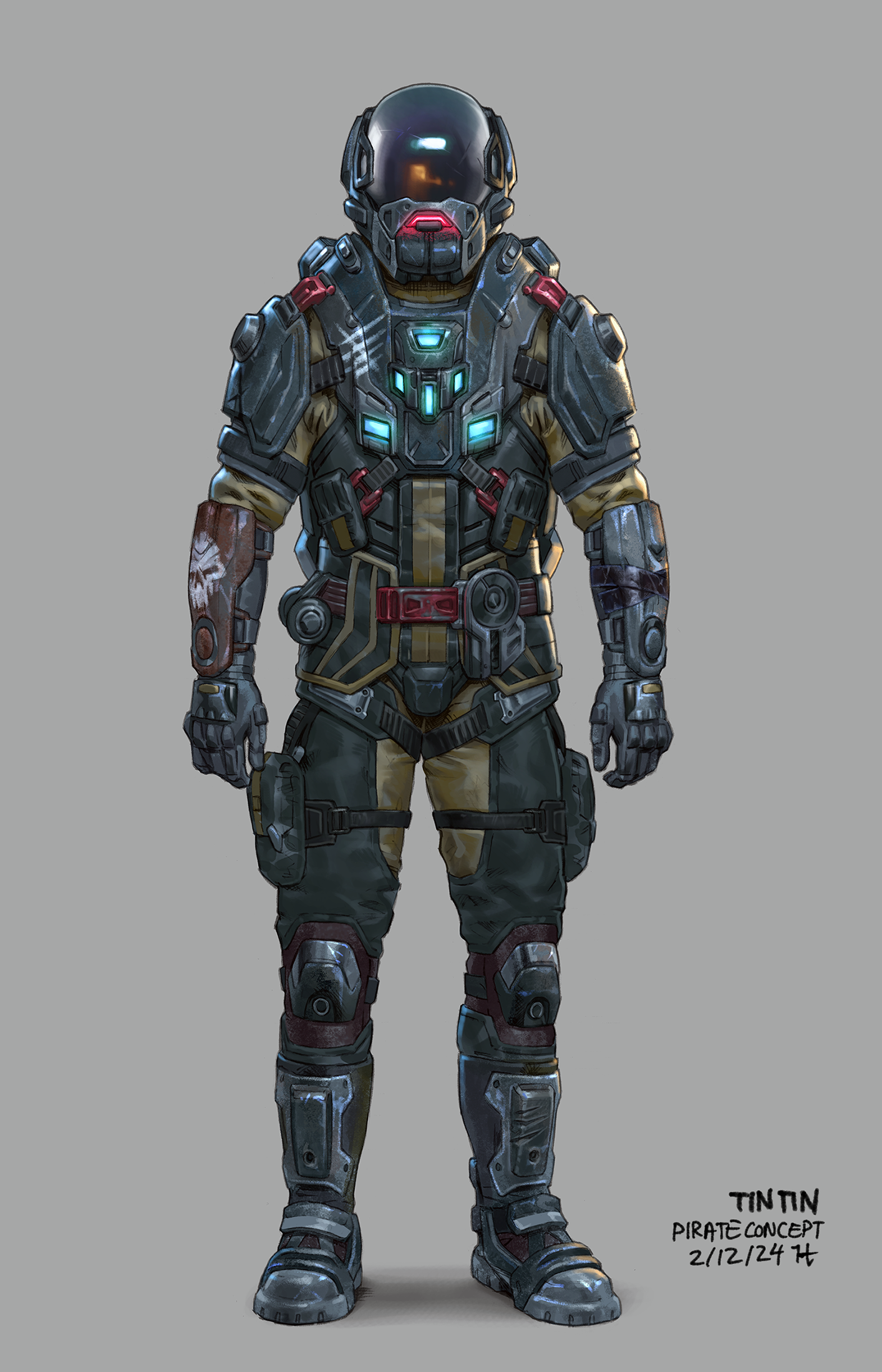
We did it!Renegades & BoatmenHostile Encounters introduces the first two enemy types. The Renegades are outlaws and pirates operating on Verdure, while the Boatmen currently serve as the heavier leader-type enemies within Renegade encounters. These first groups are relatively low-tech - for now… They have not expanded beyond Verdure's atmosphere and do not have access to jetpack technology yet.
This is only the foundation, but there is already quite a lot happening under the hood.
Combat NPCs can:
- Navigate across grids and voxel terrain
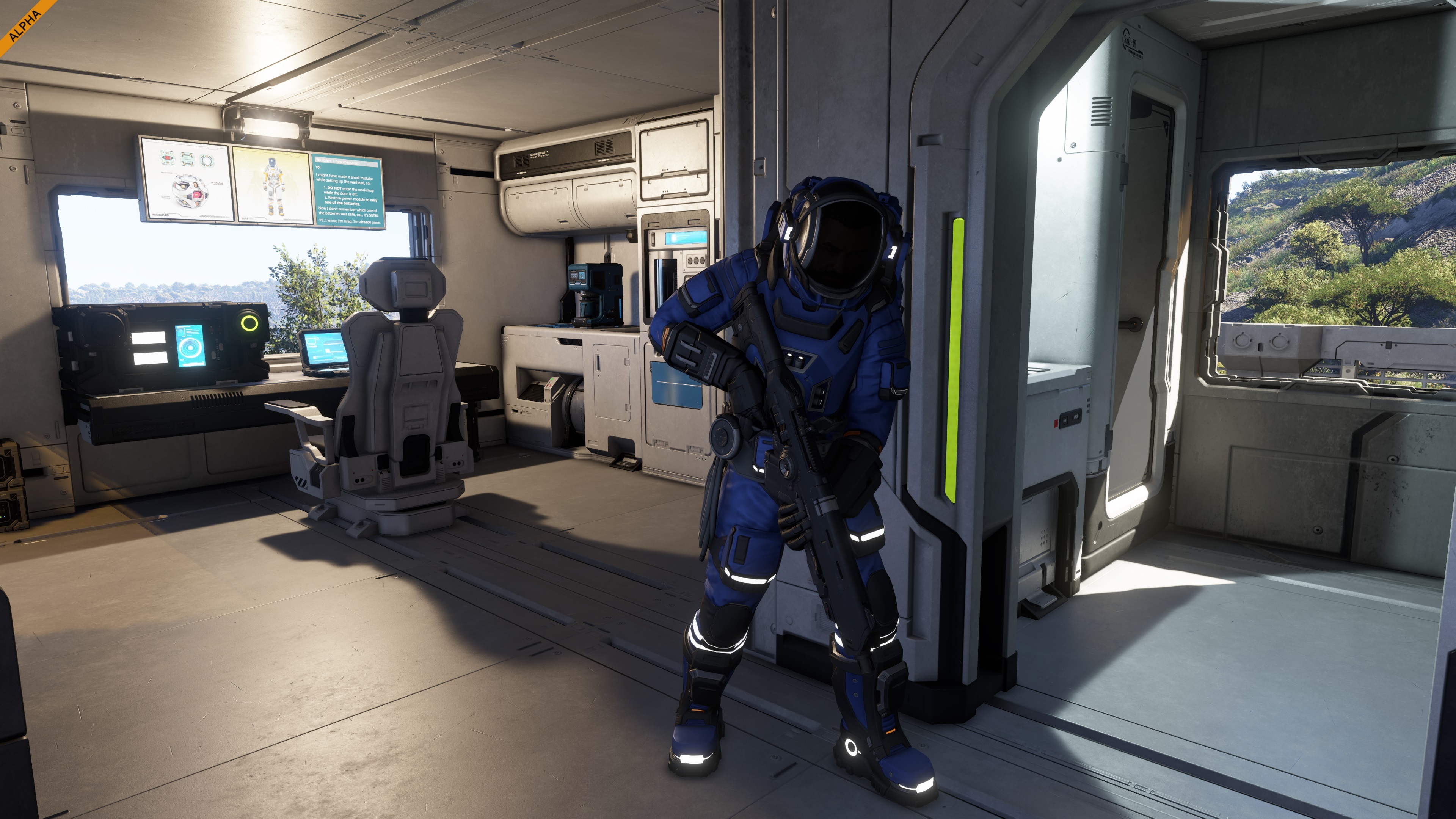
- Navigate player-built interiors and structures
- Open and walk through doors
- Avoid dynamic objects blocking their path
- Patrol an area
- Search for threats
- Take cover
- Recognize when their cover has been destroyed
- Move to new cover when their previous position is no longer safe
- Move while shooting
- Strafe during combat
- Move backwards and forwards while fighting
- React when they need to reload
- Retreat depending on their condition
- Change behavior when injured
- Have different shooting accuracy depending on the NPC variant
- Detect and attack players
- Detect and attack player-controlled grids
- Fire at the player's last known position
- Share threat information with their group
- Alert allies when a member of the group spots the player or comes under attack
- React to the bodies of fallen allies
- Use emotes
- Use custom NPC animations
- Use combat voice lines and barks
- Spawn with different color variations
- Drop randomized loot themed backpacks
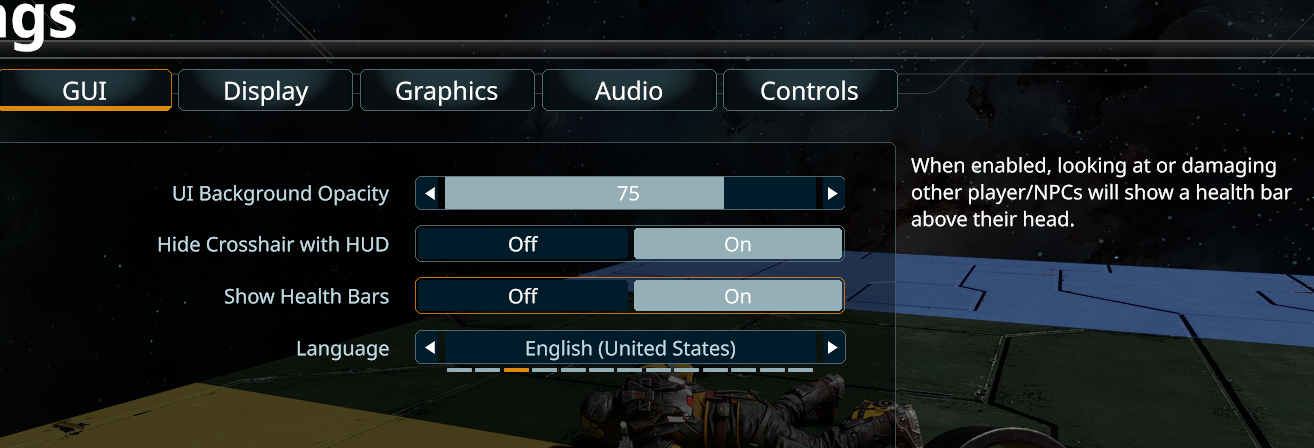
NPC Health BarsBy default, enemy health bars appear when an NPC enters the range of your equipped weapon.
For players who prefer a cleaner and more immersive experience, NPC health bars can be turned off completely in GUI Settings.
For us, getting this foundation working inside a fully destructible engineering sandbox is an achievement worth celebrating. The battlefield in Space Engineers 2 is not something we build for the NPCs - it is something you build, destroy, rebuild, and occasionally turn into a pile of debris around them.
Hostile Encounters is the first time these systems come together in the hands of players.Experimental DLSS SupportWe have added NVIDIA DLSS support! Added as an experimental feature for now - please leave us your feedback here: https://support.keenswh.com/spaceengineers2/pc/topic/57328-experimental-dlss-support-feedback
DLSS is NVIDIA's proprietary technology and runs only on NVIDIA GeForce RTX GPUs. It combines very high-quality anti-aliasing with upscaling. We don't use DLSS Frame Generation in our game.
We ship DLSS 310.7.0 (DLSS 4.5). We don't force a specific DLSS preset, so the model depends on the scaling mode driven by the driver.
Please note that DLSS has a higher performance cost than our other anti-aliasing options. That's why, on supported NVIDIA GPUs, it must be enabled by the player in the graphics option screen.
Hostile Encounters is not only about laying new foundations - it also expands systems already in place. We are building on earlier updates with new functionality, deeper interactions, and improvements that bring these systems closer to the long-term vision for Space Engineers 2.Character Combat ImprovementsHostile Encounters expands character combat, with new feedback systems, weapon handling, and visual improvements across firefights.
Damage Indicators
New damage indicators show the direction of incoming damage and its intensity. Taking damage now also affects screen saturation and adds screen shake.
Character Accuracy System
We added dynamic crosshair to reflect changes in weapon accuracy. Weapon accuracy now reacts to what your character is doing:Recoil
- Higher accuracy while crouching
- Lower accuracy while using the jetpack
- Lower accuracy while jumping or moving
- Lower accuracy when injured or taking damage
The Automatic Rifle now has vertical recoil, making sustained fire harder to control and giving the weapon more physical kick.
Damage Multipliers
Different block types now react differently to character weapons and explosions. You can blow out windows, destroy furniture and decorative blocks, and tear through interiors without hand weapons dealing the same level of damage to ship armor.
This lets firefights damage the spaces around you without turning every burst of rifle fire into a ship-killer.
Visual Improvements
We have improved the visual and audio feedback of character weapons, including updates to the Automatic Rifle and Hand Drill.ToolbarThis update brings improvements to the default Survival toolbar, replacing the old Mk 1 tools with “Best Tool”.
Your toolbar will now automatically use the best tool you are carrying, so you no longer need to update it manually when picking up better equipment.
Mouse Wheel scrolling now also cycles through block variants within a block group. For more precise building, hold CTRL + SHIFT while scrolling to continuously loop through variants of the active group without moving into adjacent toolbar slots.Planetary Lighting ImprovementsWe are continuing to tune the lighting in Space Engineers 2. One important change is that planetary environments and space can now use separate lighting settings.
For planets, we have increased saturation and contrast to give vegetation, terrain, rocks, and distant landscape features more definition, while keeping the realistic visual direction of Space Engineers 2.
Separating planetary and space lighting allows us to improve the look of planets without changing the lighting once you leave the atmosphere.
This update improves several parts of the Almagest System. The opening tutorial stages have been overhauled with updated Contracts, Locations, interface elements, voiceovers, and combat NPCs!
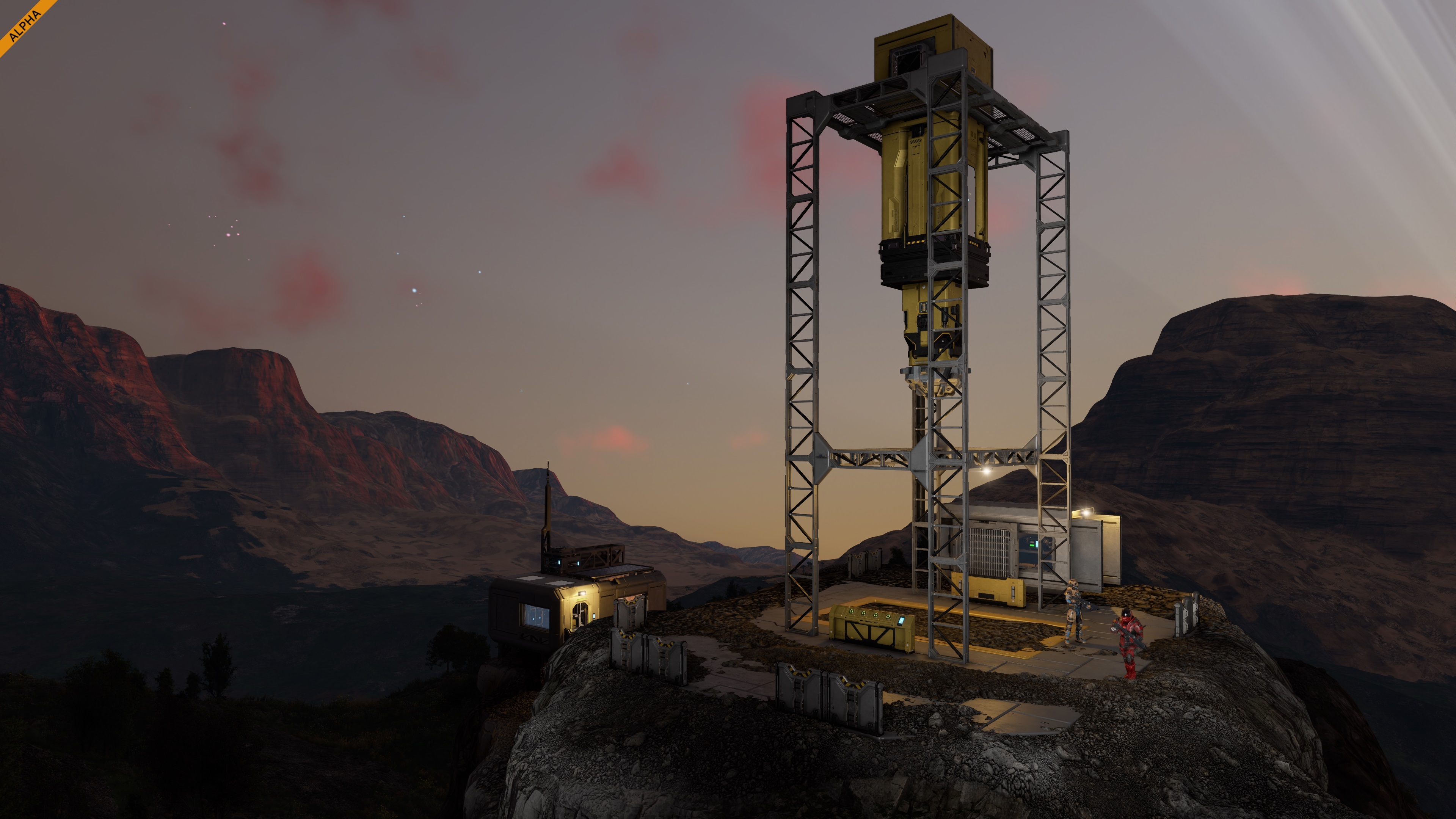
Named Locations and Contract Locations have received visual improvements as well.
Iron, Silicon, Nickel, Cobalt, Copper, Ice, and Gold have received a visual overhaul, making different resources easier to recognize at a glance. The System Map now includes Rings and Asteroid Fields, giving the Almagest System more structure and visual detail.
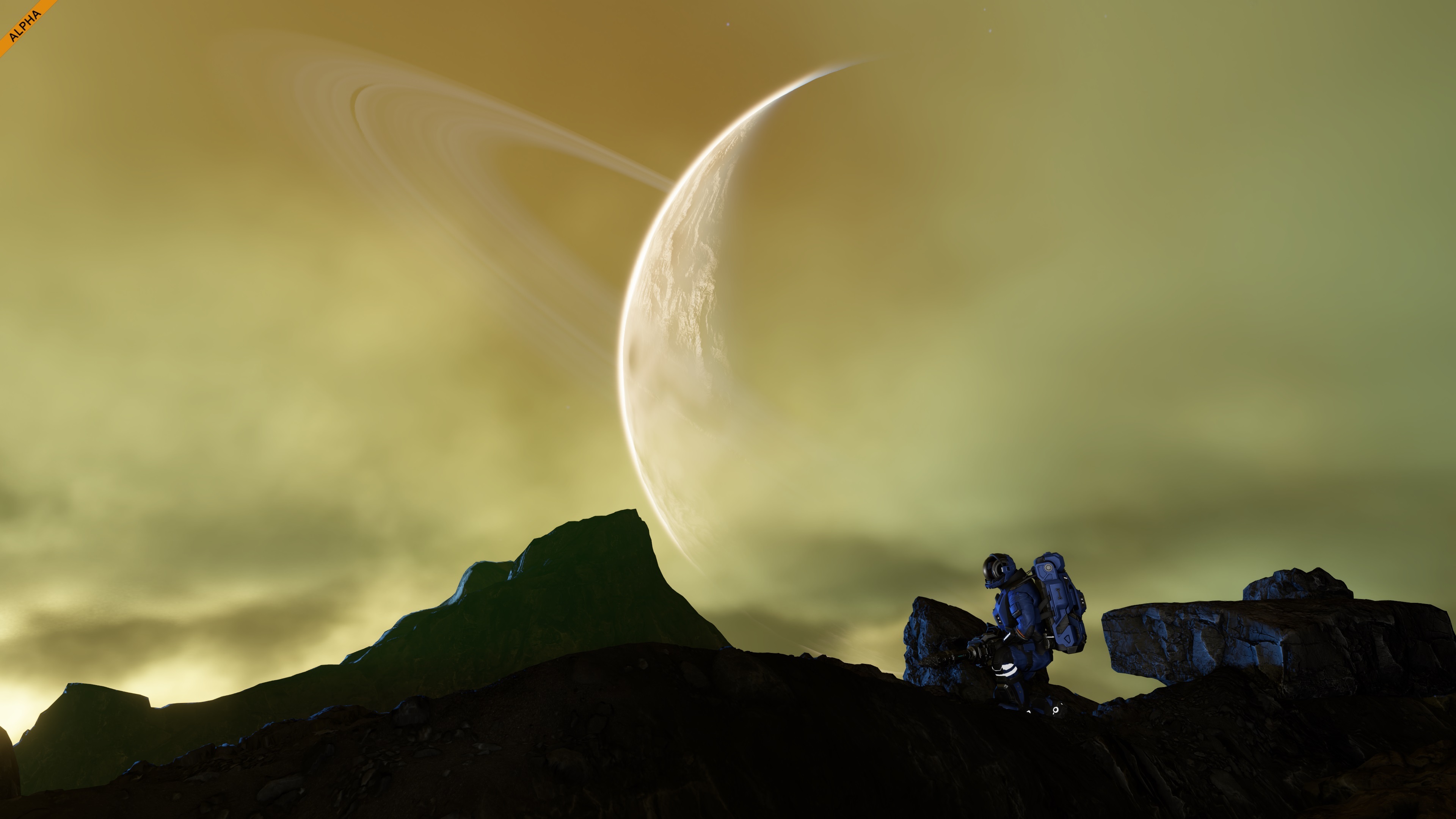
Verdure has received new flora variants and improvements to existing vegetation, including better distant impostors.Interior Turret - Protect your ship or base from intruders with a compact automated defense system.Cable Set - Bring your interiors to life with decorative cables that carry electricity (like any other grid block).Pipes Set - Add industrial detail to ships, stations, and interiors with a versatile decorative pipe set.Small Props Set - Empty interiors no more! Add Coffee Machines, Recycle Bins, Lab Equipment, Laptops, Fire Extinguishers, and Circuit Breakers to make your spaces feel lived in.Kitchen Block - Decorative block for furnishing kitchens in ships, stations, and bases.Armor Slabs - Build thinner walls, partitions, and structural details with 25 cm and 50 cm armor pieces designed as a lower-PCU alternative to full wall blocks.Additional ImprovementsFor full details, see the complete Hostile Encounters Changelog.
- New Weather Events (snow, snowstorm)
- Block Terminal Improvements (Drag n Drop for Groups)
- Added Pistol
- Added Combat Music
- New Particle Effects (mainly combat & damage, smoke)
- Drilling + Grinding of Characters & Trees
- Hand Drill visual and audio improvements
- Added visual highlight to the Contract Terminal Reward Screen
- and much more!
We’ve updated the Space Engineers 2 Pioneer Edition with new exclusive content for our early supporters!
This time the Pioneer Edition Book has been expanded with new Character and Concept Art, giving you another window into our ideas and designs behind Space Engineers 2. And there is already much more inside - the exclusive Pioneer Suit you can wear in-game, the official soundtrack by Karel Antonin, exclusive wallpapers, concept art, developer notes, and behind-the-scenes materials.
And just as we have been doing since launch, we will continue expanding the Pioneer Edition with new exclusive content as Space Engineers 2 grows - including some things you definitely will not want to miss!
If you want to see more of what happens behind the scenes, carry your Pioneer status into the game, and directly support the development of Space Engineers 2, this is the edition for you.
Buy Pioneer Edition now and help us build the next vertical slices faster!
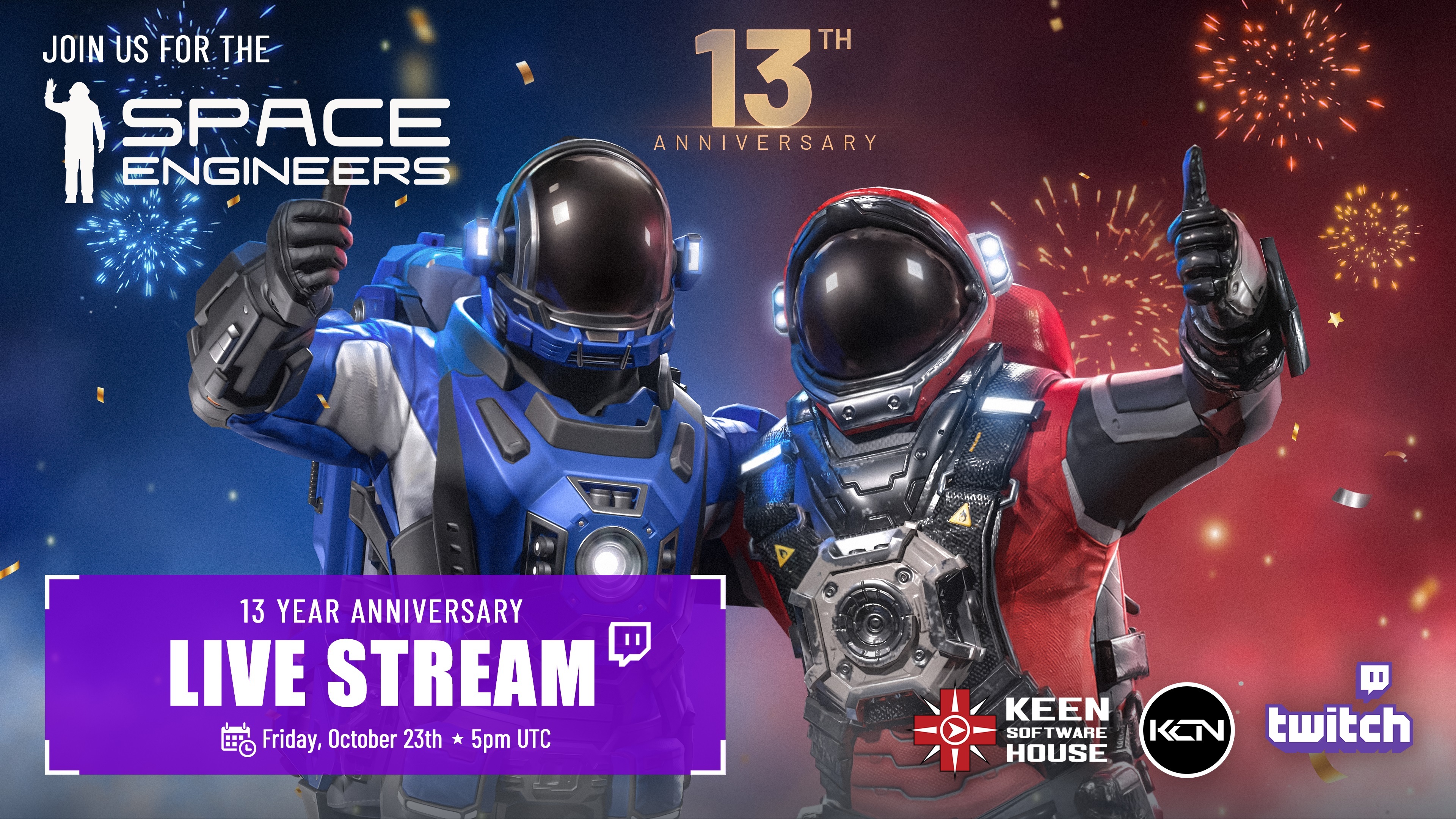
https://store.steampowered.com/app/3365540/Space_Engineers_2_Pioneer_Edition/13 Year Anniversary CelebrationsPlease join us Friday, October 23, for the Space Engineers 13 Year Anniversary Celebrations!
You do not want to miss it - we have prepared a surprise gift for you. ;-)
Friday, October 23, 5 PM UTC
️ Twitch: https://twitch.tv/keencommunitynetwork
️ YouTube: https://youtube.com/user/SpaceEngineersGameMultiplayerCo-op Multiplayer. Multiplayer is an important milestone - the current plan is to start with 4-player co-op with player hosting only, not full large-scale multiplayer or dedicated servers yet. Dedicated servers will come later. This first step is about making the core experience work properly when multiple players share the same world, contracts, progression, rewards, GPS markers, respawning, disconnecting, and all the small but important things that suddenly become much more complicated when you are no longer alone.
Many of the features and improvements planned for the future have been requested and shaped by the suggestions and ideas shared through our Support Portal. Your feedback is incredibly valuable, and we appreciate every suggestion you submit.
Please keep in mind that this update is still an Early Access and Alpha version of Space Engineers 2.For full details, visit the full Changelog.
- Some features of this update will need a new game to be started / Will need new save to be visible (New Tutorial Stages, Locations & Contracts)
- We are always keeping previous versions of the game available after major updates. This means you can return to an earlier version at any time and, for example, save your blueprints or creations. You will find these builds in the Steam Beta tab
- We also want to be upfront about one important thing. We already know that water will be such a monumental change for the game that you will need to start a new save when Water Update arrives. We try to minimize situations like this, but during the alpha stage of development they are sometimes unavoidable.
The best way to provide your feedback is through our Support Portal. You can always find a direct link to the support portal from within the game - just press F1 to access the help screen!
This platform is your direct line to the developers and the Space Engineers community. Here, you can:
- Create a Bugreport
- Create a ticket with your Feedback/Idea
- Vote on other ideas or bug reports
- Comment and Interact with fellow players
- Suggest solutions and provide valuable feedback to help shape the future of Space Engineers 2
StabilityPerformance
- Fixed a crash in network story replication
- Fixed a crash when reopening the Blueprint screen after placing a projection
- Fixed a physics crash
- Fixed a crash in projection placement
- Fixed a crash when deleting a projection
- Fixed a crash in render culling
- Fixed a crash in the large-world physics manager
- Fixed a crash when switching from Windowed to Fullscreen
- Fixed the game freezing when saving to a read-only file
- Fixed changing a setting for multiple selected Small Drills not taking effect
- Fixed a crash when serializing entities
- Fixed a crash when opening the Map
- Fixed a crash on AMD RX 90xx cards with driver 26.8.1
- Fixed a crash when placing a block
Functional
- Fixed slow synchronisation of toolbar UI elements
- Fixed a performance drop when entering the hangar in the Steal Ship contract
- Fixed native memory leaks
- Fixed a short freeze when cancelling a huge blueprint preview
- Fixed a noticeable delay when opening a screen for the first time
UI
- Ship lights can be switched on and off manually again
- The "Last Played" time in Load Game now matches the save timestamps
- The saves list in Load Game is now sorted chronologically
Sensors now respect the Entity Relationship filter for wheels
- Published blueprints no longer appear deleted after clicking "Delete" in the Blueprint Detail screen
- Players and NPCs no longer get stuck on stairs
- Fixed being unable to walk up stairs
- The snap size in Precision Mode now matches the UI
- The Map no longer opens after closing the Terminal
- The mouse wheel now changes the size of the partial copy area instead of selecting toolbar tiles
- Oxygen Recharge now automatically replenishes oxygen when the stat is low
- Groups of many blocks can now be renamed
- Landing gears no longer give up when manoeuvring at high speed
- Shooting with LMB no longer stops "Continuous" shooting mode
- The 3.5 m drill head no longer disappears and reappears after repair
- The selected toolbar is no longer duplicated when cancelling Blueprint mode
- Fractures now inherit the velocity of the destroyed block
- The scroll wheel in the Terminal no longer switches toolbar slots
- Equipped tools are now displayed when selected in the toolbar
- Vehicles no longer get strong impulses from damaged trees
- The PCU value in the World Details screen now matches the actual PCU in game
- Ships no longer get unstable after flying for a while
- The Colonization Map now shows the correct number of completed contracts
- Unpowered turrets can no longer be moved manually
- Switching a block's autorotation now shows the correct mount points
- Multiple drills can now be switched to a mode already selected on the first drill
- Changing LCD settings in the Terminal no longer affects another LCD
- The Satellite Launch Complex contract can now be completed
- Mining two materials at once shows both notifications again
- The character no longer respawns inside a grid built over an FTUE tactical respawn point
- Projections in the FTUE Barn are now always weldable
- Clicking "No" or pressing ESC in the "Confirm Adapter Change" dialog now discards the changes
Audio
- All UI text now updates when switching languages
- Block detail sliders now respect their limits
- Fixed misaligned rows in the block build popup
- Fixed inconsistent capitalisation in the respawn point notifications
- The Exit to Windows dialog no longer says "Exit to Main Menu"
- The blood overlay now renders consistently with other UI
- The game no longer flashes a gray screen when closing
- Fixed sections that could not be scrolled when accessed from in-game
- The Smelter production timer now shows times under one second correctly
- Arrow navigation in the Terminal block list now stays within the list
- Arrow navigation in the Terminal block list now selects individual blocks instead of the whole group
- Fixed various typos in the G-screen
- Fixed localization issues
- Map zoom now works the same regardless of how the Map was opened
- The exit confirmation dialog now appears when pressing ESC after a fresh launch
- Pressing Alt+F4 during the initial cutscene now closes the game
Animations
- Confirming menu buttons with Enter and leaving with ESC now plays a sound
- Fixed a strange sound when switching tools
Visual
- The character no longer twitches when running up slopes or strafing
- Fixed seeing inside the Pioneer model when sitting
- Trees no longer switch to a closer LOD with a dark, harsh transition
- Fixed raytracing noise and flickering on shadowed voxel terrain
- Tree foliage no longer shimmers at dusk
- Shooting particles no longer lag behind the barrel
- Fixed dense black foliage artifacts on grassy terrain in the FTUE
- Gatling Cannon tracers are no longer offset on a flying ship
- Light no longer leaks inside caves when panning the camera
- Flora no longer flickers with raytracing on
- Fixed stretched UVs on the deformed Reactor 7.5 m
- LCDs no longer turn black too soon at distance
- Fixed visible changes between LODs on the Geaforge 2.5 m
- Fixed a shadow artifact on Geomeles
- Enabling the jetpack after a jump no longer misaligns the third-person camera
- Drill decals now appear on rocks and no longer slide
- Tree and rock textures no longer appear to move up close
- Fixed a visible seam on the surface of Geomeles
- Fixed a visible seam on the surface of Palatine
- Fixed the destruction particles of the Battery 2.5 m
- LCD Square Small no longer flickers at distance
- Block previews now match the original when copy-pasting fractured blocks
- Fixed smoke in the FTUE
- Added missing weapon and block particles
- Fixed LOD inconsistencies on production block LCDs
- Fixed deformed edges of production block LCDs
- Dust puffs when falling on gravel now appear at the right height
- Fall particles of asteroid materials are now scaled correctly
️ Feedback & Support - https://support.keenswh.com/
️ Roadmap: https://2.spaceengineersgame.com/roadmap-2/#current
️ Discord: https://discord.gg/keenswh
Newsletter: https://www.keenswh.com/newsletter
➡️ Connect and find us on your platform of choice: https://www.keenswh.com/connect/