Quelle: store.steampowered.com/news/ap…0/view/626690914537963592Space Engineers 2 News-Hub schrieb:
Hello, Engineers!
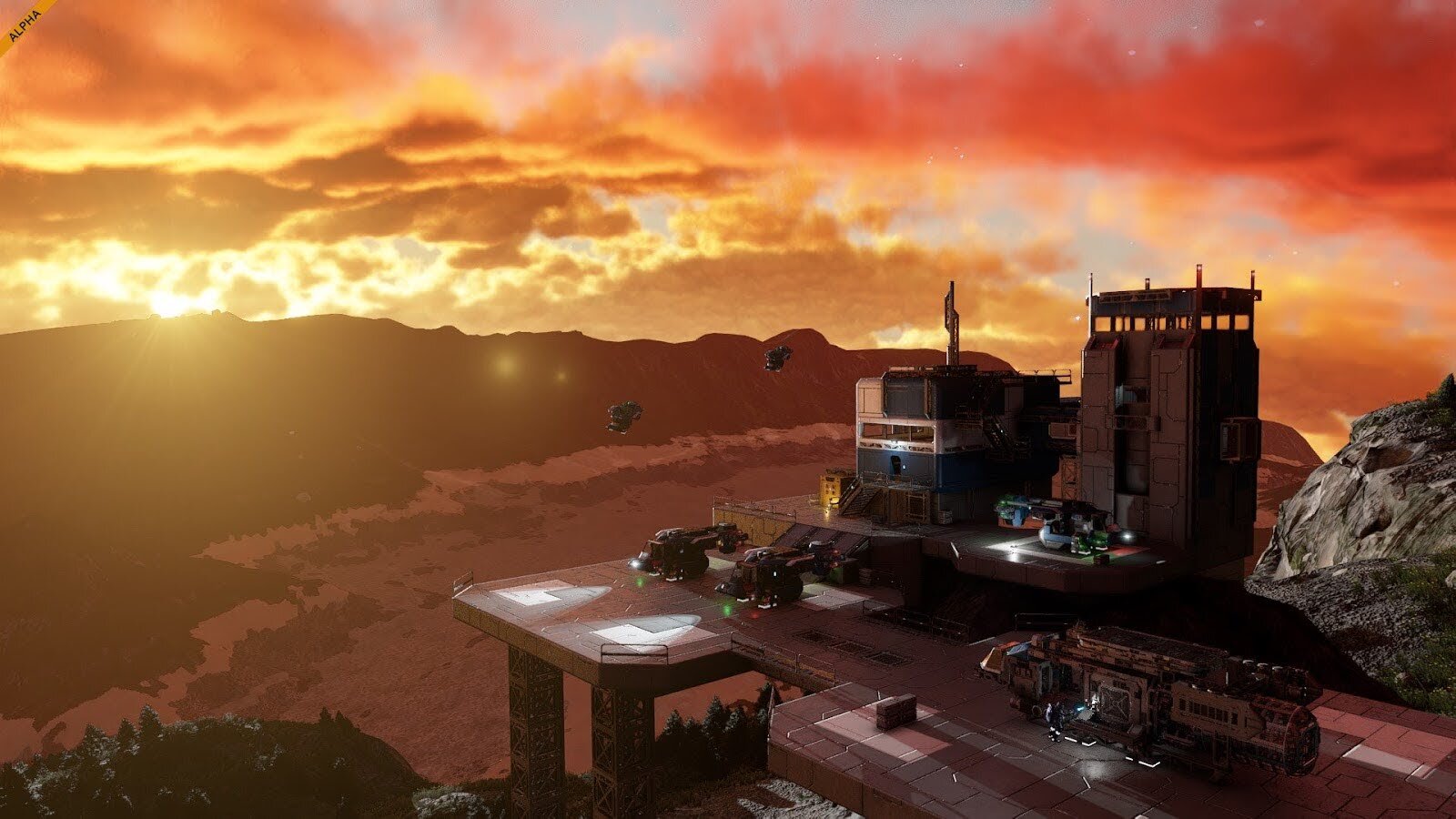
You’ve left the training grounds of Concordia Research Facility behind you - now it’s time to take your first real steps into the Almagest system. A new frontier stretches before you, vast and unexplored, waiting for the first Engineers to shape it.
This is the most important update since SE2 launched. With planets, survival foundations, building tools, and the start of the storyline, SE2 is now a full playable slice. If you join now, you’re supporting development directly and helping us deliver future updates faster.
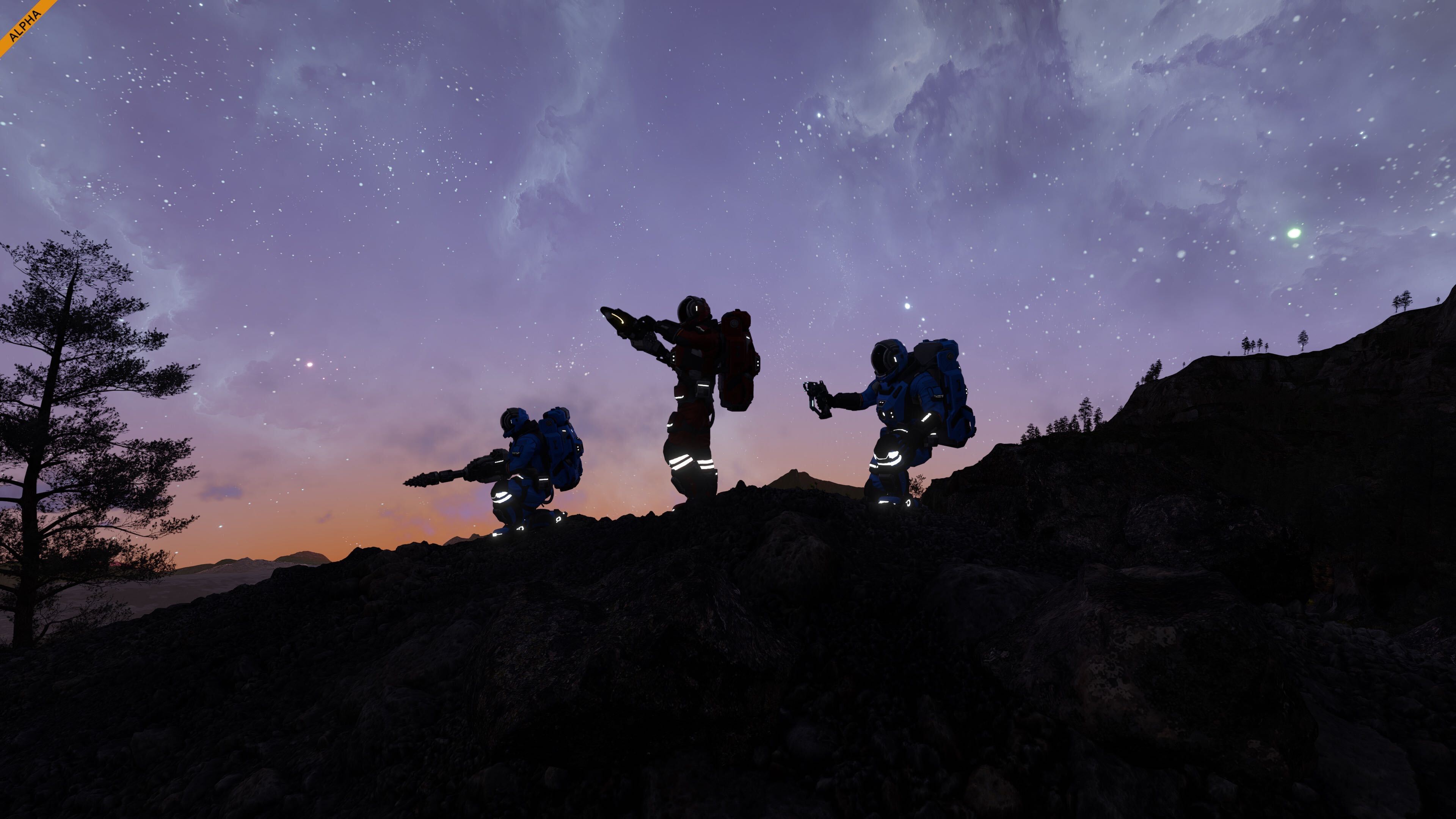
You are the pioneers of this era, carrying the spark of humanity to untouched worlds. Your mission is simple, yet monumental: to build, expand, and bring life to the silent worlds of Almagest. Every structure you place, every sector you claim, will shape the foundation of humanity’s future among the stars. The age of exploration begins again - and it begins with you!
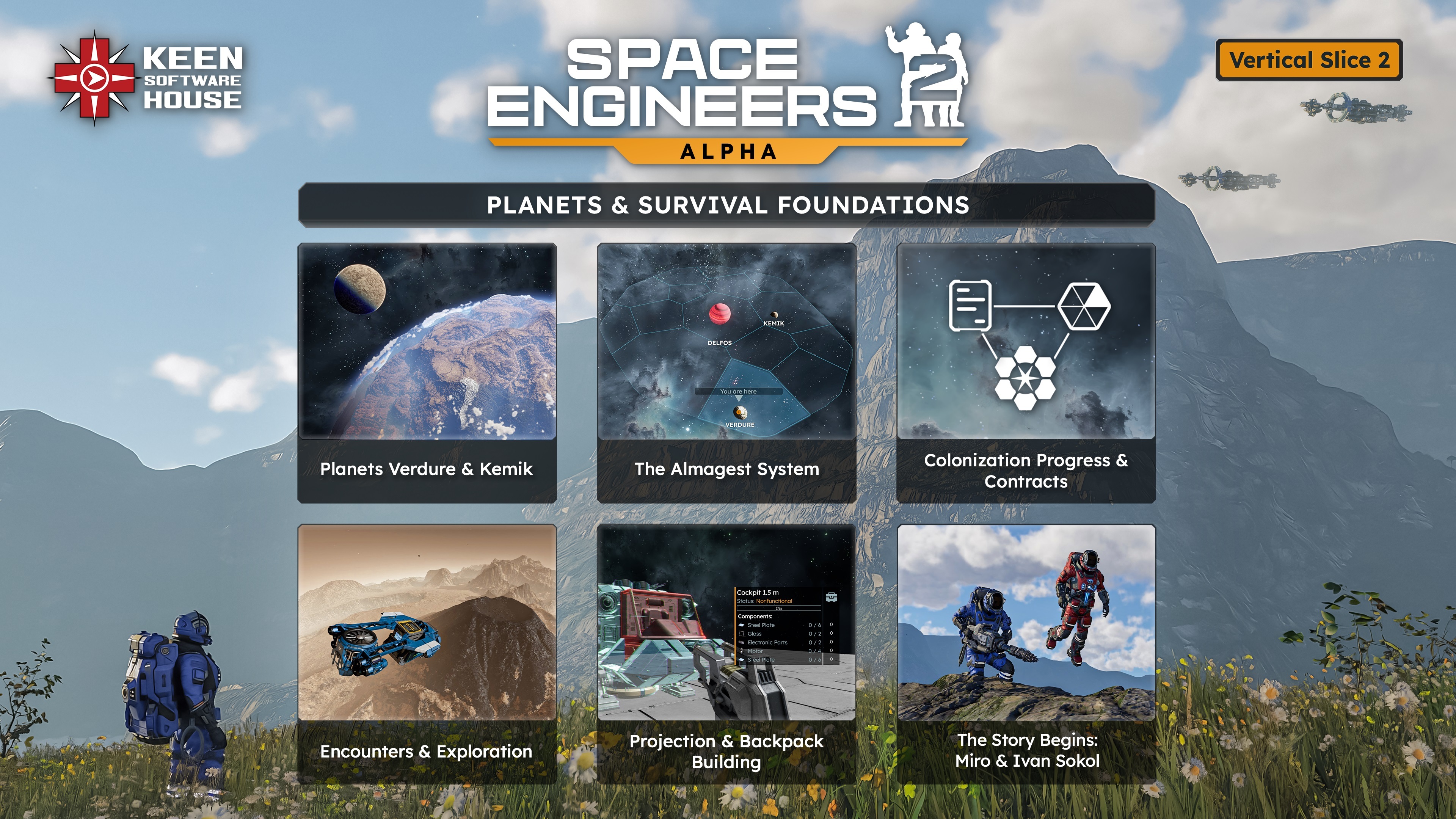
VS2 is where SE2 turns into a real survival game - planets, progression, story foundations, and the first version of core systems all working together.Almagest System
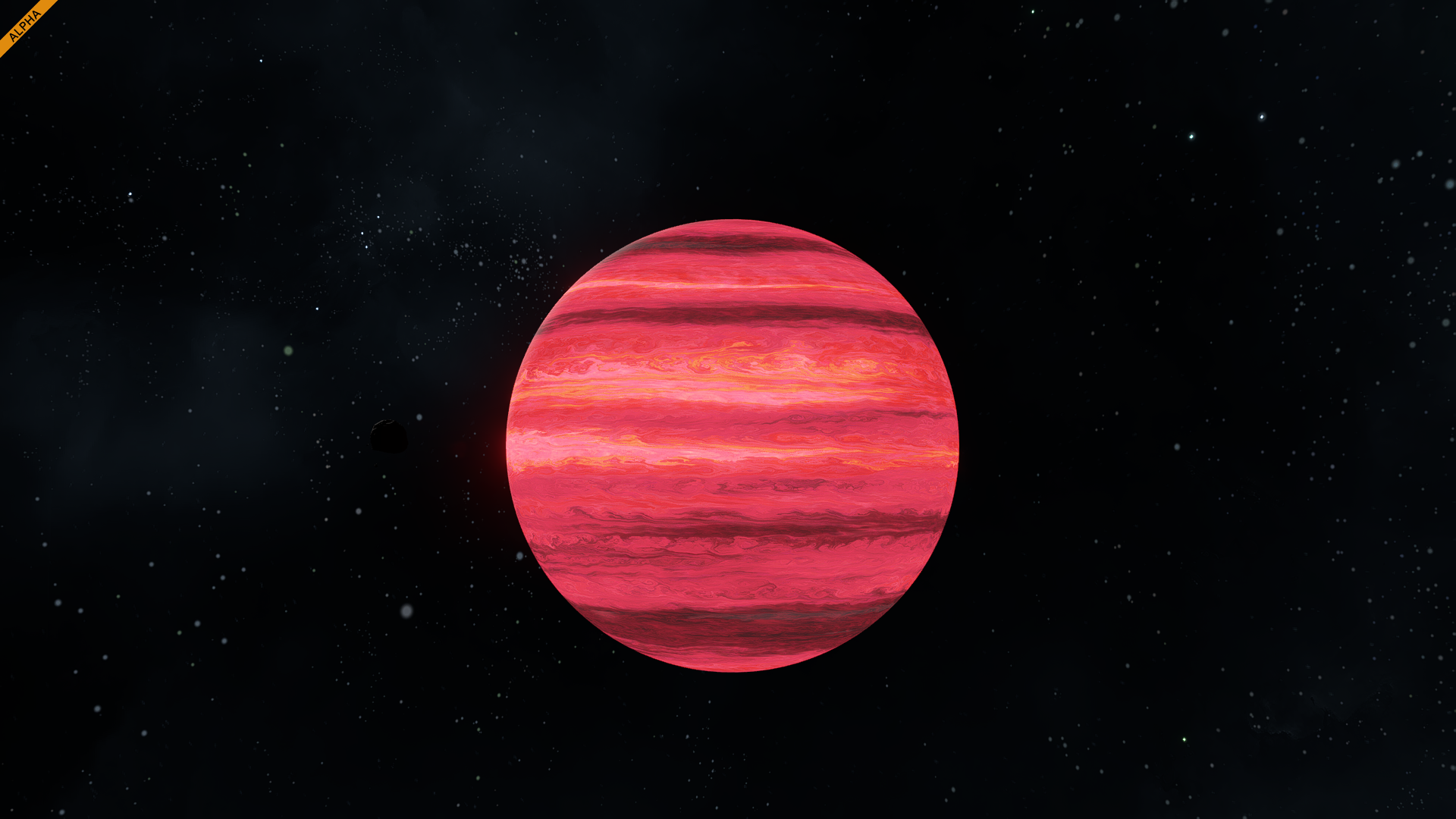
The Almagest system, a system 10,000 light years away from Sol, is centered around two main astronomical bodies - the young main sequence star LRSC 20039 - A, which shares the system's name of “Almagest”, and LRSC 20039 - B, also known as Delfos, a smaller brown dwarf. The system is often referred to as a binary star system, but due to Delfos’ status as a non-stellar body, that isn’t strictly true.
Delfos is calm - for now. We plan to make the area around it really dangerous in one of the future updates.
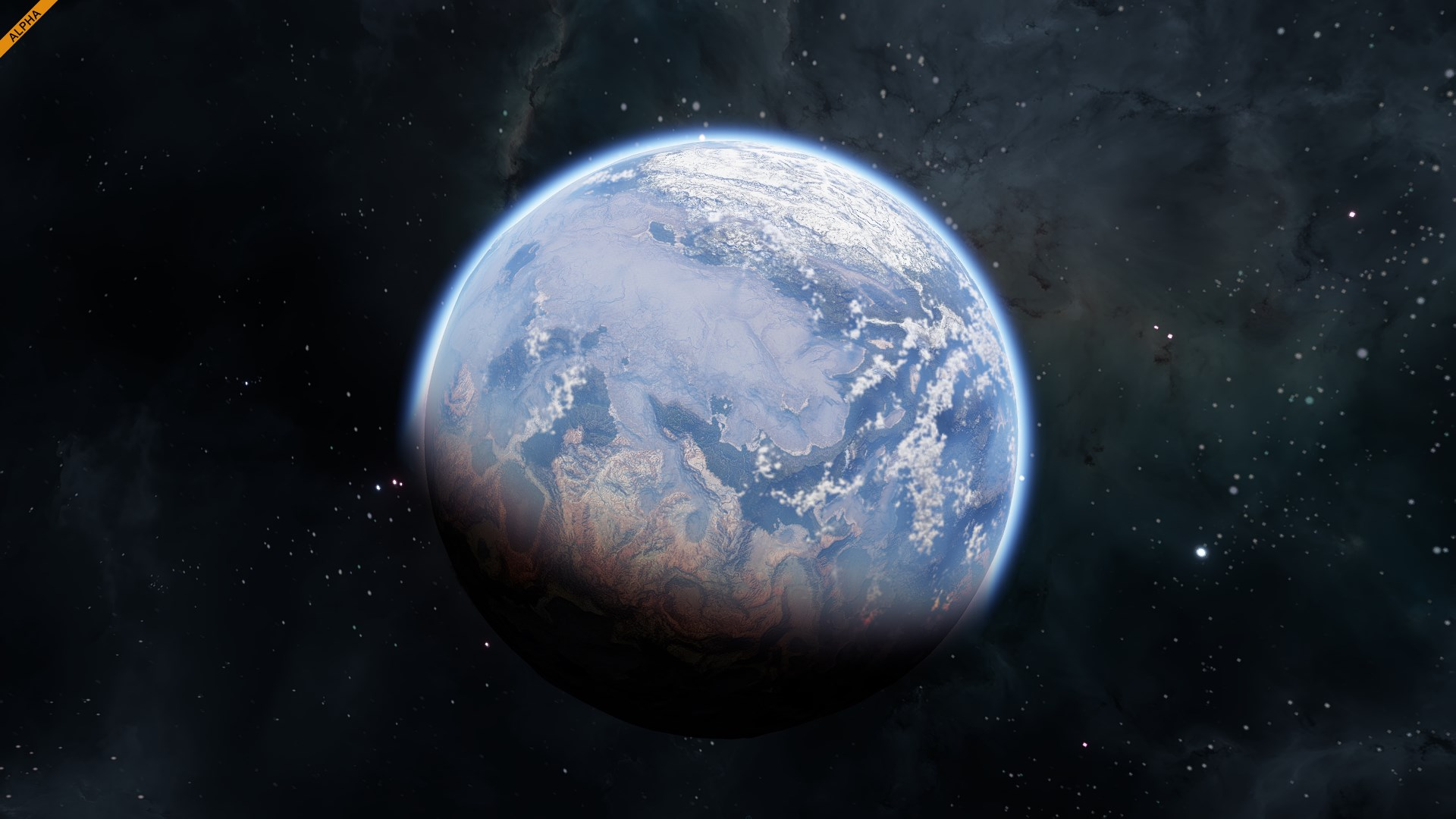
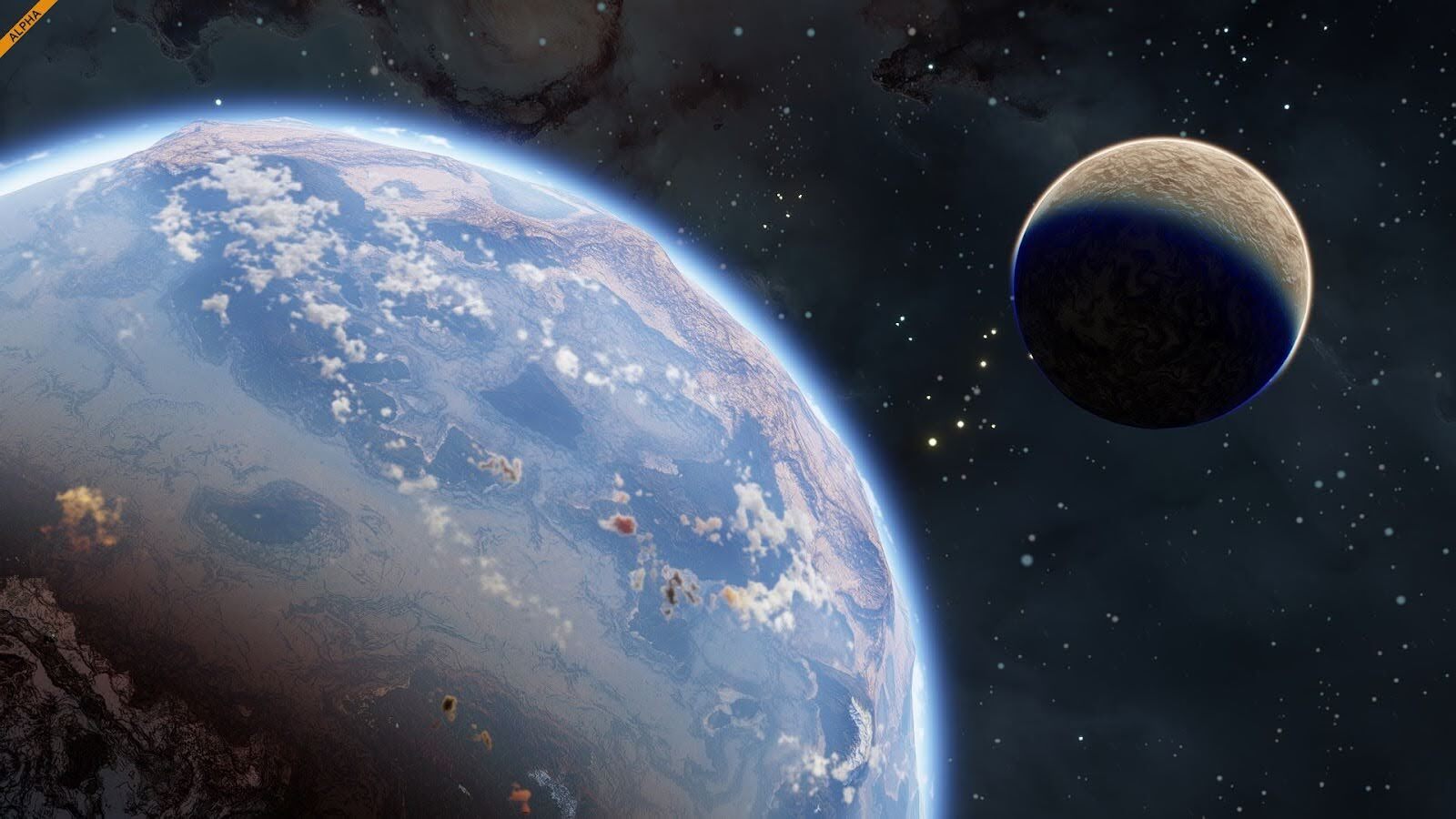
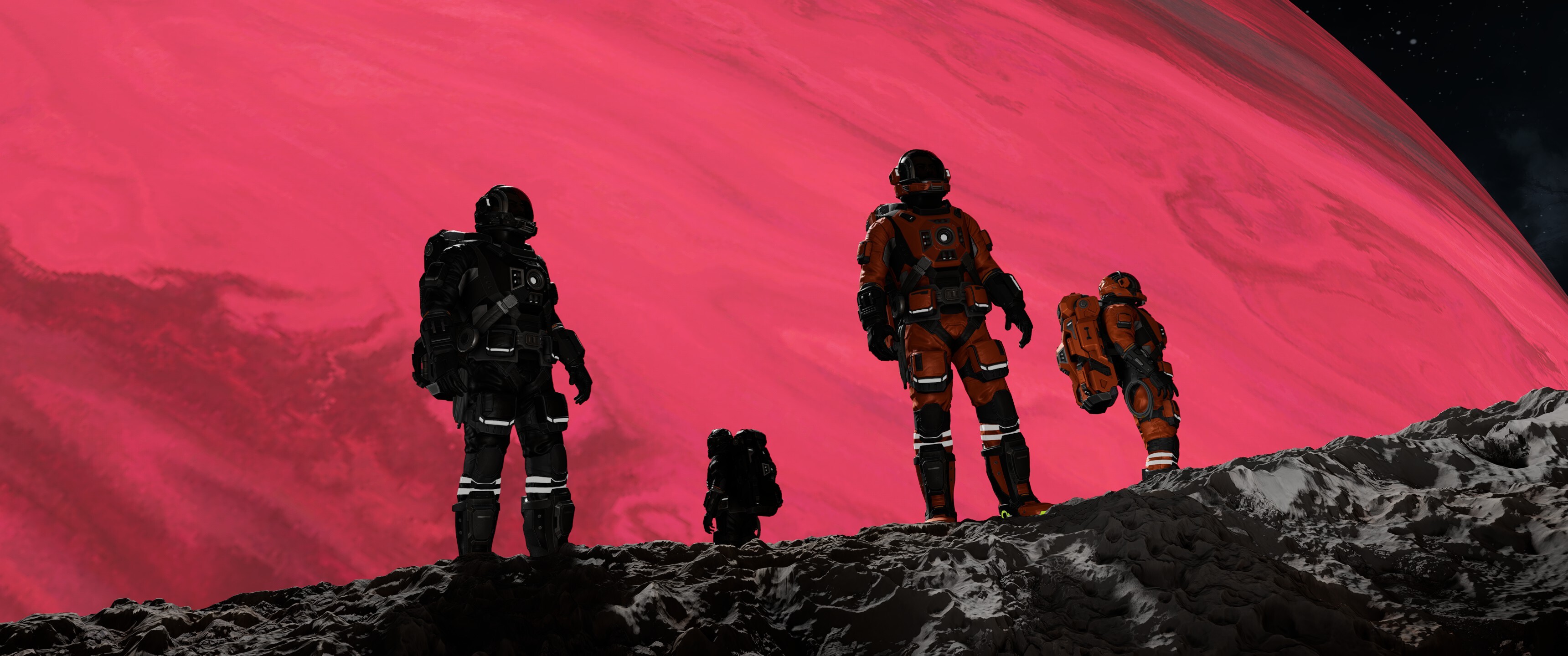
Closer to Delfos, the two main planets of note in The Almagest system are Verdure, an Earth-like planet which is extremely accessible for colonization, and Kemik, a harsh Mars-like planet.
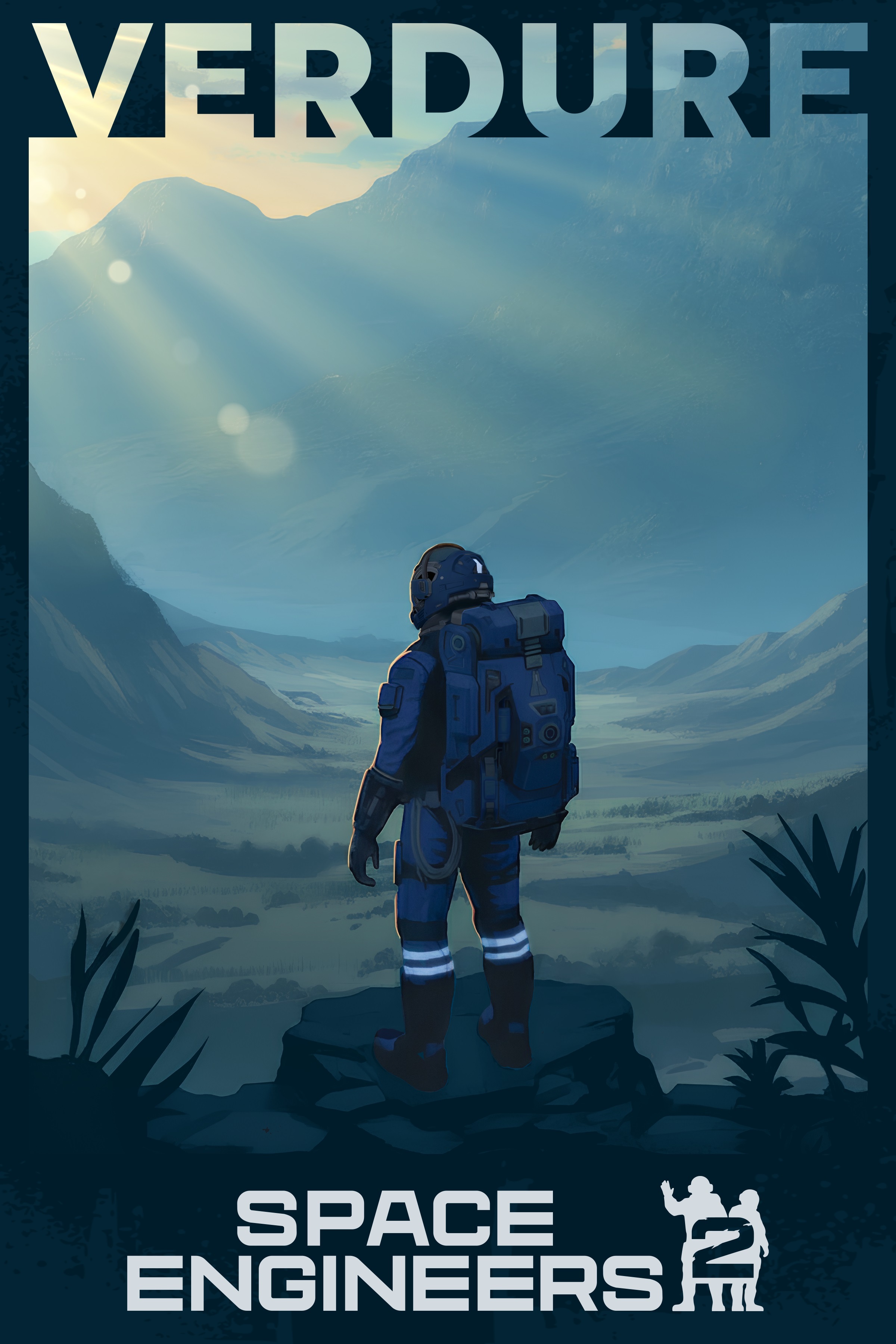
Verdure, also known as ILS - 93b, is affectionately referred to as “the jewel” of the Almagest system. With a variety of biomes akin to earth in diversity and a flourishing ecosystem of naturally occurring flora, it is no surprise that Verdure has become the the main place of interest for arriving colonists. Verdure is only slightly smaller than the Earth and inhabits a goldilocks zone orbiting Delfos that - in accordance to Delfos’ smaller size and older life cycle - causes temperatures analogous to ones found on Earth.
The most notable trait of Verdure is its abundance of flora, which has puzzled the scientists of the Bering Project since they arrived. The main curiosity with the flora found on Verdure is its uncanny similarity to the plants back on Earth. Some tests have hinted that the Verdure’s lifeforms are descendants of Earth Flora. How plants on Earth and Verdure could be related remains a hotly contested topic
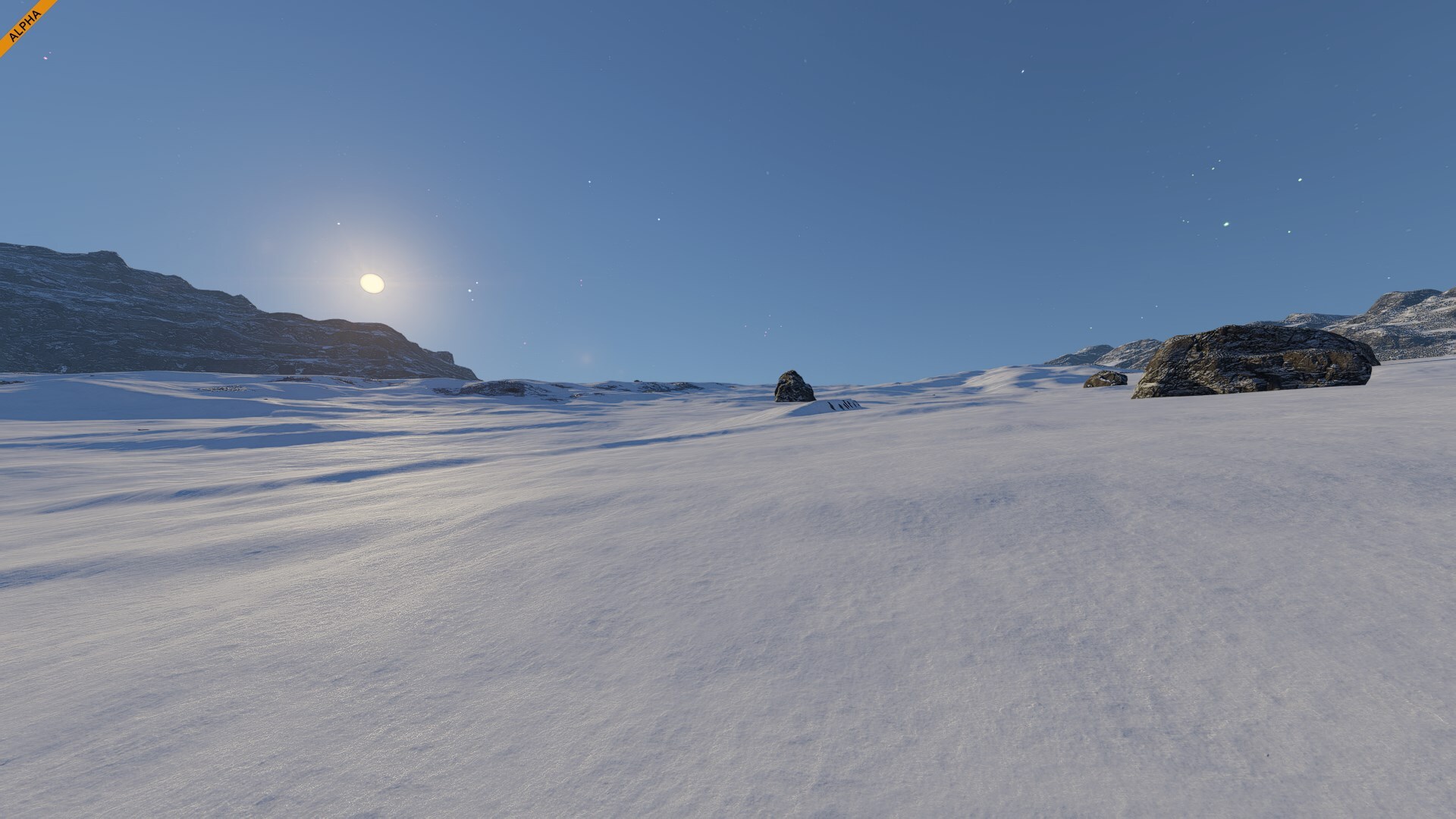
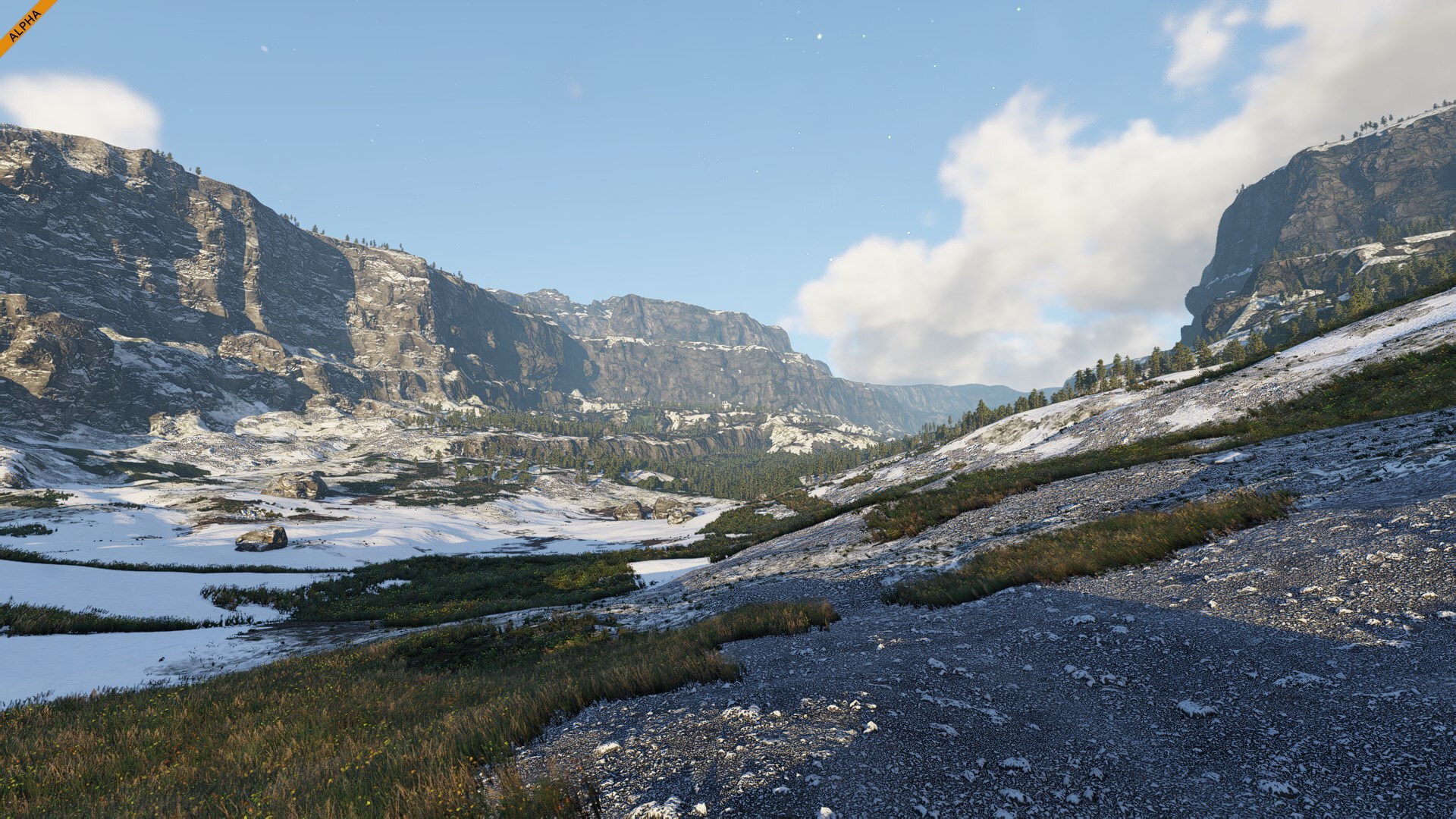
All in all, Verdure is where life flourishes. Things have never been easy in The Almagest, but in Verdure, the Settlers see hope.Verdure BiomesTundraThe tundra stretches across wide, open plains. The surface is covered in layers of snow, interrupted only by scattered rocks and frozen soil. Under the bright sky or the glowing night stars, this landscape feels endless and quiet.
It’s one of the most isolated regions on the planet, where the frozen ground meets the horizon in every direction. Even in its simplicity, the tundra captures a sense of vastness and scale that defines Verdure’s colder regions.TaigaYou can find the taiga biome across cold lowlands and mountain valleys, where dense conifer forests dominate the landscape. Tall trees form dark green corridors between snowy clearings and frozen rivers, creating sharp contrast against the bright sky.
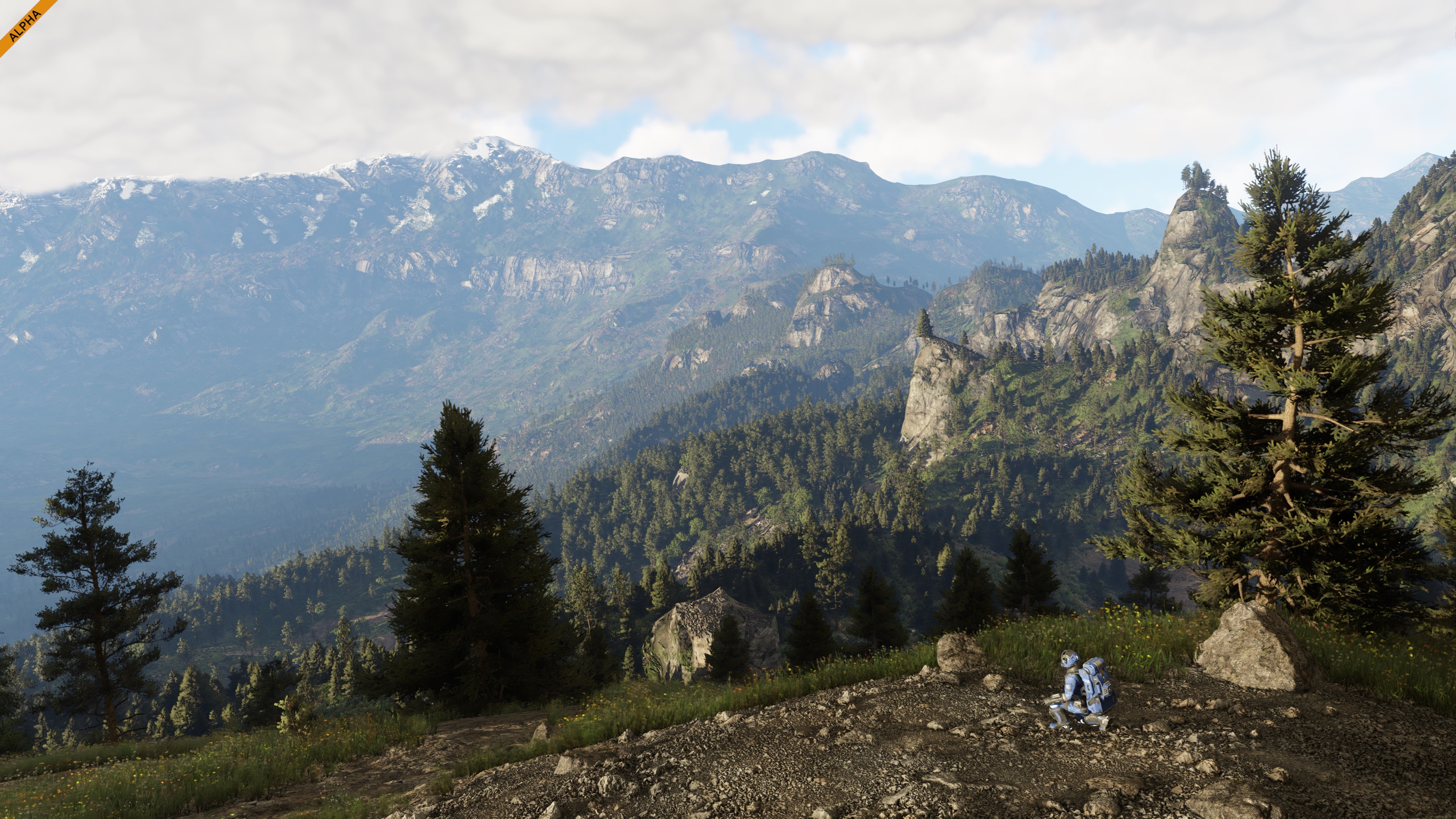
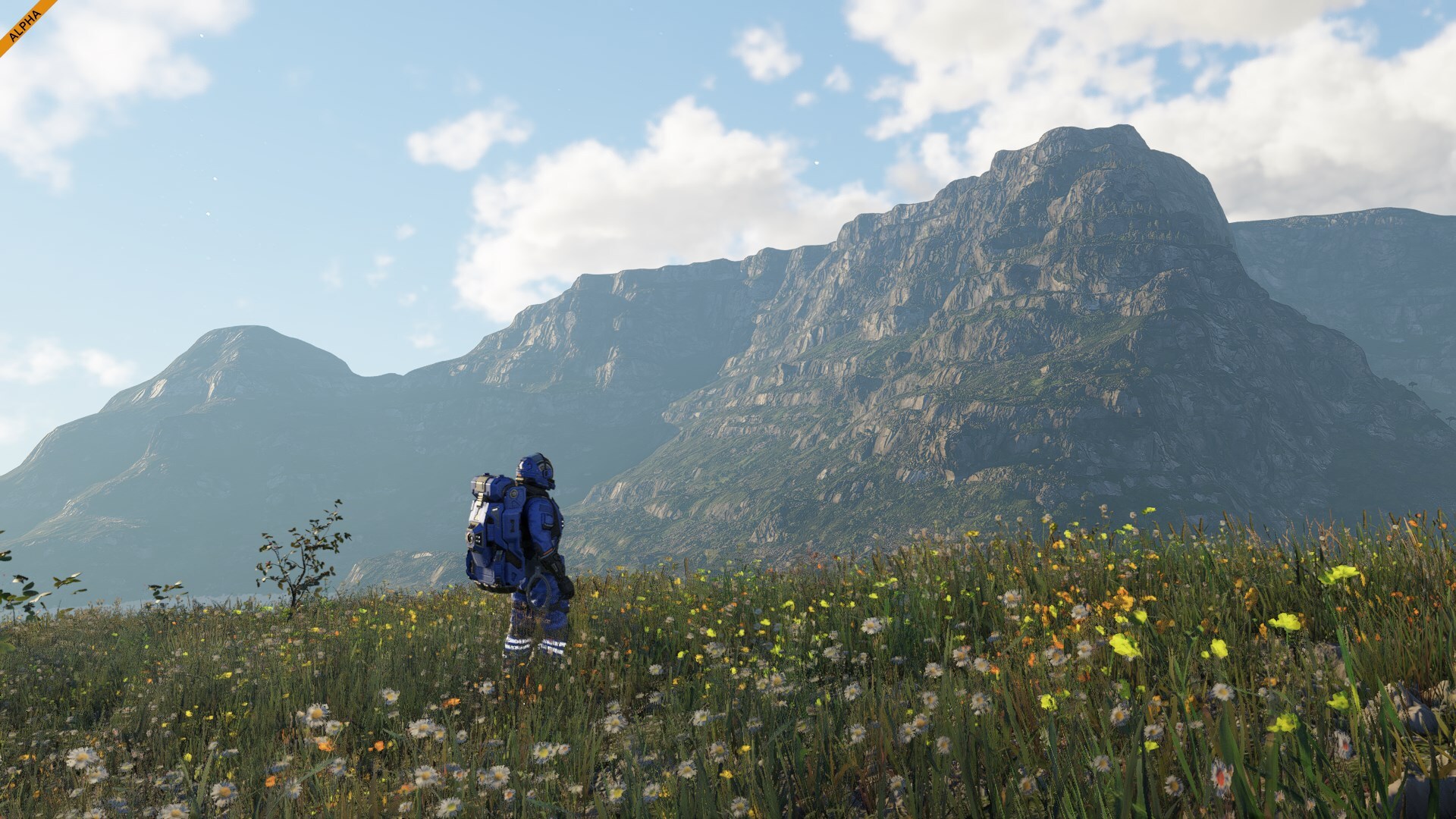
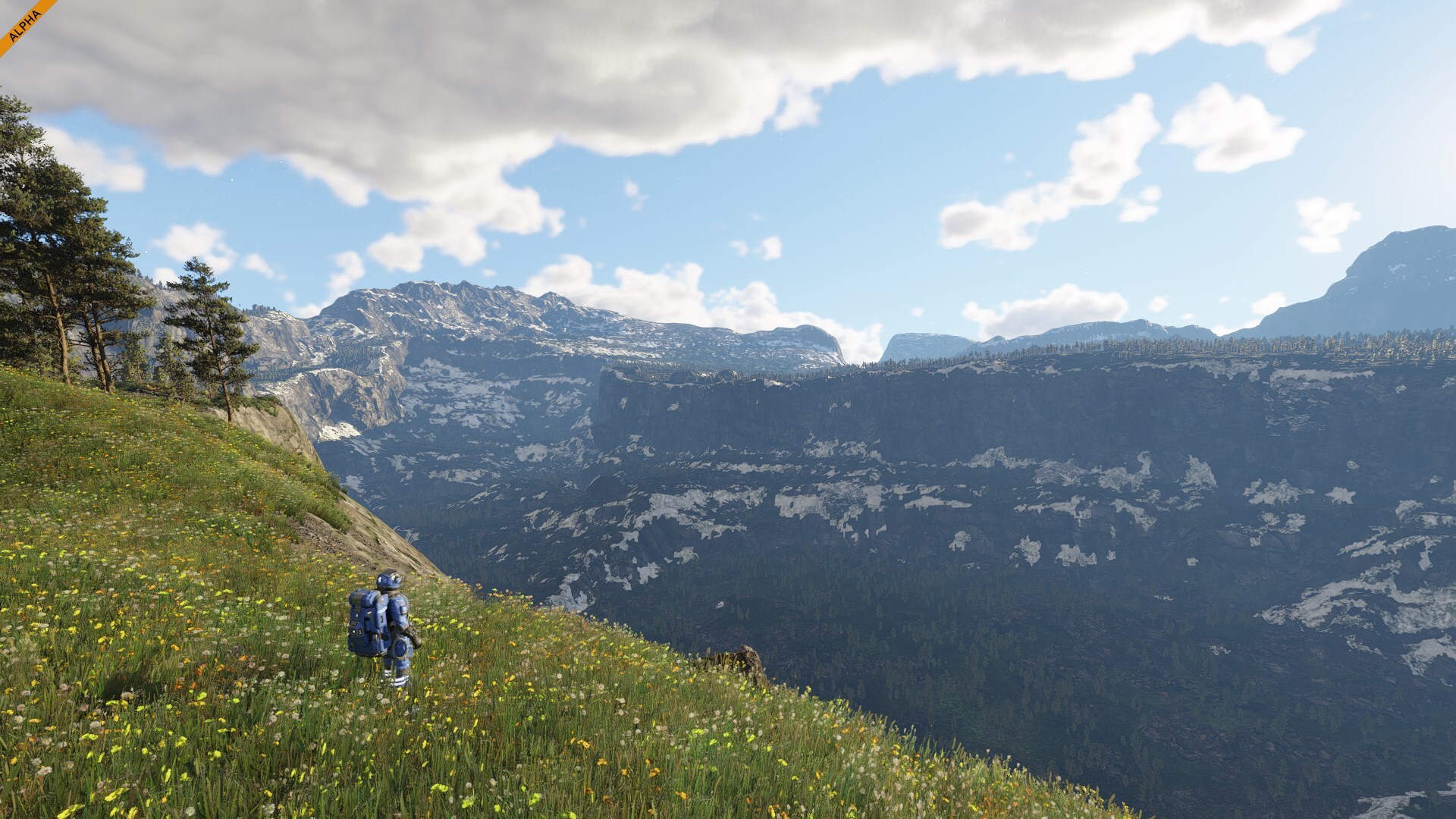
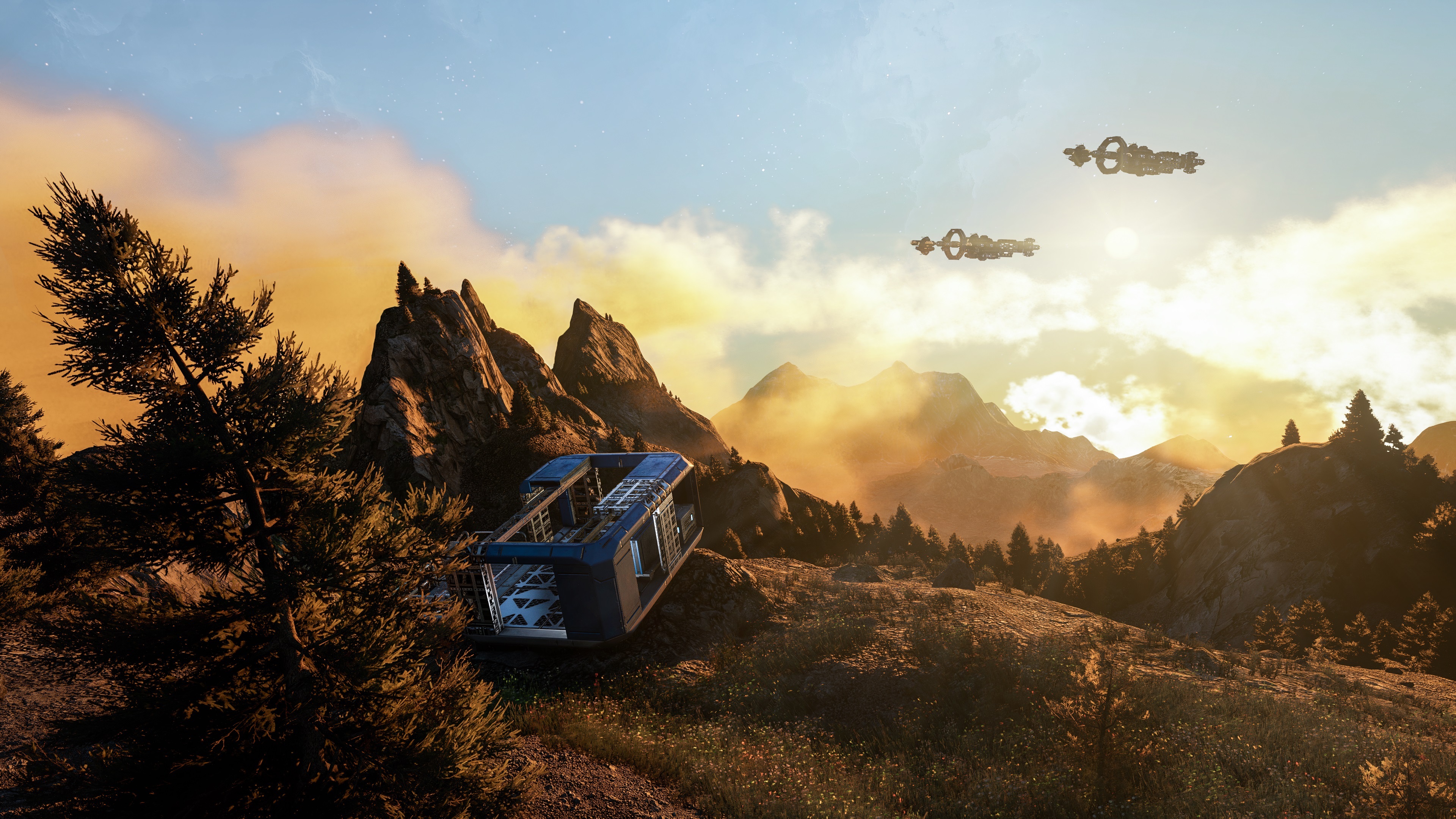
This is a land caught between two worlds - the silence of the cold and the promise of life. Every ridge and valley tells the story of a planet slowly awakening, where even in the harshest terrain, nature finds a way to shape beauty from endurance.Temperate ZoneIn Verdures' temperate zones, the landscape softens into rolling hills and forested ridges. Here, conifer and deciduous trees grow side by side, scattered across meadows filled with wildflowers. From above, these regions appear as a patchwork of greens and golds, broken by cliffs and valleys that stretch far into the horizon.
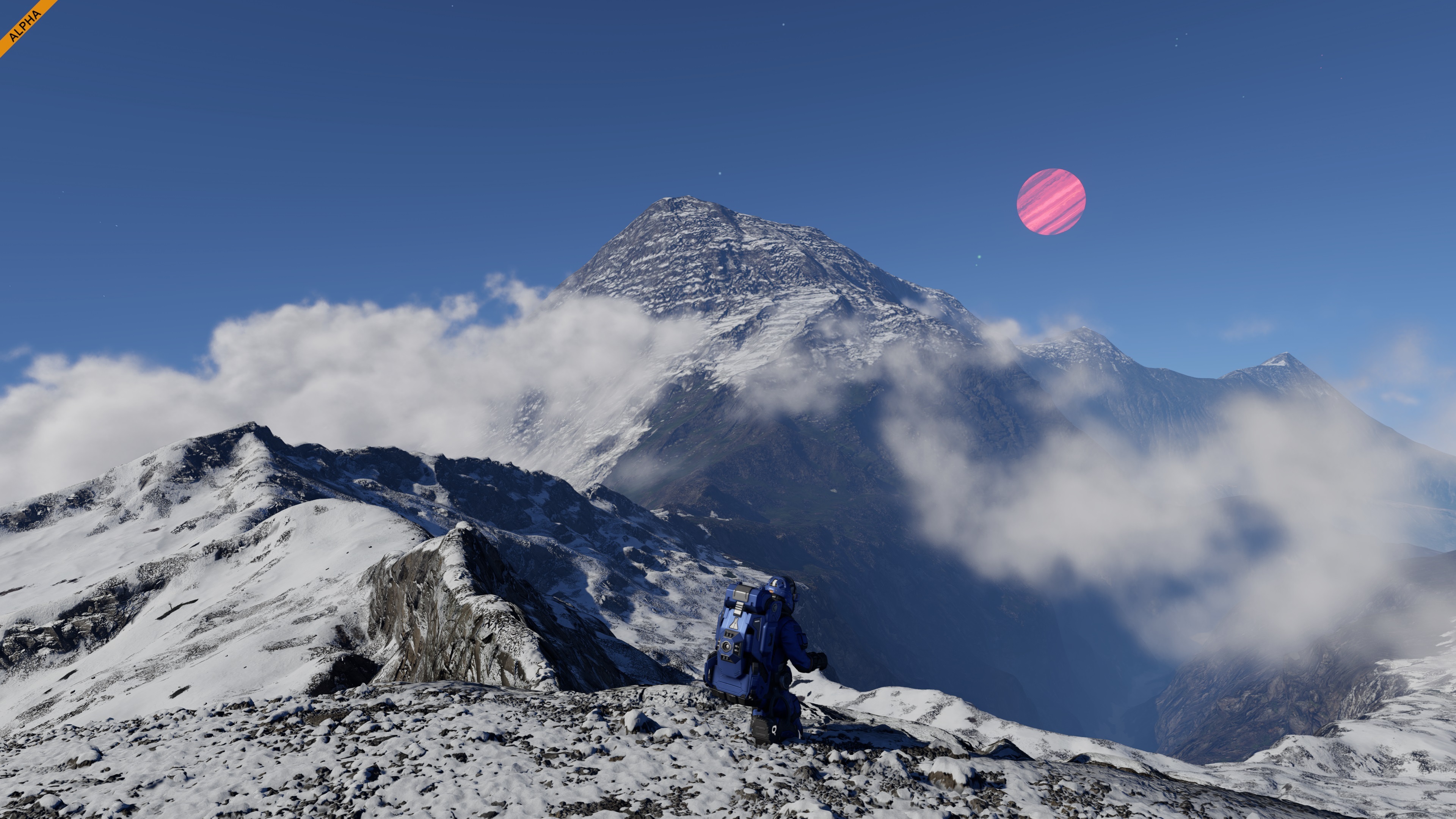
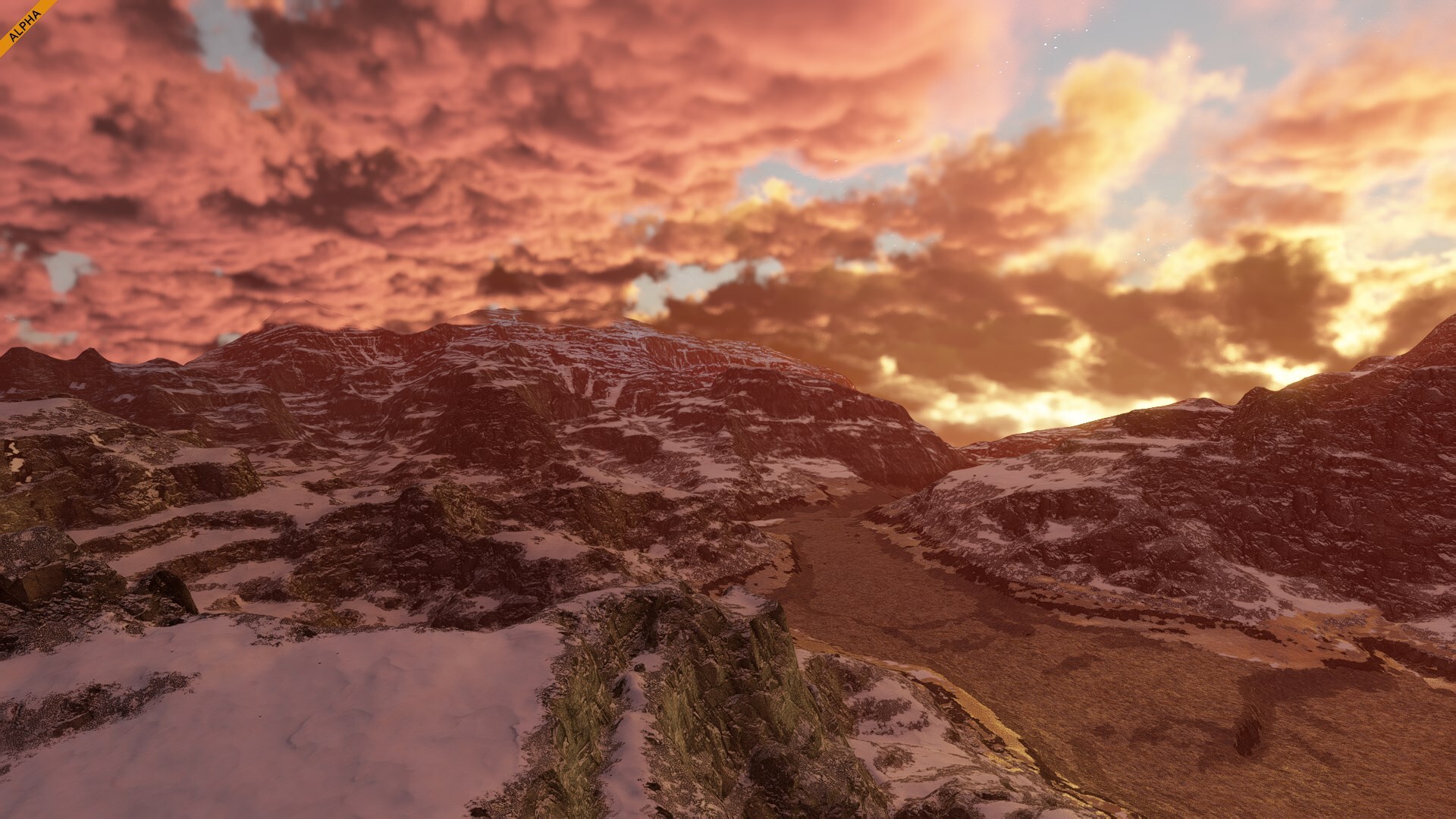
This is Verdure at its most balanced - neither frozen nor dry, but alive with color and variation. It’s a place where life seems to thrive effortlessly, bridging the harsher biomes of the planet and creating a vivid, inviting middle ground.High MountainsThe mountain biome rises sharply above the surrounding landscape, peaks often reaching above the clouds. Snow and exposed rock dominate the terrain, shaped by steep ridges and narrow valleys. From these heights, the view stretches endlessly in every direction, offering a sense of scale few places can match.
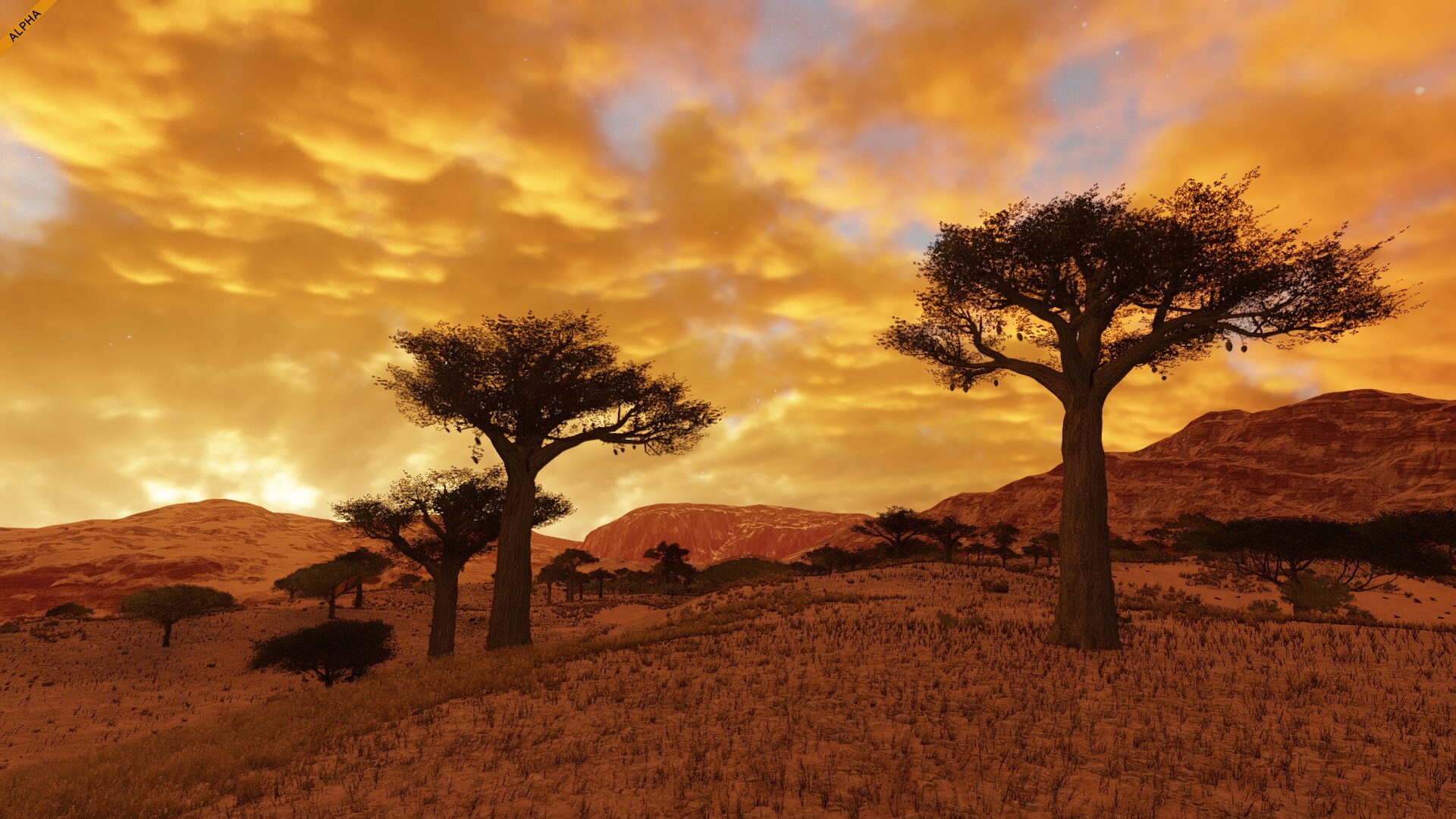
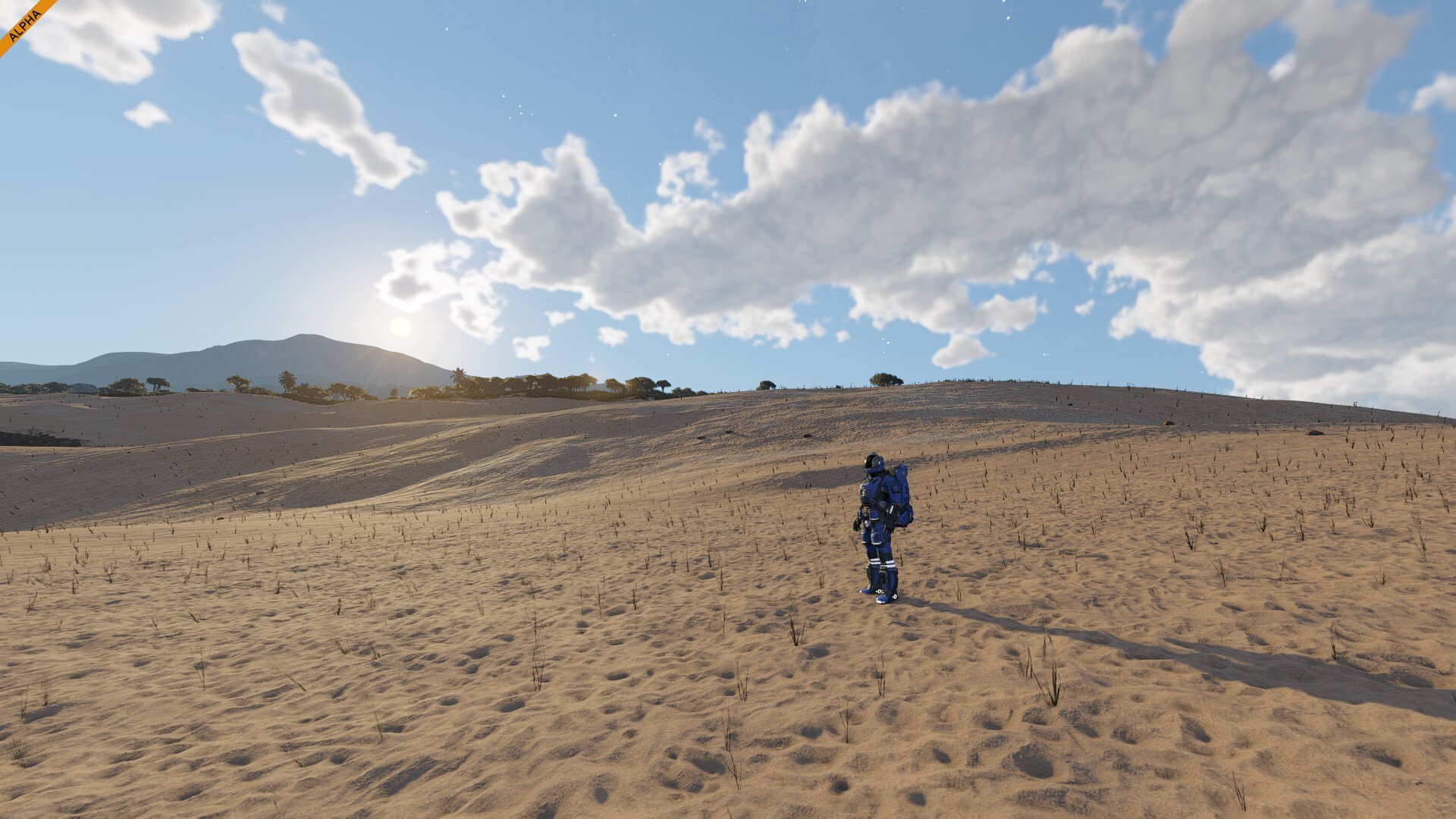
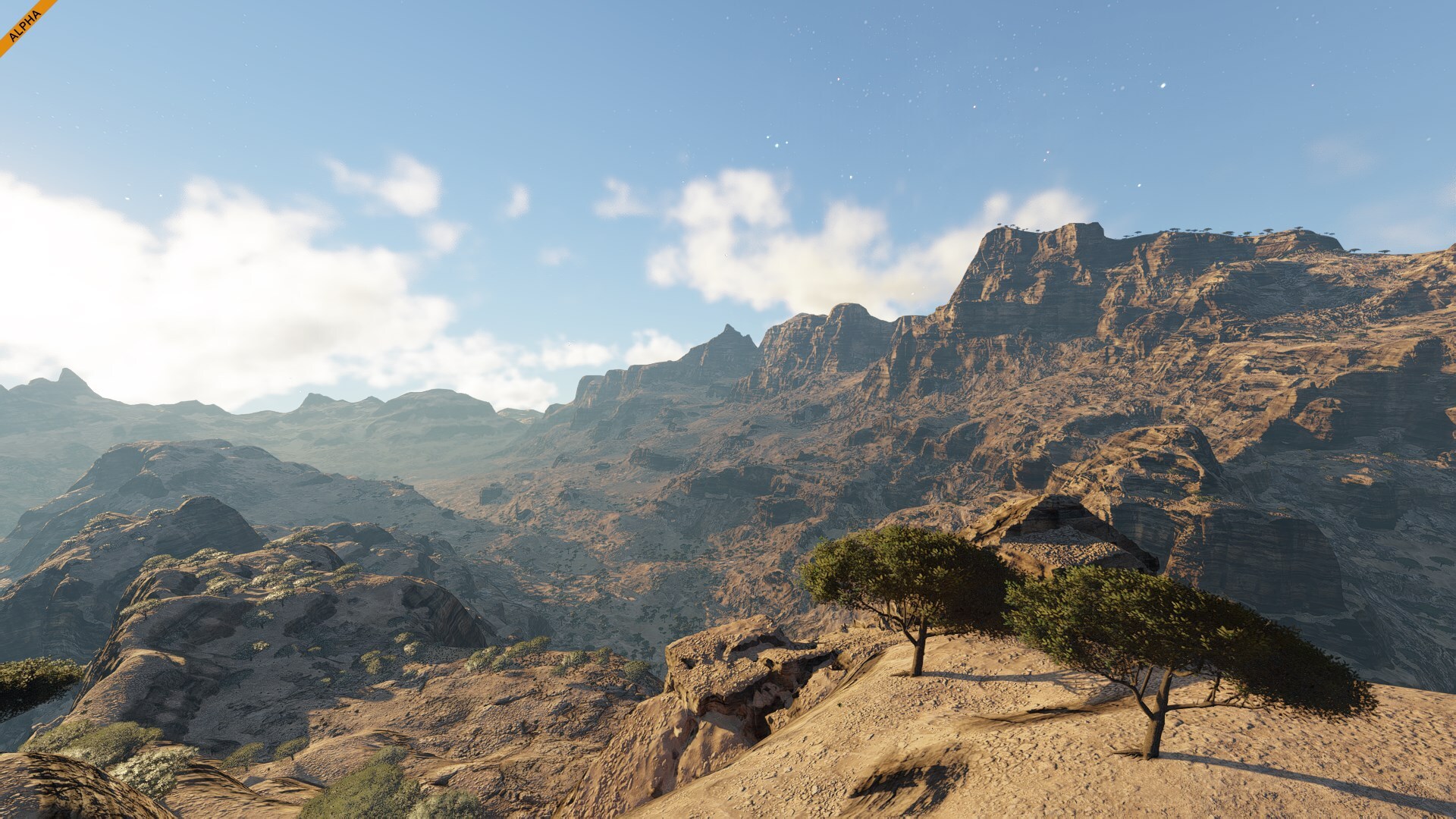
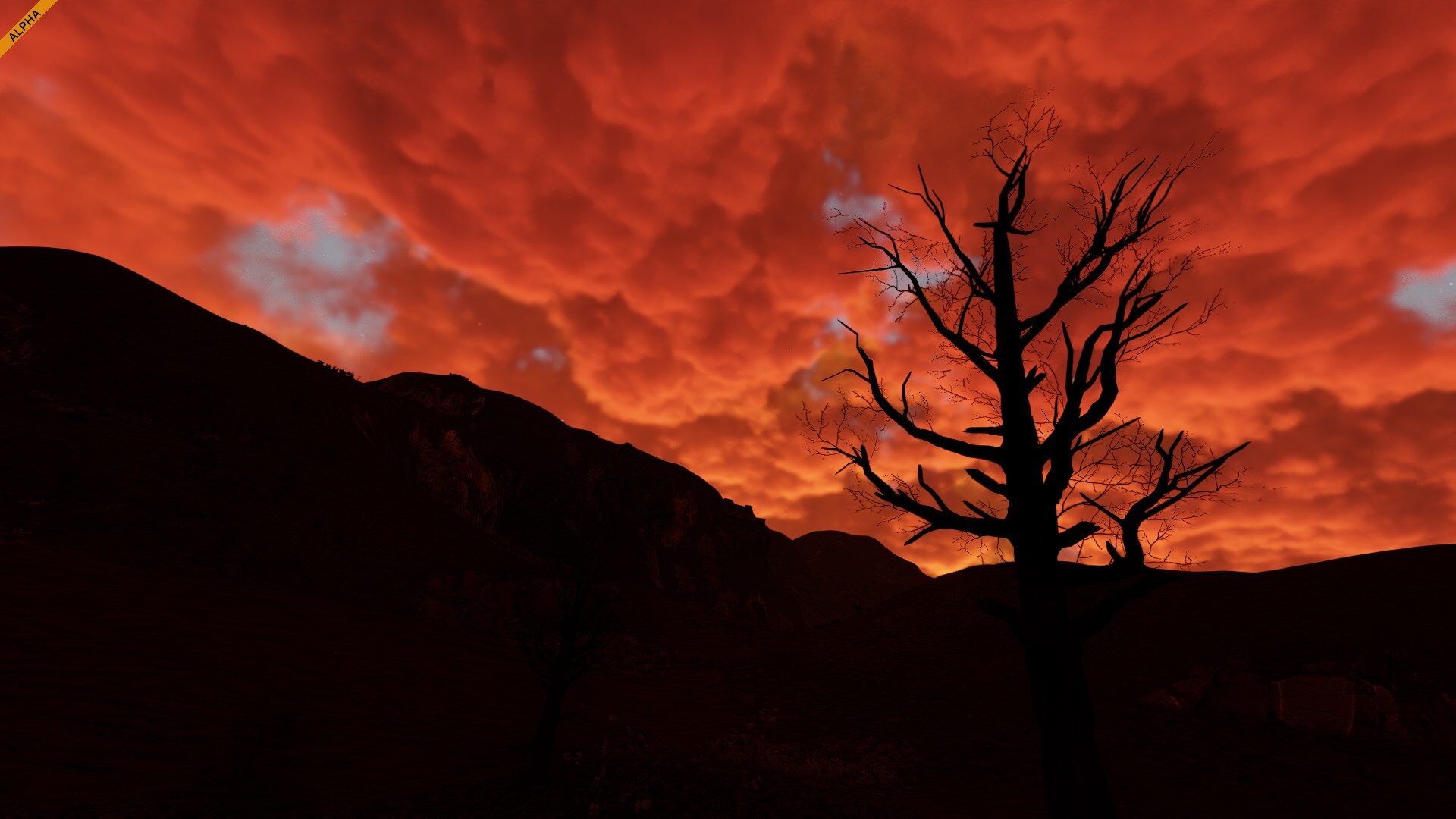
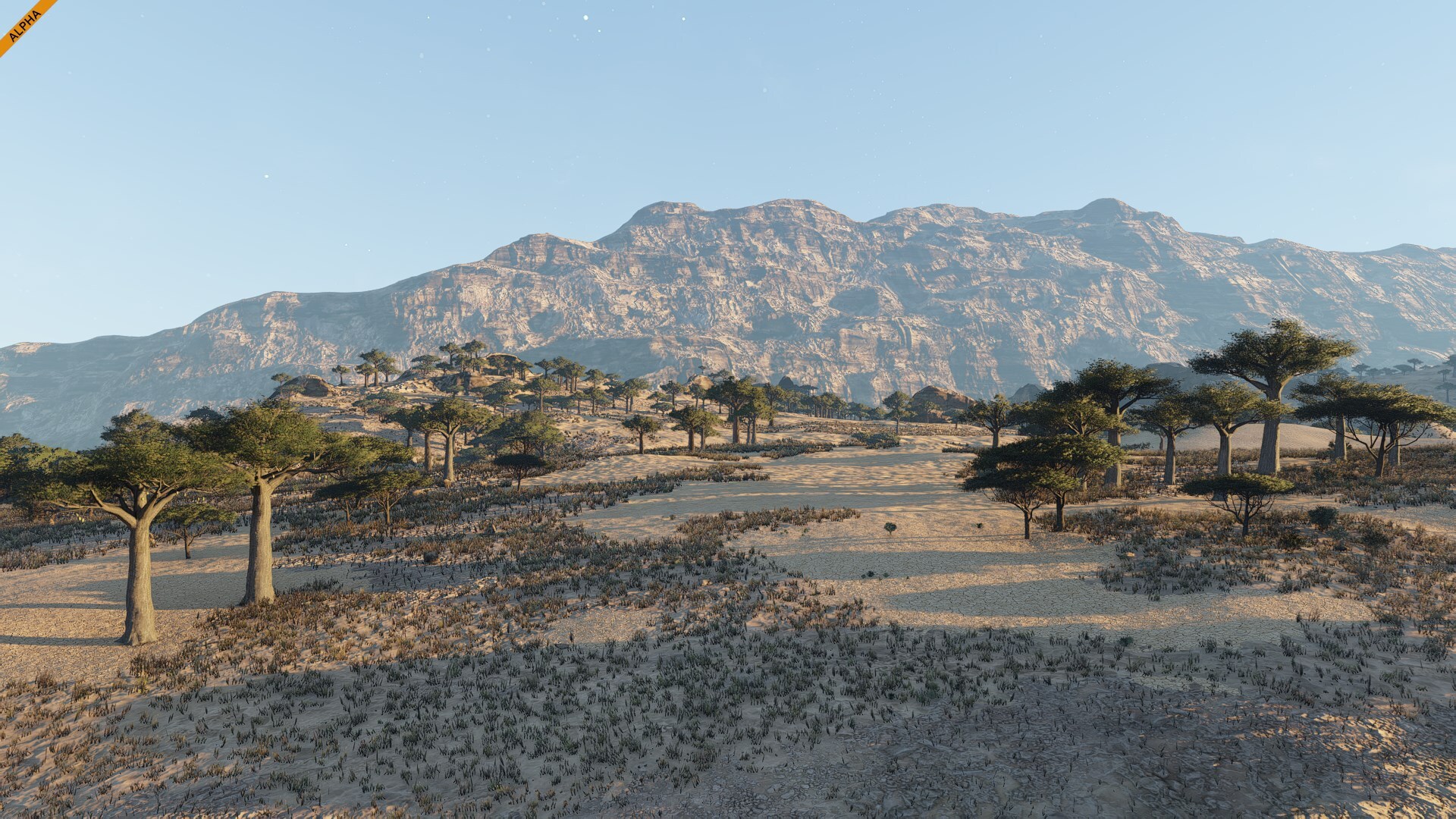
It’s a dramatic and awe-inspiring region, where every sunrise and sunset transforms the slopes into gold and shadow. A perfect place to test your engineering skills against gravity and the limits of construction.SavannaThe savanna stretches across vast plains dotted with tall, resilient trees and dry grasses. Warm sunlight bathes the landscape in gold, and the long shadows of acacias mark the slow rhythm of the day. At sunset, the entire horizon glows in deep orange and red, turning the terrain into a living painting.
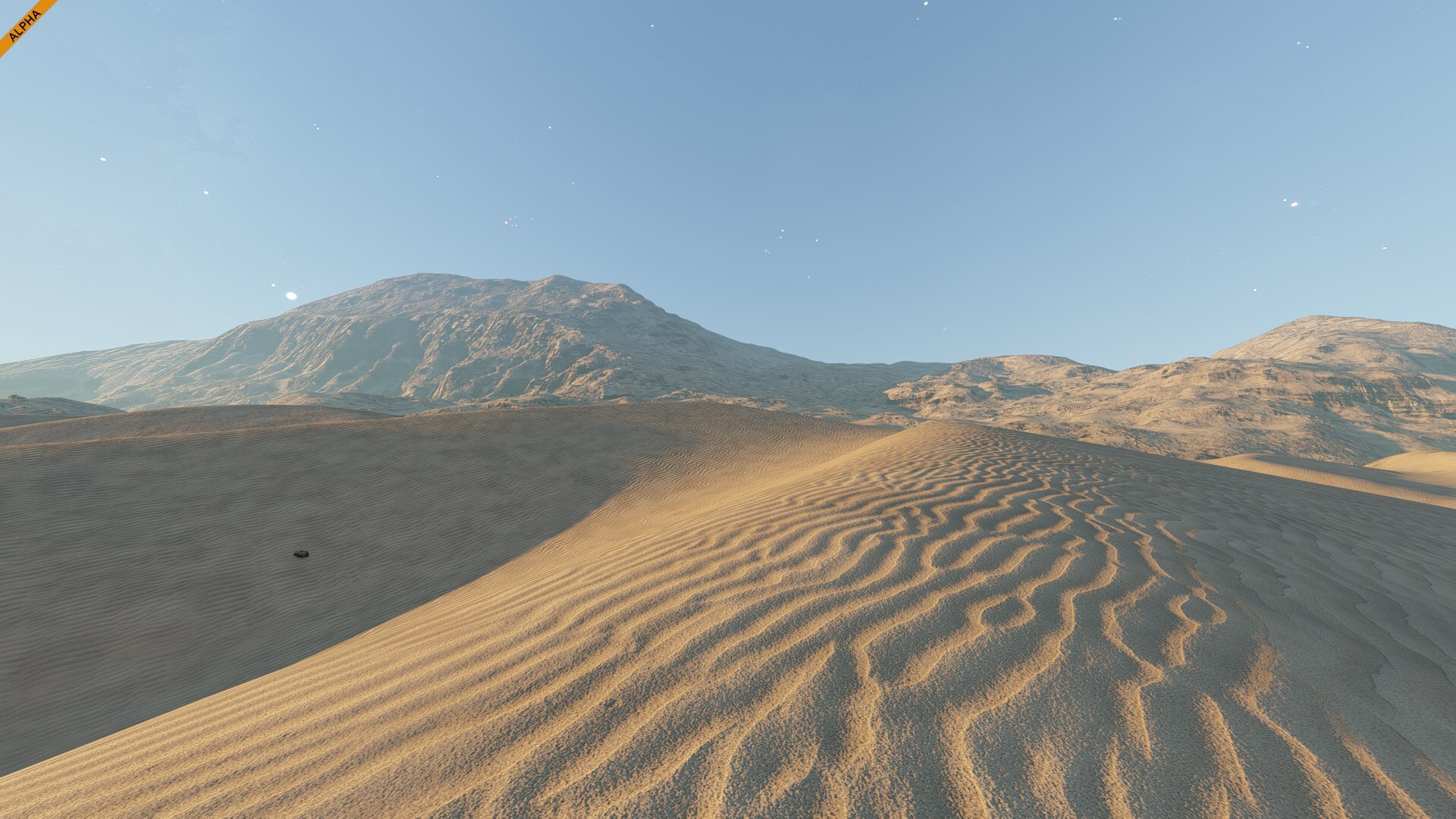
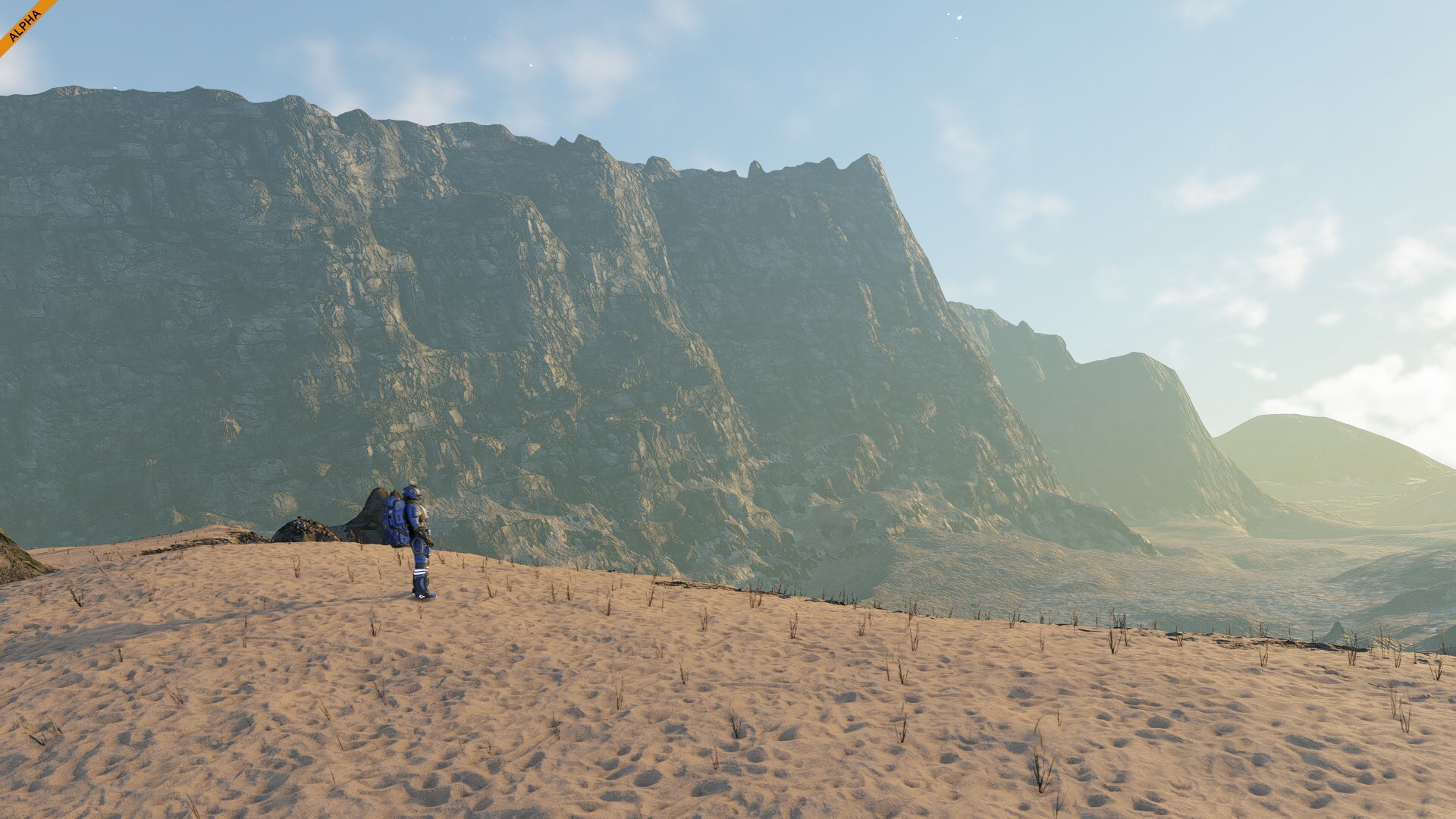
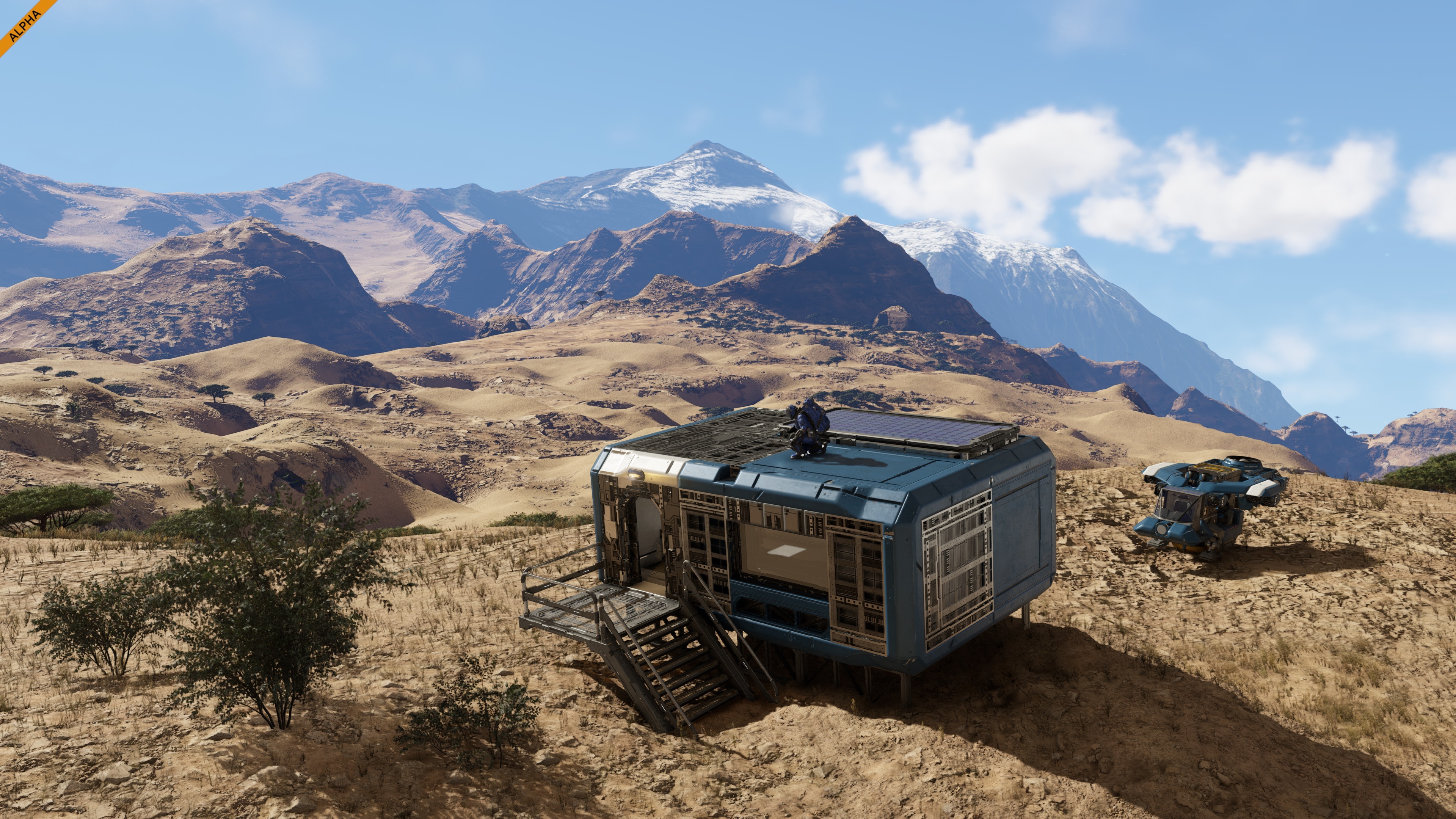
It’s a biome of open space and striking contrasts, where every tree stands like a monument against the sky. The savanna biome captures the feeling of a place that is both timeless and full of quiet energy.DesertThe deserts are vast areas of sand and stone, shaped by time and heat into endless dunes and ridgelines. The surface glows under the sun, and every shadow reveals the fine texture of the shifting terrain. Few signs of life break the horizon, only small clusters of hardy vegetation clinging to survival.
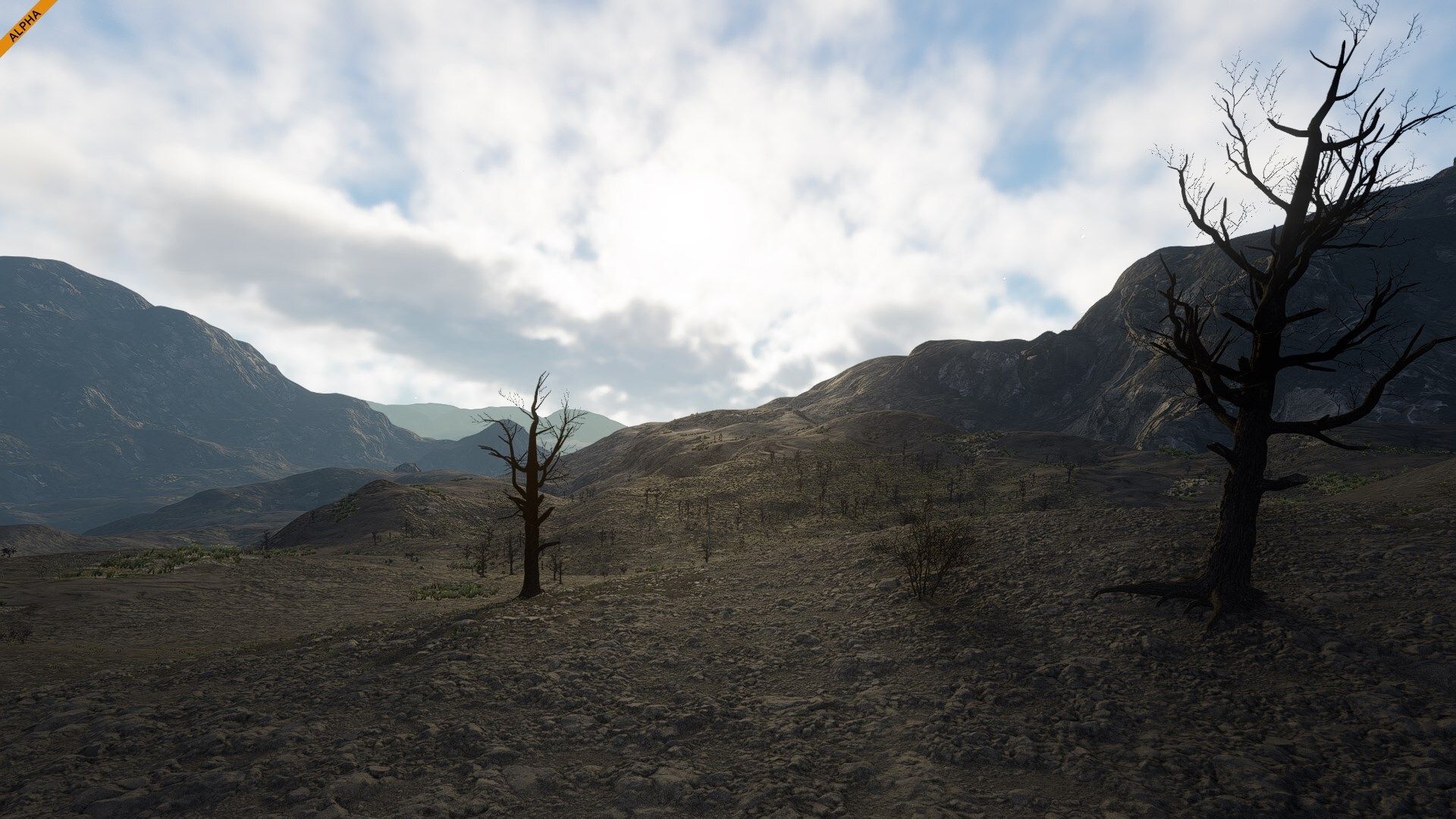
It’s a landscape defined by silence and scale. The dunes seem to move with the light, forming patterns that change from golden morning to pale dusk. The desert stands as one of the most striking and unforgiving regions on the planet.Volcanic WastelandsThe volcanic wastelands are a stark reminder of the planet’s raw power. Scorched ground and jagged ridges, marked by layers of dark rock and ash. Every surface is shaped by immense pressure and the slow cooling of a restless world. Vegetation is sparse, clinging to life in cracks and shadows.
Despite its harshness, there’s a quiet beauty in the contrast between the dark ground and the bright sky. Scattered patches of green hint at slow recovery, creating an otherworldly mix of destruction and renewal.CoastOur coastal regions may look a bit empty for now, and you’re absolutely right to notice it! Everything is already prepared for the arrival of water, which will come with the VS3 update.
Once it’s in, these areas will transform into vibrant shorelines and true oceanfront locations.Water Biomes: Shallow Waters, Deep Ocean & AbyssMore water biomes will arrive in VS3, each with its own atmosphere and visual style. You will explore calm Shallow Waters near the coasts, the vast and shifting Deep Ocean, and the dark, mysterious Abyss hidden far below the water surface. Each will bring new challenges, moods, and opportunities for exploration and engineering.Verdure Natural WondersYou may notice that some places on Verdure feel familiar. That’s no coincidence. We used real satellite scans of Earth’s terrain to recreate special locations with distinct atmosphere and topography. From mountain ridges to valleys and plateaus, these areas were shaped using real-world data to give Verdure its natural, believable beauty. Reality, after all, is the best designer.
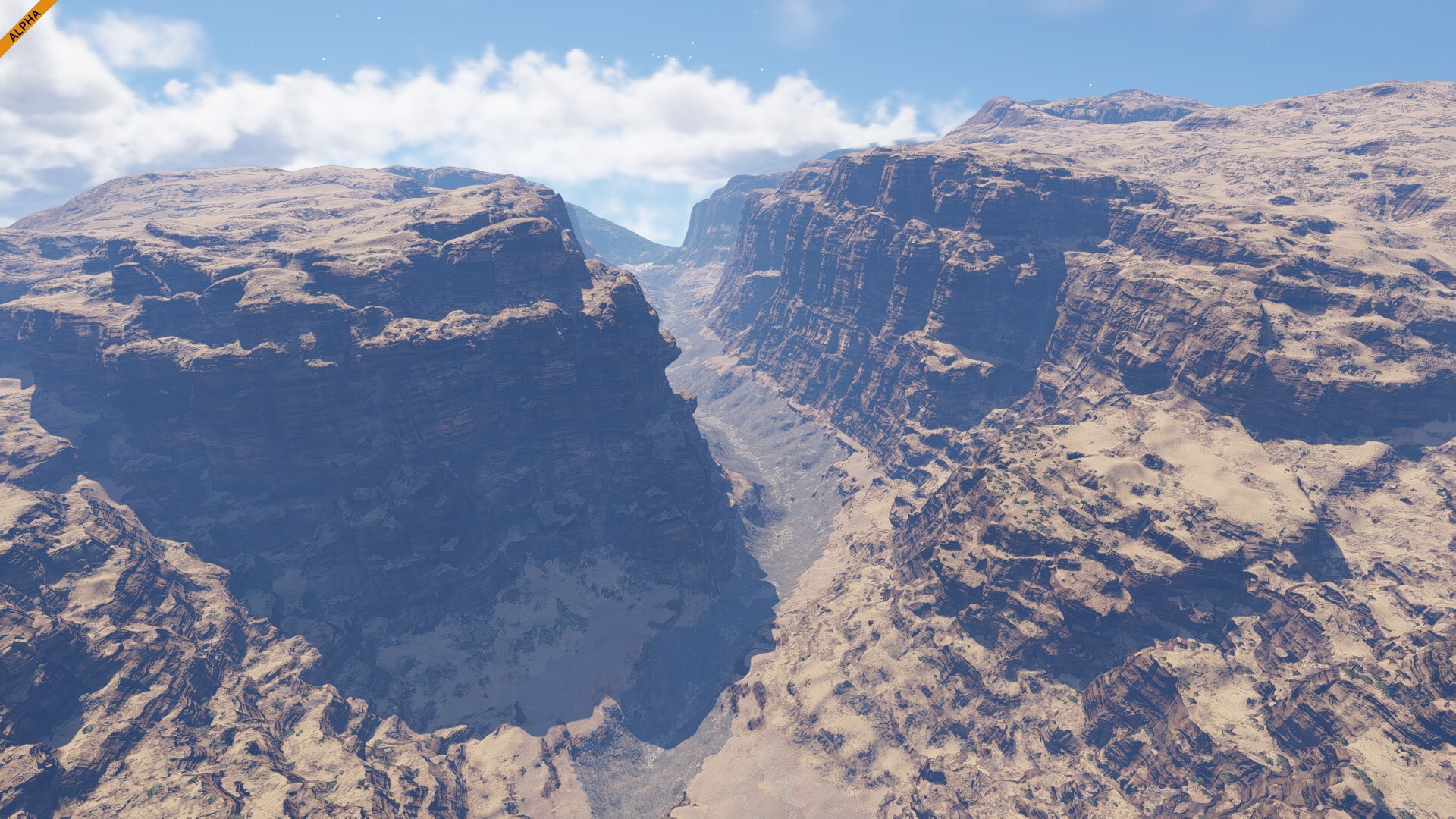
The natural wonders of Verdure are waiting to be discovered by explorers and pioneers like you. Their names here are intentionally generic - we want you to make your own names for these locations. Chart them, name them and claim them - just like the explorers of old. This is your world to shape.Echo CanyonInspired by the Grand Canyon in Arizona, United States.
A massive rift carved through the desert, the canyon stretches across the landscape like a scar from another world. Its towering cliffs and layered rock formations tell a story written over eons. Light plays across its ridges throughout the day, shifting from deep shadows to glowing gold.Golden PlateauInspired by the Loess Plateau - Northern China
Once you stand at the edge of the plateau, you understand why explorers stopped here to take in the view. This region feels both ancient and alive, shaped by slow, unstoppable forces. Its vast terraces stretch into the distance, a quiet monument to erosion and time. For future settlers, it’s more than a landmark.Dustspire DesertInspired by the Atacama Desert - Northern Chile, South America
One of the most otherworldly places on Verdure. It is the driest nonpolar desert on the planet, with some regions that have not seen measurable rainfall for centuries. The ground is crusted, carved by wind into surreal shapes, and scattered with volcanic rock and mineral formations that glow under the harsh sun.Table MountainInspired by Table Mountain – Cape Town, South Africa.
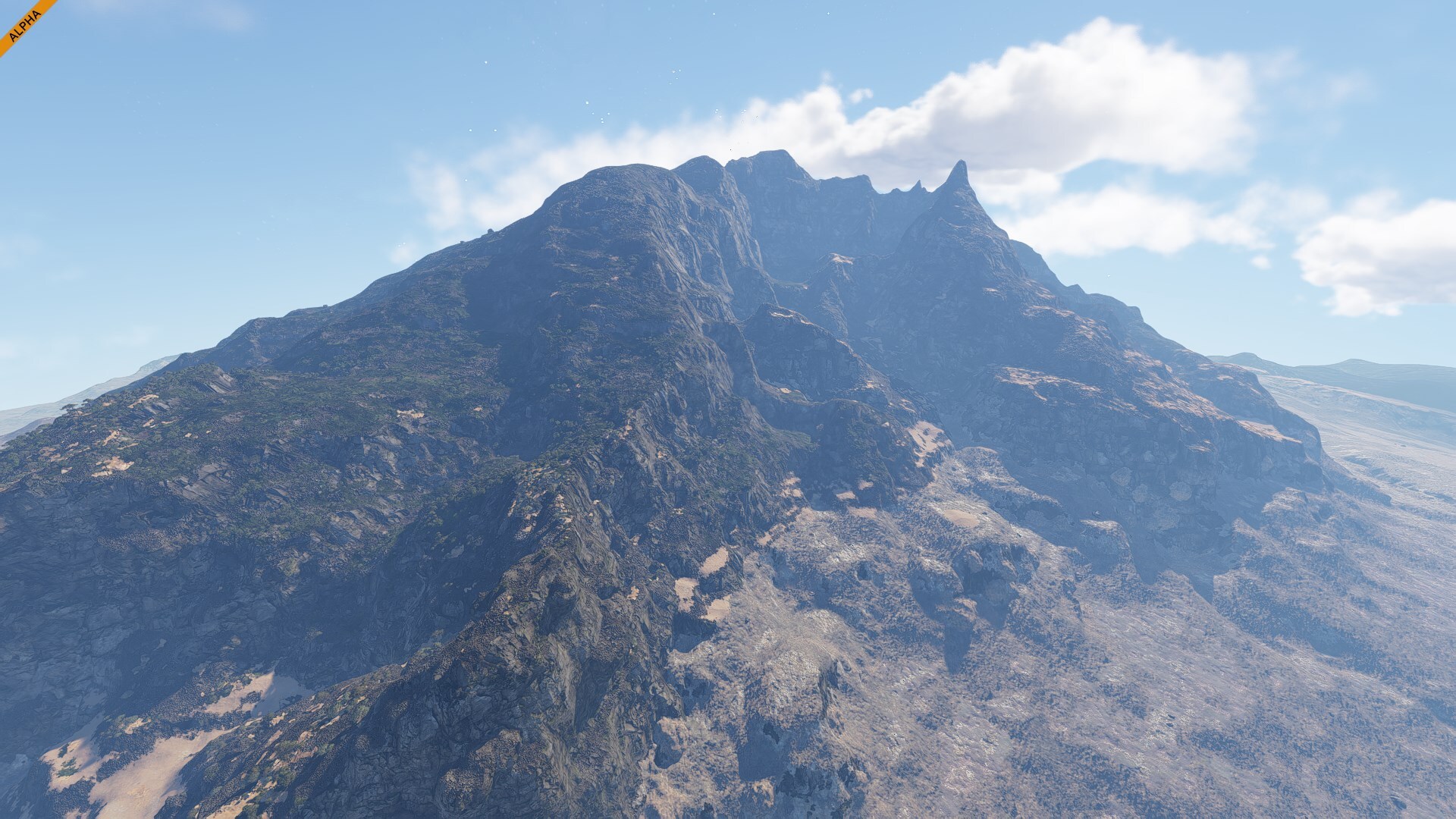
Rising abruptly from the surrounding plains, Table Mountain dominates the horizon with its flat summit and steep cliffs. Its silhouette is unmistakable, a natural monument that has guided travelers and inspired settlers for generations. From above, the view stretches endlessly - it is a place that feels both powerful and welcoming - a symbol of arrival and new beginnings.Cinder PeaksInspired by Cederberg Mountains – Western Cape, South Africa.
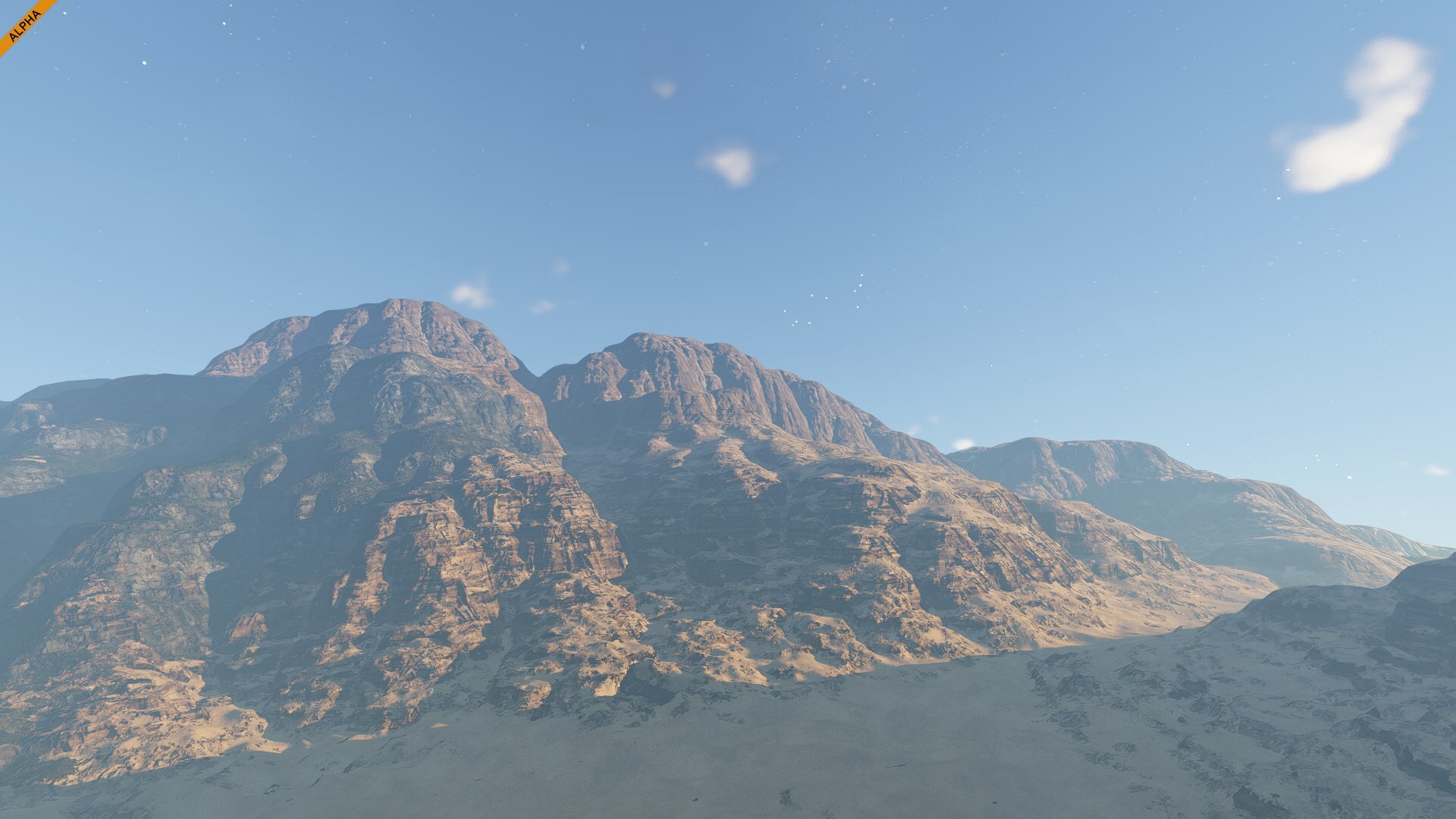
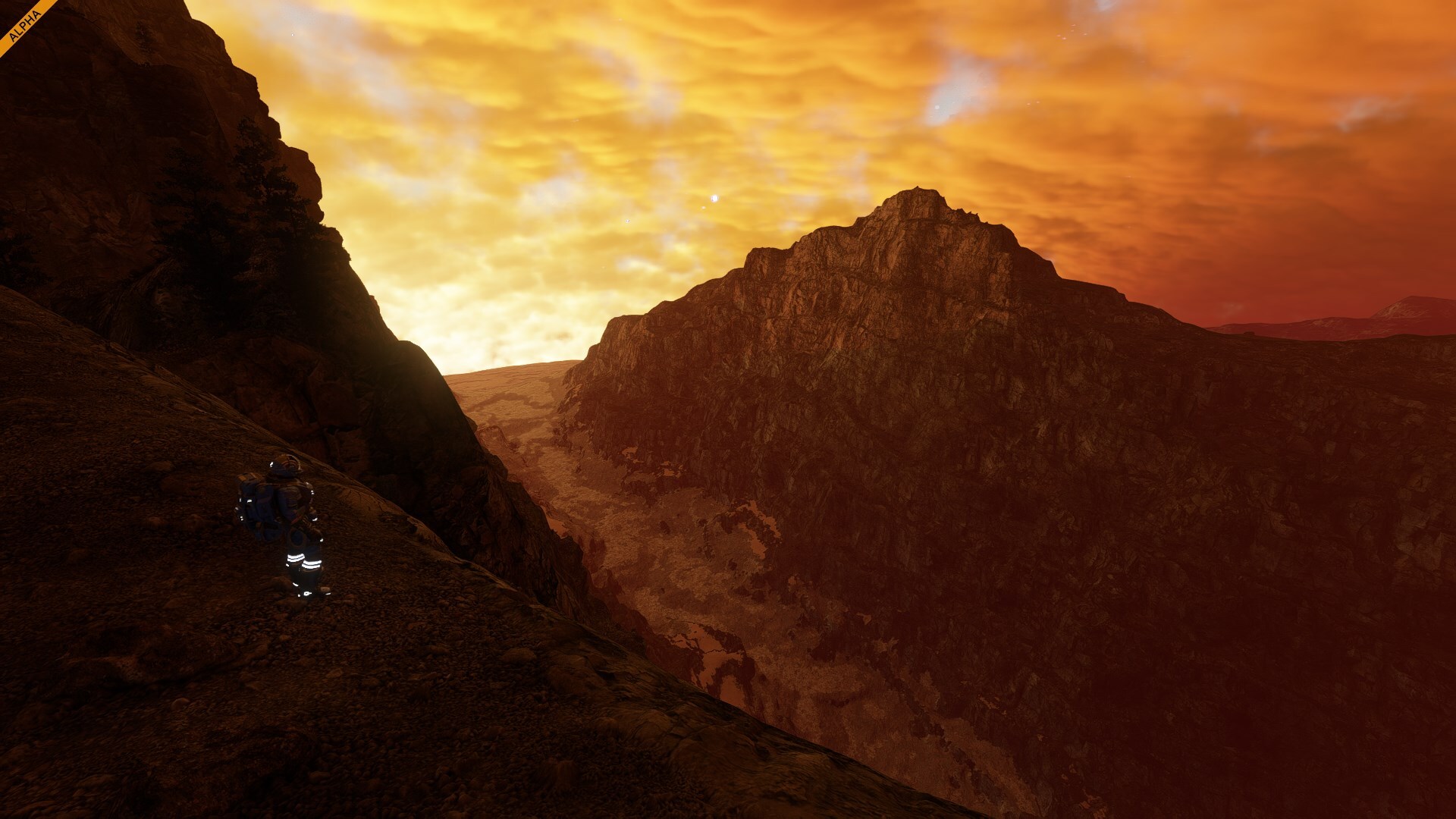
What makes this natural wonder so special is its raw and wild character. A maze of rugged sandstone peaks and deep, shadowed valleys. Their layered cliffs glow with shades of red and orange, shifting in color as the sun moves across the sky. Hidden among the rocks are narrow passes and plateaus. The terrain is dominated by twisting sandstone cliffs and unusual rock formations. Wind sweeps through deep gorges, over rocky outcrops, with wide skies overhead and a feeling of being very much “on nature’s terms”.Inferno CraterInspired by a set of famous volcanoes on Earth.
Welcome to a world forged in fire. This is a place where the ground still remembers what it is to boil. The terrain is a mix of jagged basalt flows, black glassy stone, and dust plains that gleam in the morning cold. Every rock here feels recent, like the planet hasn’t finished cooling. You can see the fractures, the stress lines, the moments where the crust fought back and lost.The Future of Planet VerdureYou already know water is coming - and with it, Verdure is going to transform. In our upcoming VS3 update, oceans will rise, rivers will flow, and coastlines will become living, dynamic environments. That means some of the most striking locations on Verdure are just getting started. What you're exploring now is only the surface.
Many of Verdure's landmarks were designed with water in mind from the beginning. Right now, they're scenic terrain features. But once the VS3 systems arrive, they'll come fully to life - becoming rich biomes filled with water movement, atmosphere, and new opportunities for engineering. This is just the beginning.Azure CliffsInspired by Calanques National Park - Near Marseille, southern France.
Here the land splits into a series of deep, narrow inlets carved into pale limestone cliffs. These are the steep-walled coastal fjords that will plunge into the clear, turquoise sea. When the tides rise, this place will become a maze of stone and sea - looking from above like fingers of the sea reaching into the land, hidden between towering rock faces.Frosty WaterfallsInspired by Dettifoss Waterfalls - Vatnajökull National Park, Iceland.
A frozen river carves its way through dark volcanic rock, falling in violent bursts over fractured cliffs. These towering drops stand like ancient gates, waiting for water to return. Once it flows, the cliffs will roar with energy - a cascade of motion and mist crashing into ice-lined canyons below.Silent CoveInspired by Eland Bay - West Coast, South Africa.
A long arc of shoreline curves between low dunes and weathered rock. The sand is pale and windswept, and the terrain opens wide beneath a sky that never seems to end. Right now, it's dry and quiet - a still frame before the water comes. When it does, this coastline will shift into an edge of the world - waves washing in, wind carving lines through surf and sand, and tidepools flickering in the sun.The IslesInspired by Madeira - Portuguese island in the Atlantic Ocean
Steep, forested island with dramatic cliffs, winding ridges, and hidden valleys. Its terrain will rise sharply from the future coastline, creating natural terraces and panoramic viewpoints. Once water is added, the surrounding sea will transform The Isles into a true oceanic gem and perfect outpost location - isolated, self-reliant, and stunning.
But wait - there will be more!
- Skyveil Falls - Inspired by Yosemite Falls - Yosemite National Park, California, United States
- Rivergate - Inspired by Bratislava - Capital of Slovakia, on the Danube River
- Abyssal Trench - Inspired by Mariana Trench - Western Pacific Ocean, east of the Philippines
- Harbor Cliffs - Inspired by Hout Bay - Coastal suburb of Cape Town, South Africa
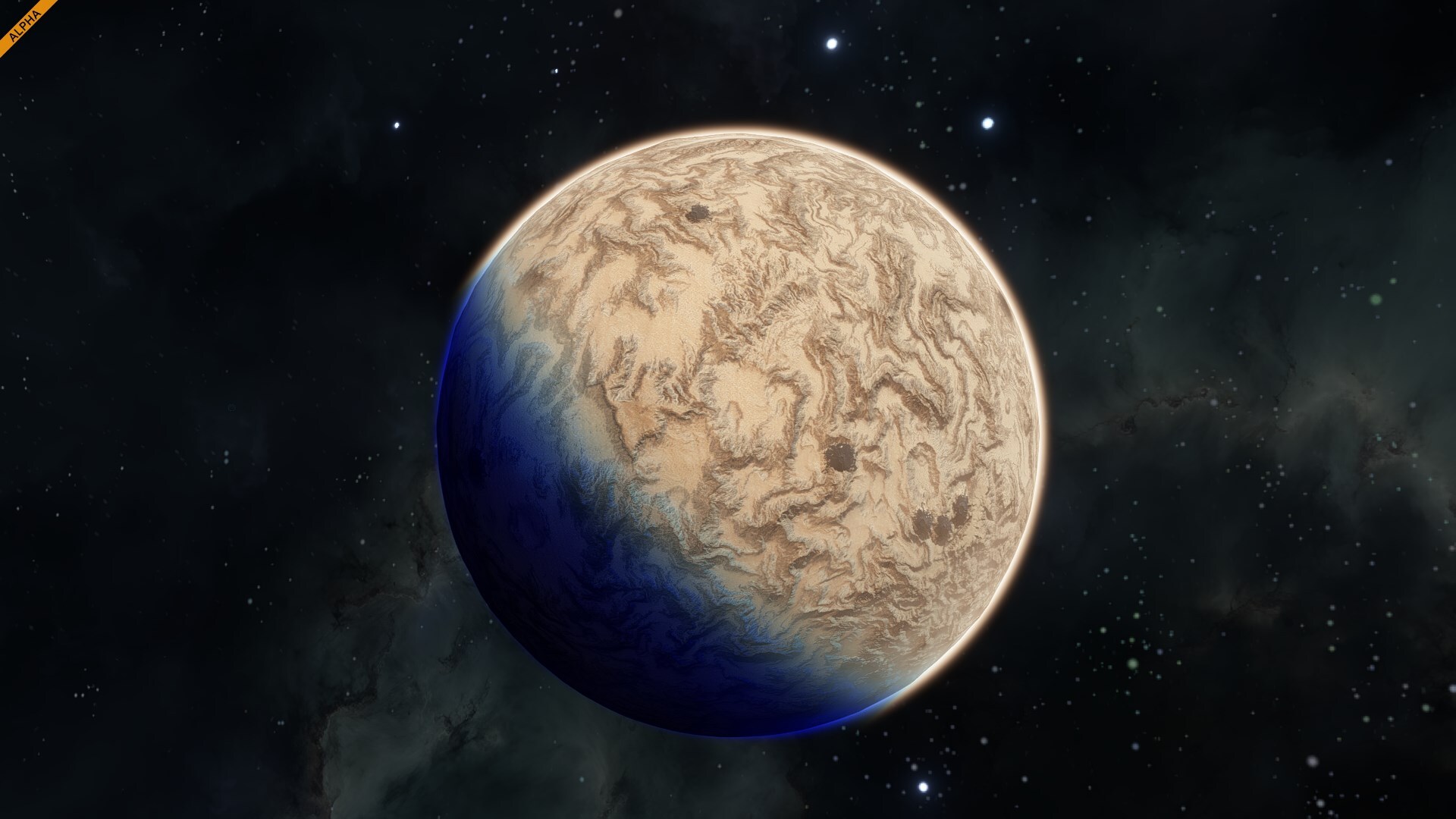
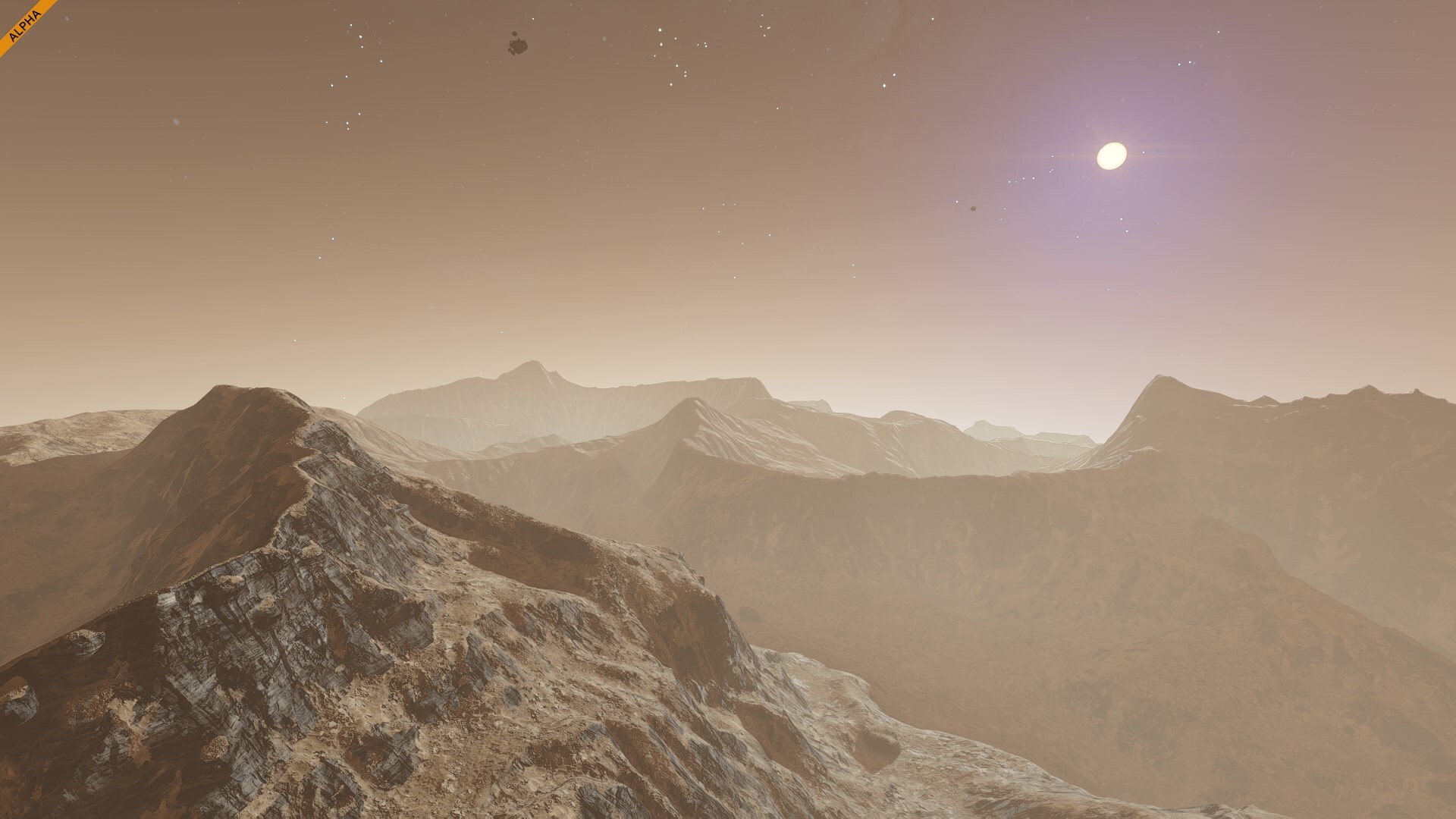
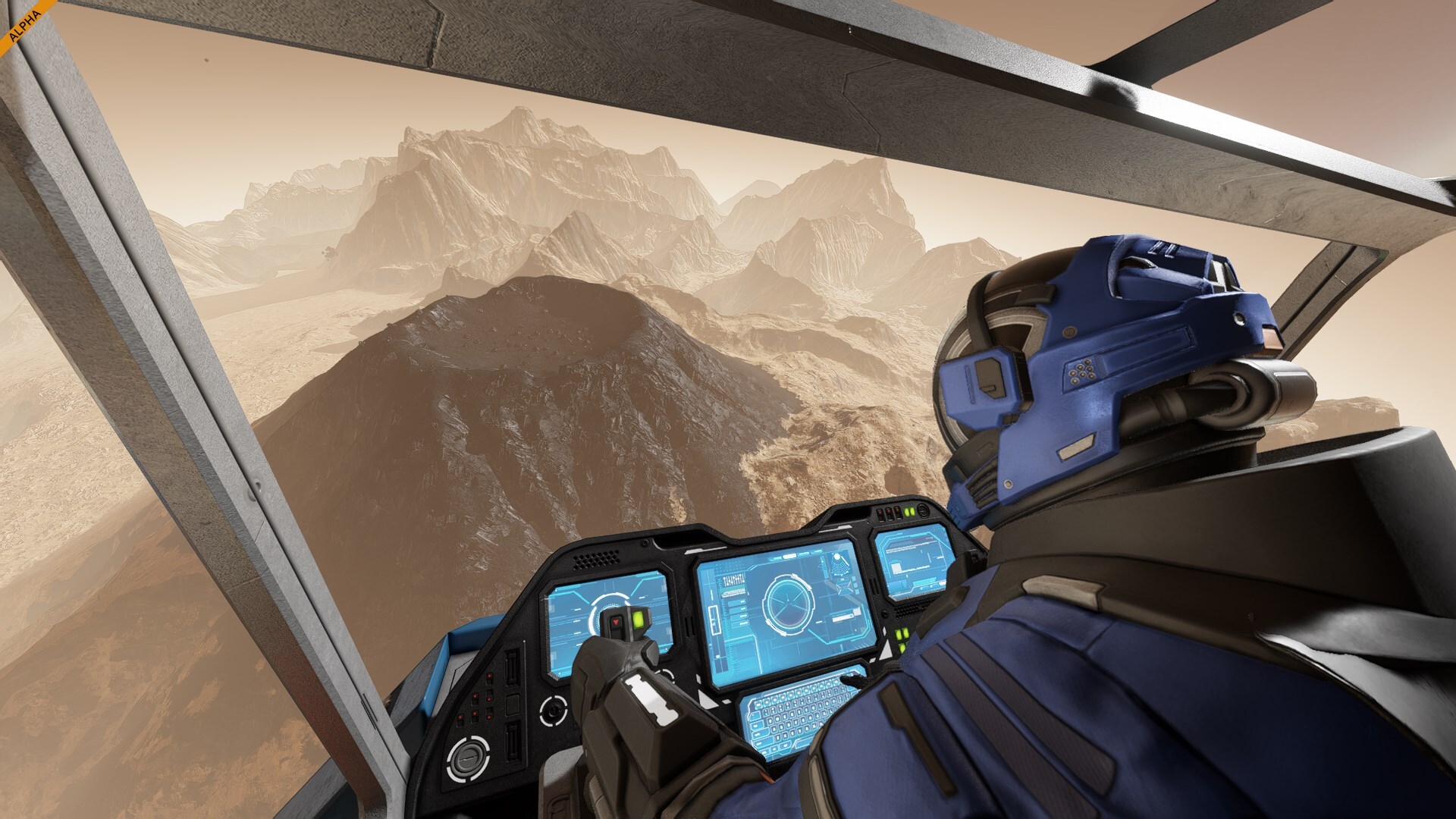
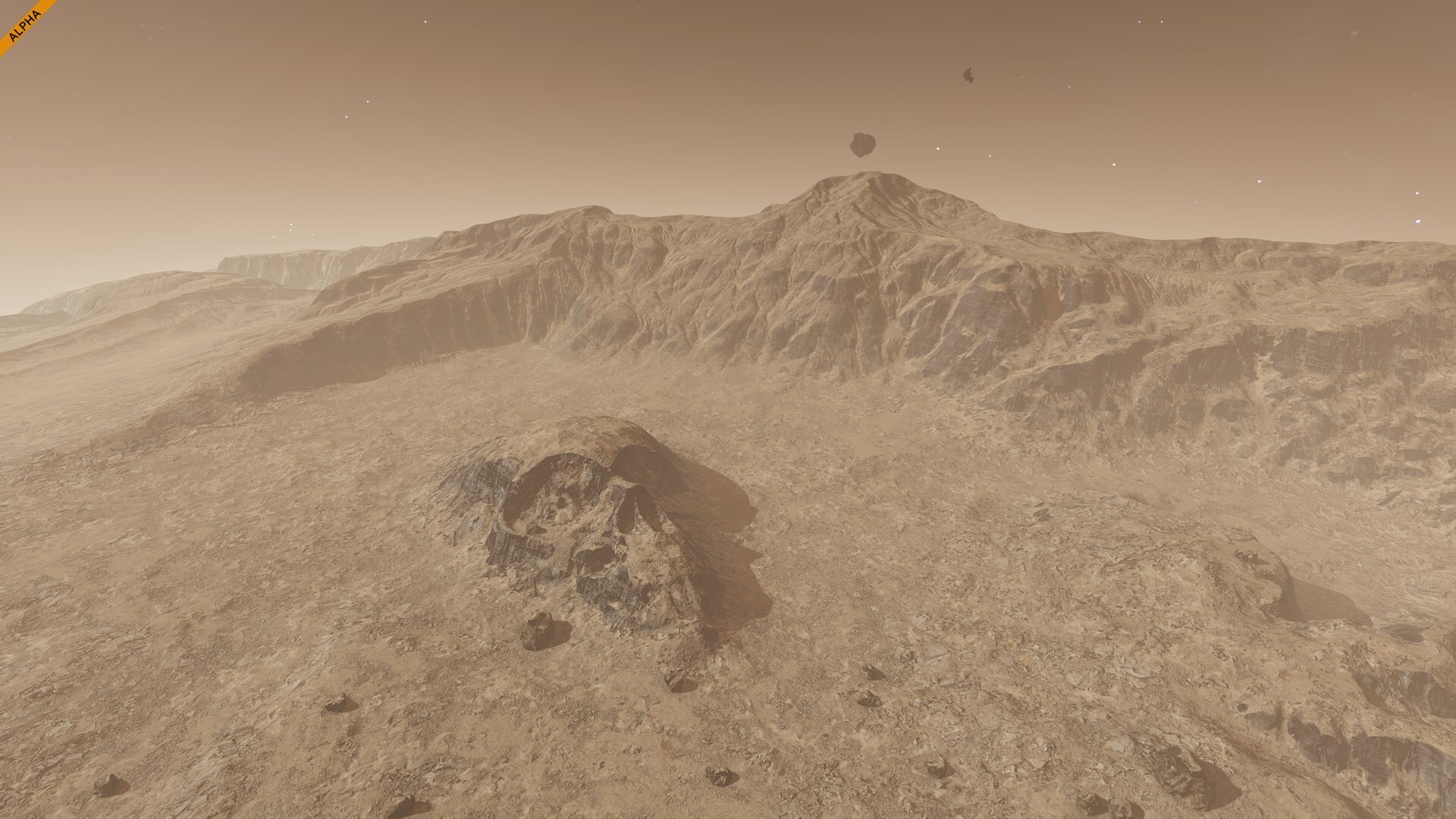
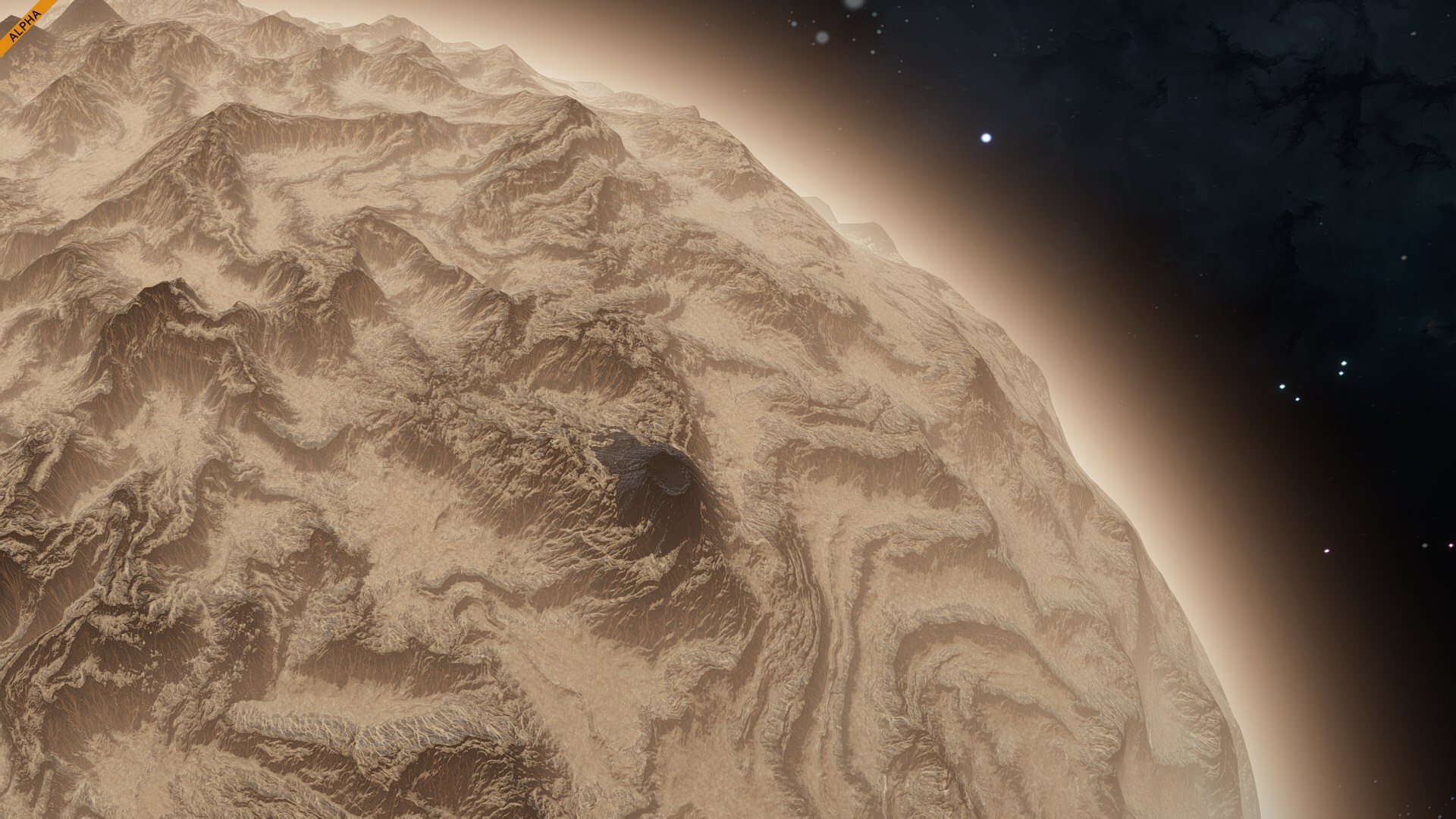
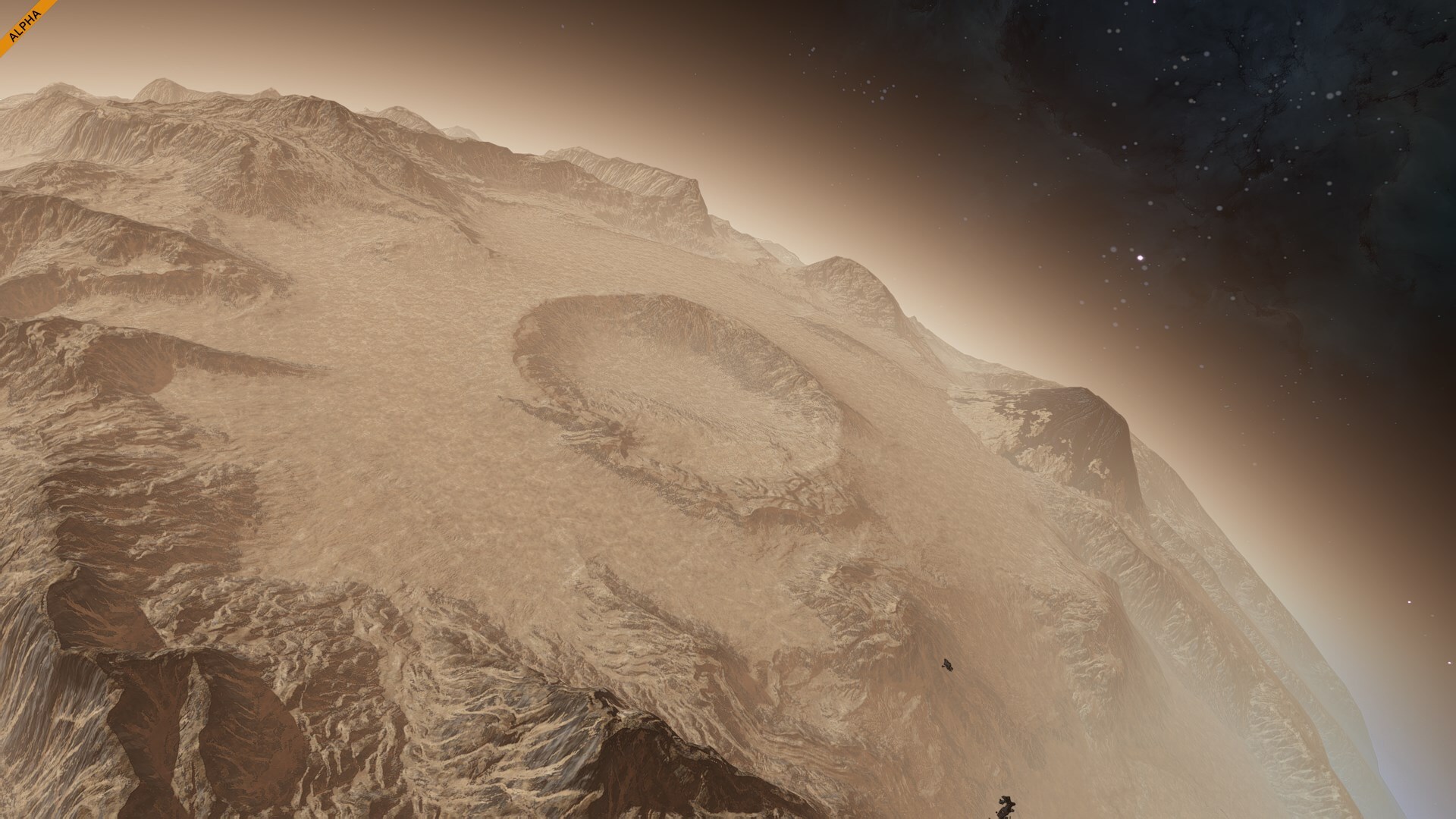
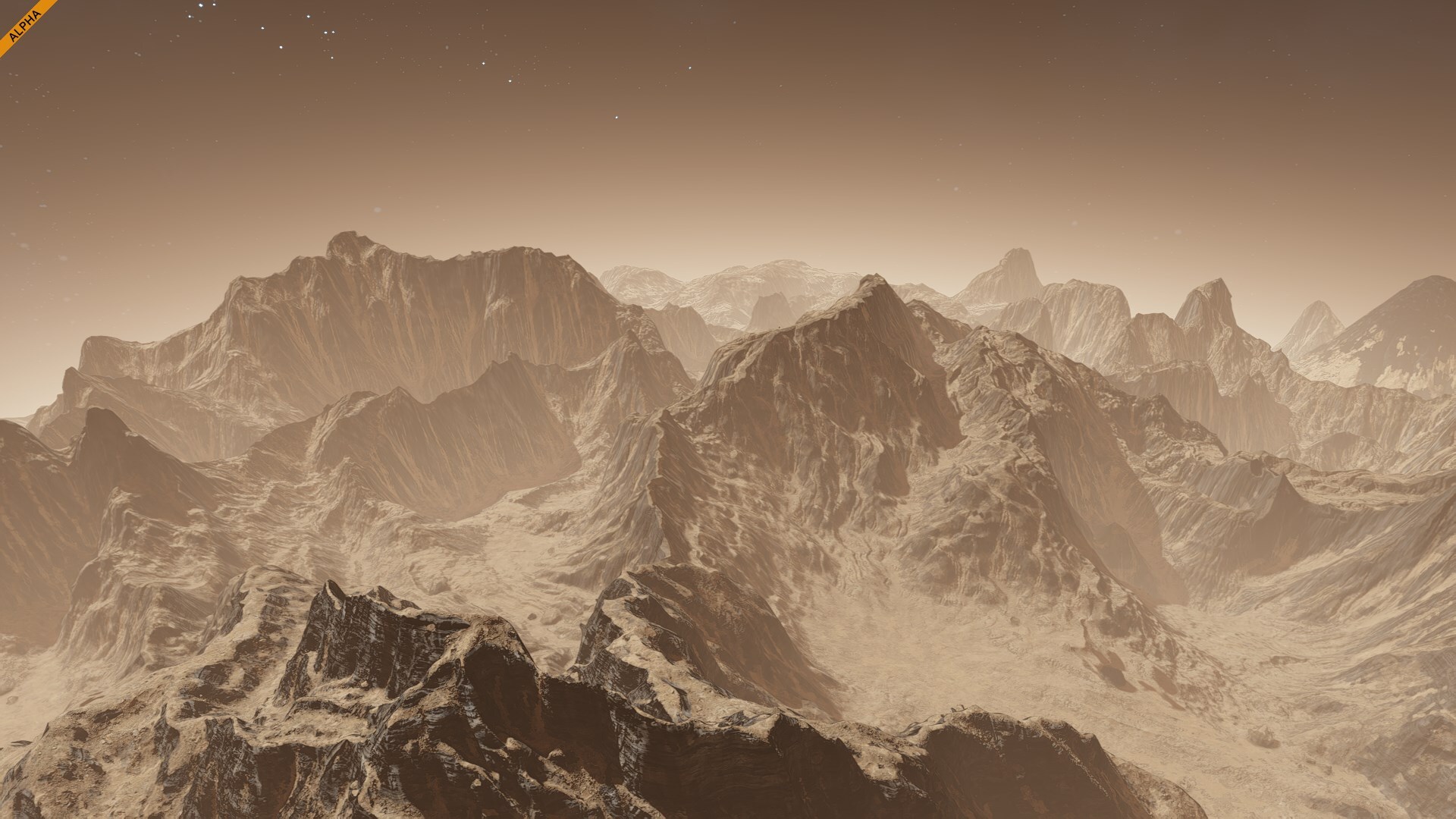
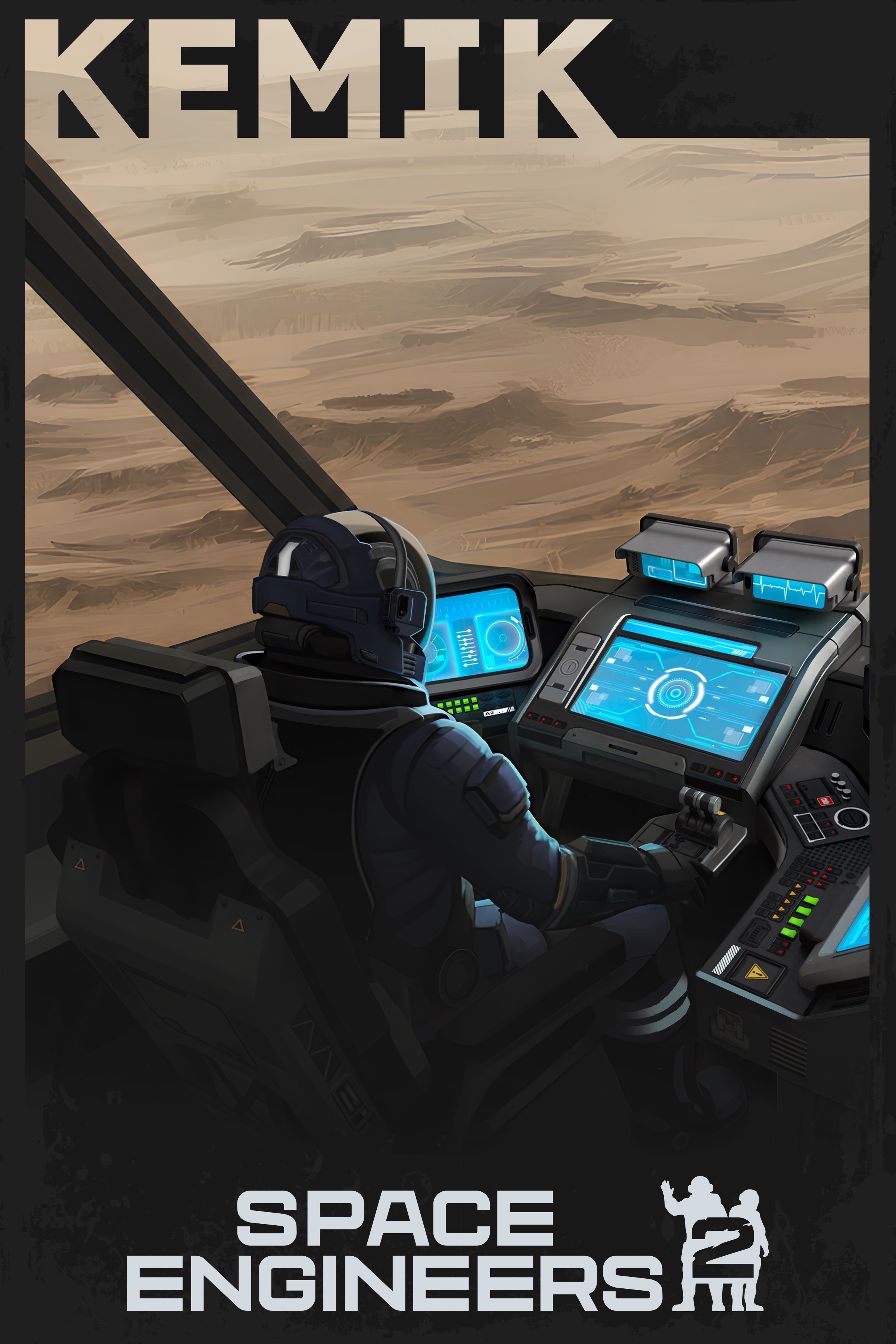
Next to the dazzling greens of Verdure, the sandy dunes of Kemik have made it an easy planet to forget about. Kemik, ILS - 93c, is often compared to Mars due to close proximity and size to Verdure and thin atmosphere, but the comparison is not strictly accurate.Kemik BiomesOrange WastelandCracked ground stretches to the horizon, broken only by jagged ridges and scattered boulders. The terrain is dry, brittle, and scorched by sun - a place where only the toughest machines and most stubborn engineers will survive. With no vegetation, thin atmosphere, and no obvious shelter, it’s a place that dares you to build, adapt, and endure.Volcanic CratersKemik formed in a crucible of intense tectonic activity. Ancient fault lines once carved through the crust, forcing molten rock to the surface in violent eruptions that shaped its harsh and fractured landscape. Massive calderas and lava plains are silent reminders of a planet that never stopped shifting. Volcanic cones, now dormant, rise like sentinels across the terrain, and layered basalt cliffs hint at centuries of relentless upheaval. Every crater, ridge, and broken mesa tells the story of a world born in fire and pressure.Kemik Natural WondersSkull FormationInspired by Cydonia, Mars.
Since it was originally first imaged, the "skull" has been accepted by scientists as an optical illusion, an ideal example of the psychological phenomenon of pareidolia. Nothing, but a trick of light and shadow.Giant VolcanoInspired by Olympus Mons, Mars.
Towering over Kemik’s horizon, its largest shield volcano dominates the landscape with a sprawling rise that stretches for kilometers. From orbit, it looks like a wound in the planet’s crust - massive, ancient, and utterly unmissable.Impact SiteA vast, scarred basin marks the site of a colossal asteroid impact - a physical memory of the moment everything changed. At the center lies a deep depression surrounded by uplifted rock, melted and reshaped by unimaginable force.
Dust still settles differently here, and the ground bears the unmistakable signature of a world-altering collision.Planetary Mountain RangeStretching across entire hemispheres, these mountains rise into the edge of the thin stratosphere. Endless valleys span the size of continents, creating natural barriers that split the world. Seen from space, it coils like the spines of sleeping beasts - impossible to cross without serious engineering. It is one of Kemik’s most awe-inspiring and untamed frontiers.Main Planetary FeaturesDynamic Voxel HardnessVRAGE3 Voxel terrain now features dynamic hardness, meaning not all ground is created equal. Voxel terrain now reacts based on material hardness during impacts. Crashing into snow or sand results in deep, soft deformation, while hitting rock delivers a brutal, high-resistance collision with minimal give. This system makes every crash feel more physical and realistic - soft terrain absorbs, hard terrain punishes.
The difference is immediate and game-changing for all planetary maneuvers. Time to get into the habit of looking for soft spots while you perform your emergency landings!Flora, Destructible Trees & RocksVerdure features a wide variety of vegetation designed to fit within the planet’s lore and its more than ten distinct biomes. The flora includes variants of large and medium trees, along with bushes, small plants, and flowers. Just like our mechanical blocks, trees can now be fractured and destroyed.
There are many new improvements on the technical side. The foliage system is now designed to spawn the flora items in clusters, rather than being randomly scattered as individual trees and bushes. This clustering allows for more natural-looking forests and vegetation groups that feel cohesive and believable. New shaders were also added to support subsurface scattering, accurately simulating light as it passes through leaves and thin plant surfaces. Additionally, a new wind animation system brings greater realism to vegetation movement, allowing each branch to sway independently in slightly different directions and speeds, creating a more lifelike
Because creating such a large number of flora assets by hand would have been extremely time-consuming, we adopted a procedural approach using SpeedTree - an industry-standard tool for populating large-scale worlds with vegetation. This workflow allowed us to efficiently generate and manage diverse plant types while maintaining visual quality and consistency across the planet’s many biomes.
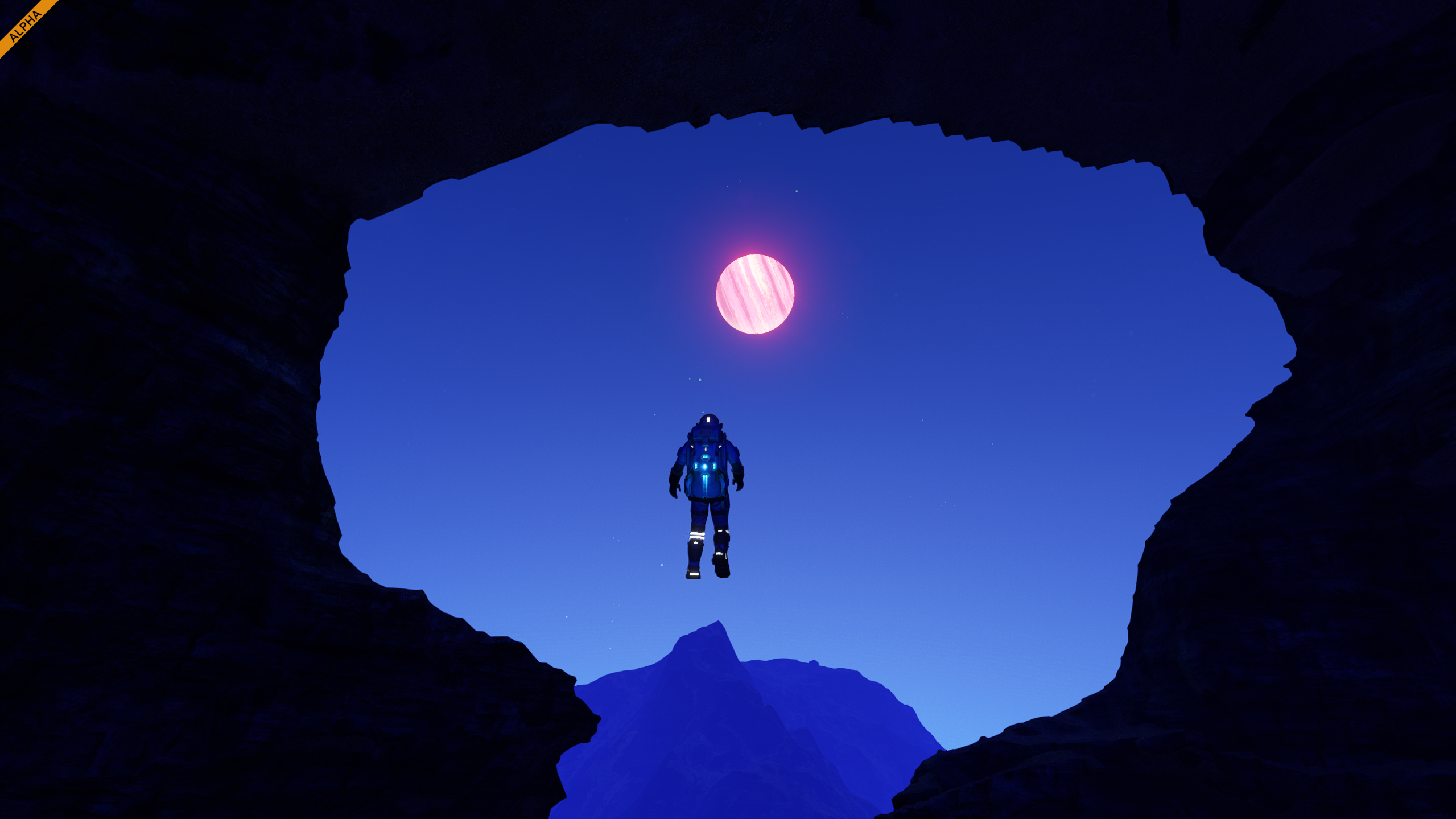
To make the world of Space Engineers 2 feel even more realistic, we introduced small rocks tailored to each biome, complementing the existing boulders and overhangs generated from voxels. Unlike the larger voxel-based formations, these smaller rocks are hand-modeled assets. They are not voxelized, which allows them to fracture into multiple pieces when destroyed by the player, adding an extra layer of physical interaction and visual variety to the terrain.CavesAll caves were meticulously crafted in Houdini 19 as highly detailed meshes, voxelized inside our own VRAGE3 Editor and then subtracted from the base voxel planetary terrain using various distribution rules to achieve natural and visually diverse shapes. We created five main cave types - Triangle, Oval, Funnel, Round, and Complex Multi-Level systems with interconnected entrances and passages. Houdini’s procedural tools allowed us to efficiently scatter details such as stalactites, stalagmites, and rock formations across surfaces, adding realism and depth.
Each cave type has its own unique features: Triangle and Round caves include long winding tunnels; Oval caves have a narrow vertical entry leading to a wide dome filled with hanging stalactites; Funnel caves form layered cone-like structures tapering downward; and multi-level caves feature intricate vertical and horizontal networks for players to explore.Overhangs & Terrain ArchesIn Space Engineers 1, terrain was largely restricted to pyramid-shaped hills and simple rock formations. This limitation stemmed from defining the planet surface with a planetary heightmap, allowing only one parameter per voxel: its height. With our new VRAGE3 engine, we can now generate natural-looking overhangs, cliffs, and more complex landscapes.
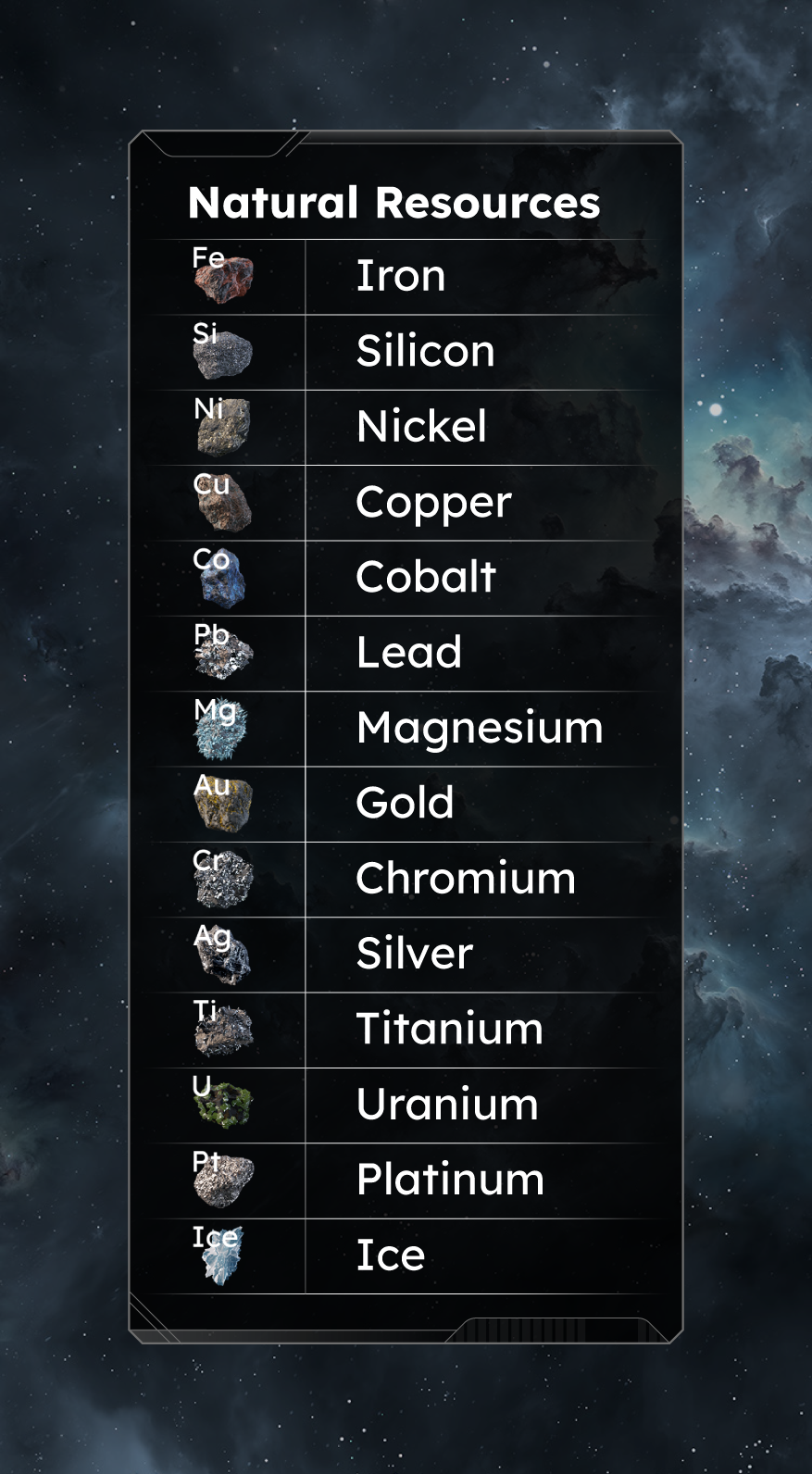
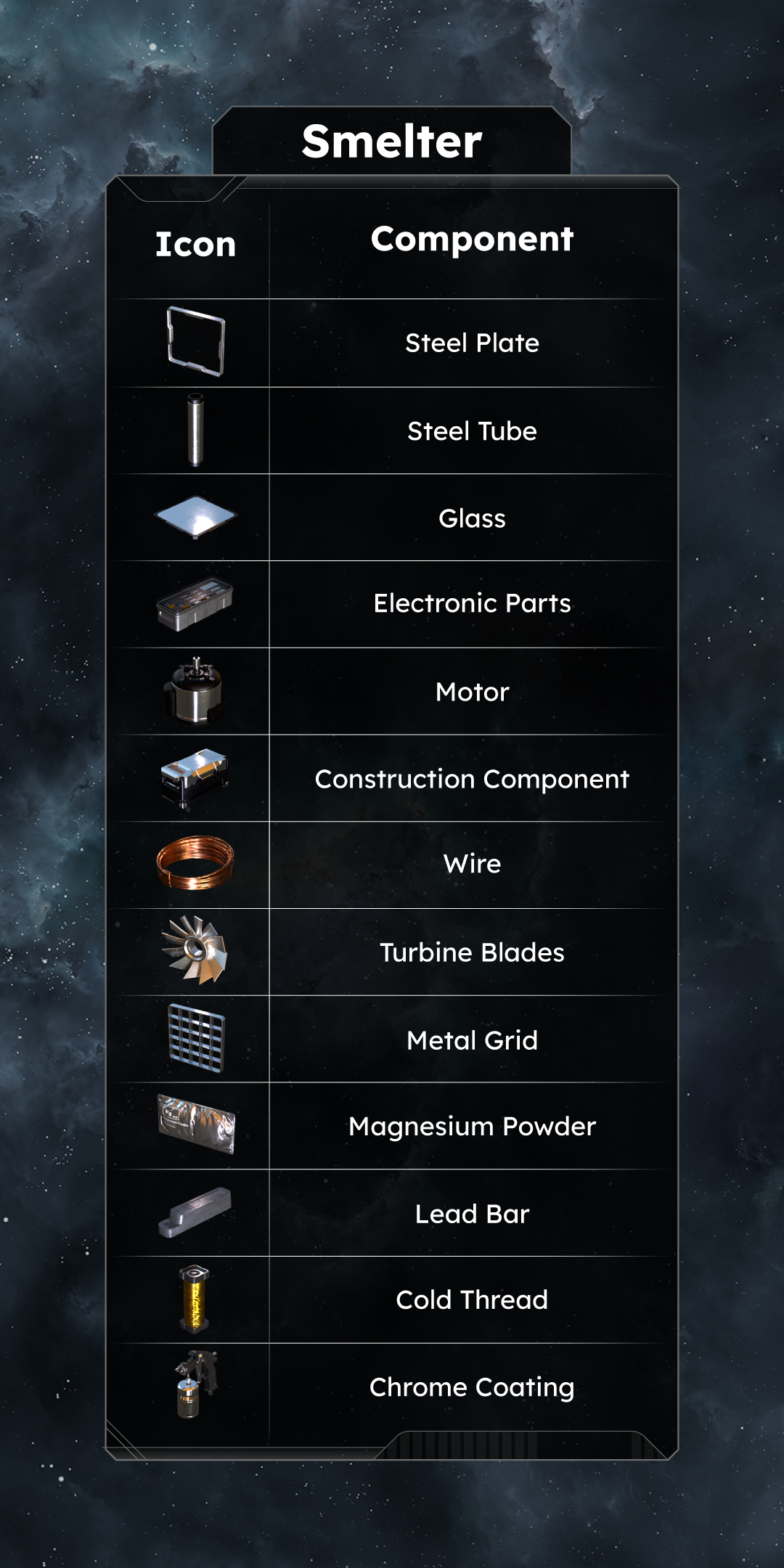
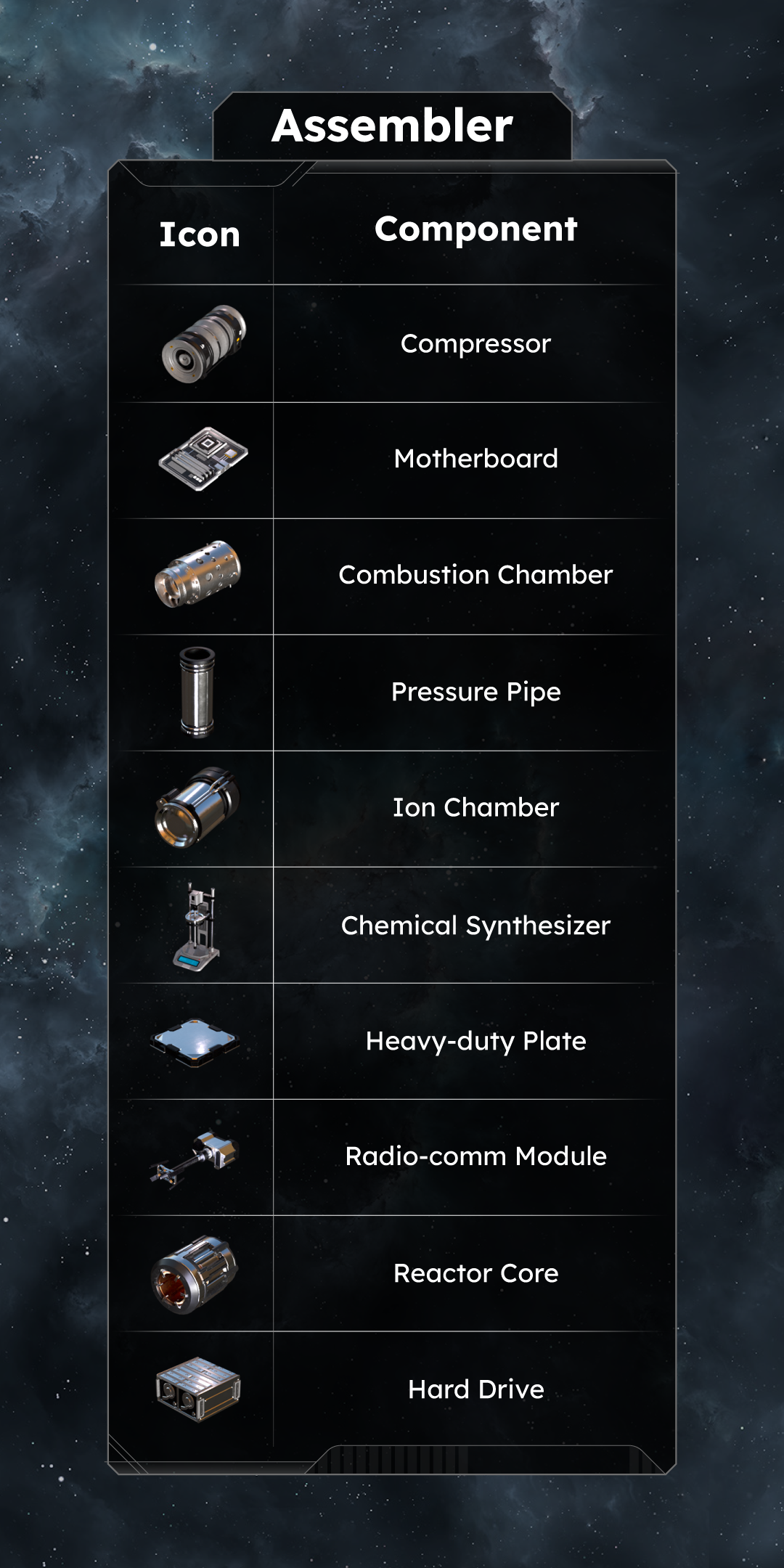
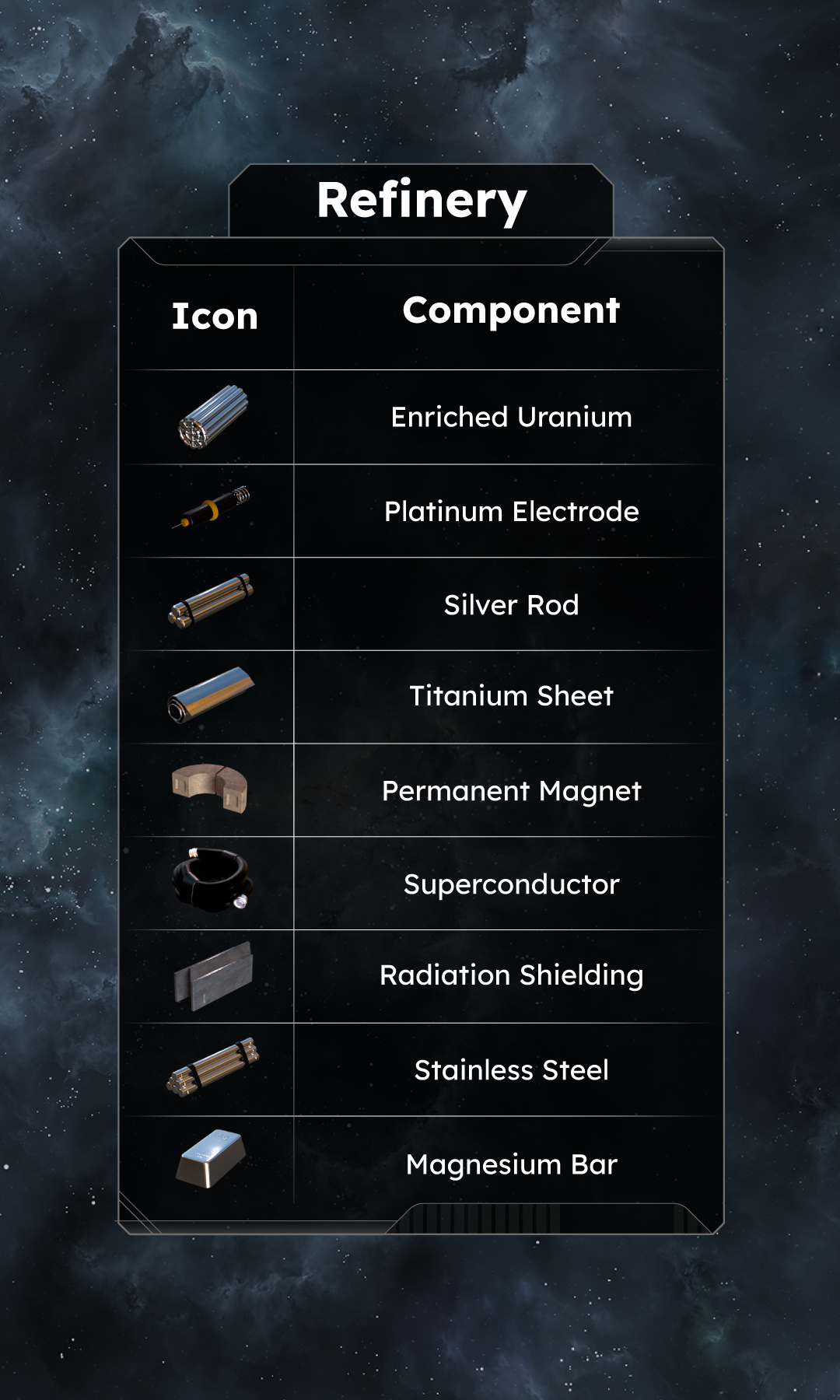
While we still utilize a planetary heightmap, the game also spawns small voxel storages of overhangs and boulders throughout the environment. The procedural generator ensures these are placed in natural locations, enhancing the shapes of mountains, hills, flat areas, and canyons. The end result is that the surface is no longer merely 2.5D (the maximum achievable with a heightmap) but fully 3D.Volumetric CloudsVolumetric clouds are now fully implemented, adding dynamic, 3D formations that react to light and naturally flow across the sky. They cast shadows, respect biome patterns, and react to time of day. Flying through cloud layers or watching them roll across the horizon completely transforms how Verdure feels from the ground and in the air.Voxel DecalsThis striking skull formation on the surface of Kemik was created by projecting an actual skull model directly onto the planet’s voxel terrain. The process involved layering and refining the projection with multiple erosional filters to naturally blend it into the surrounding landscape - a fusion of artistic intent and procedural world-building that shows how flexible voxel terrain in Space Engineers 2 can be.Natural Resources & ComponentsThe production chains in this update serve as a starting point - a baseline tailored specifically for this stage of development. All values, recipes, and balance are part of the initial implementation and will continue to evolve based on player feedback and ongoing development needs.
Nothing here is final. As new systems come online and we keep iterating, you can expect adjustments that bring the manufacturing gameplay closer and closer to our long-term vision for Space Engineers 2.
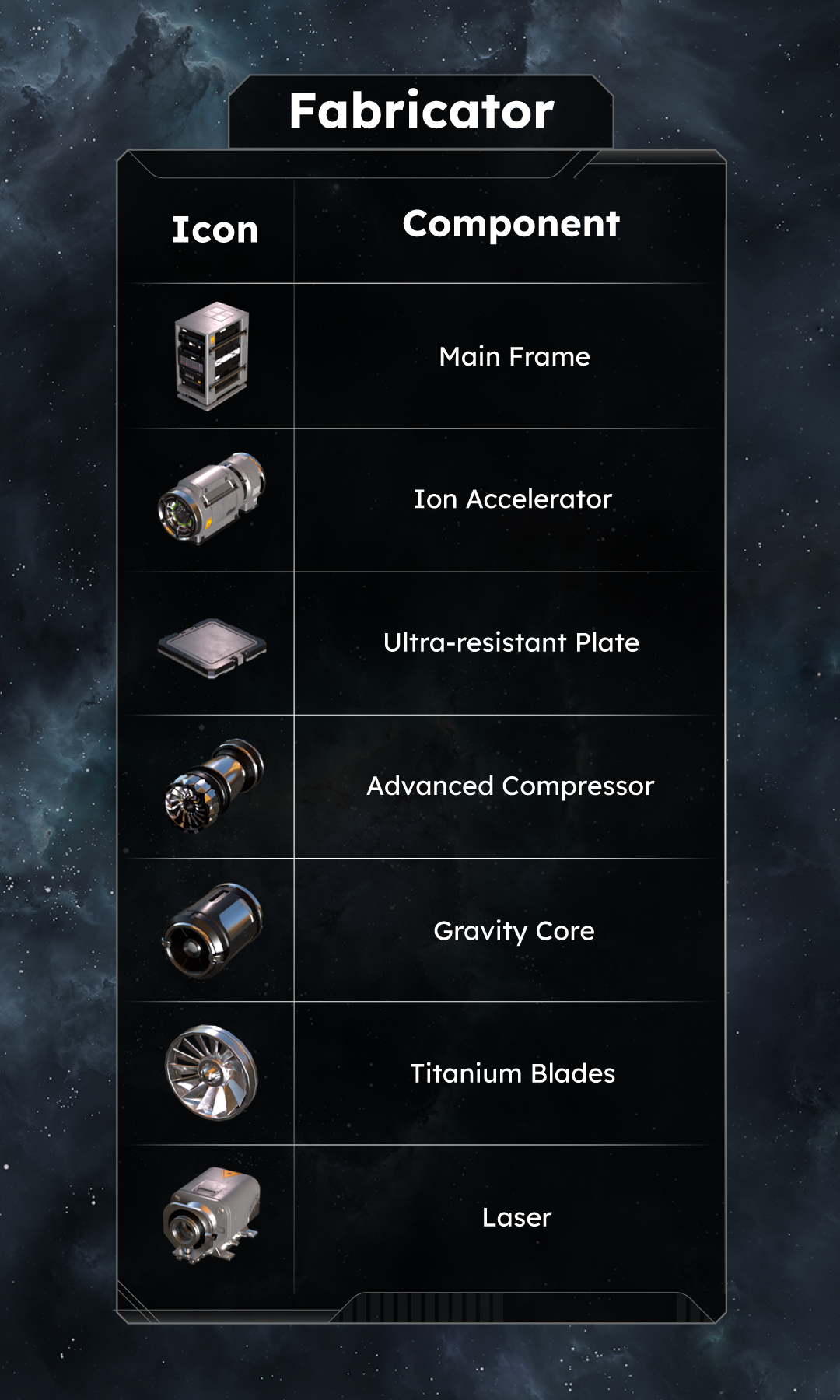
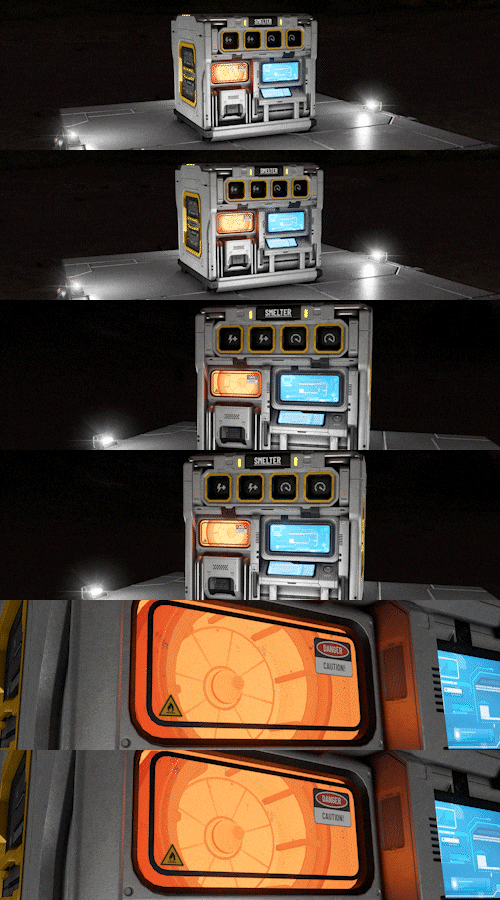
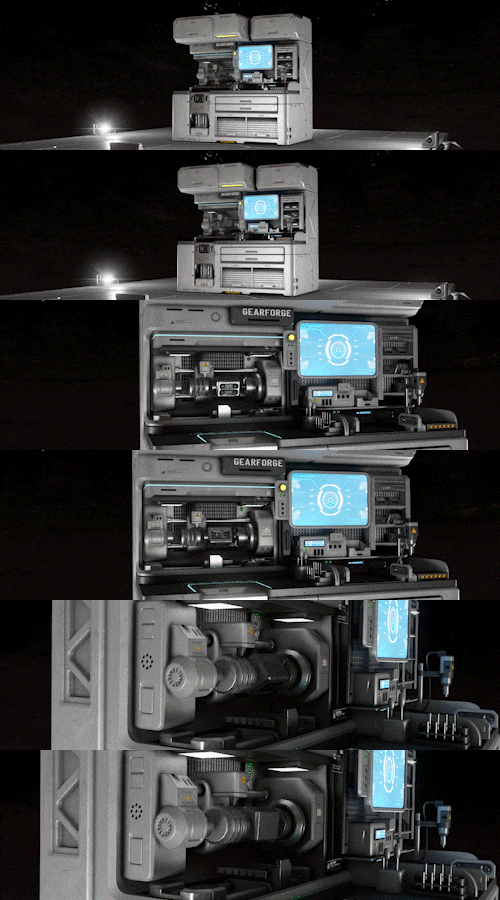
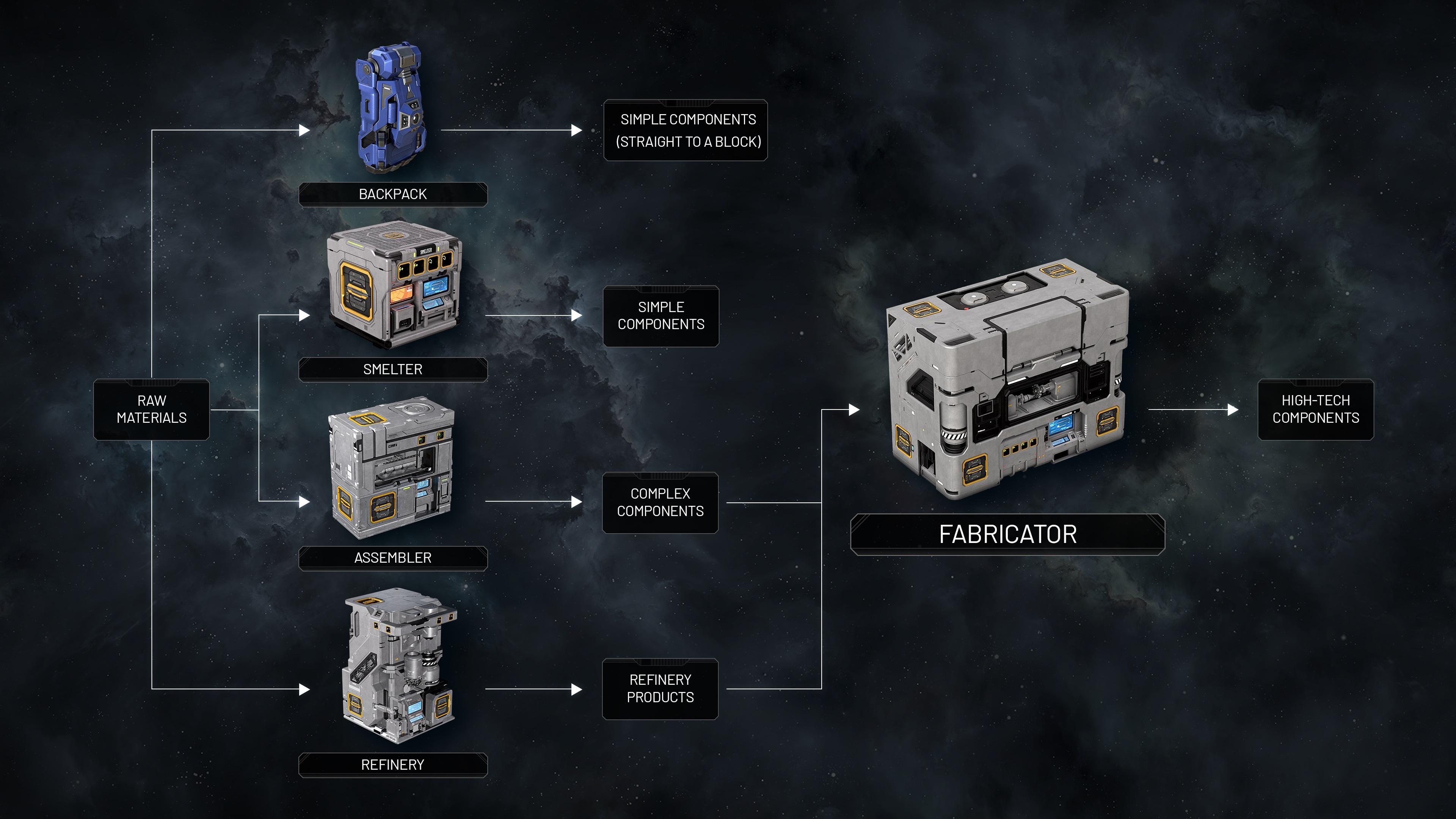
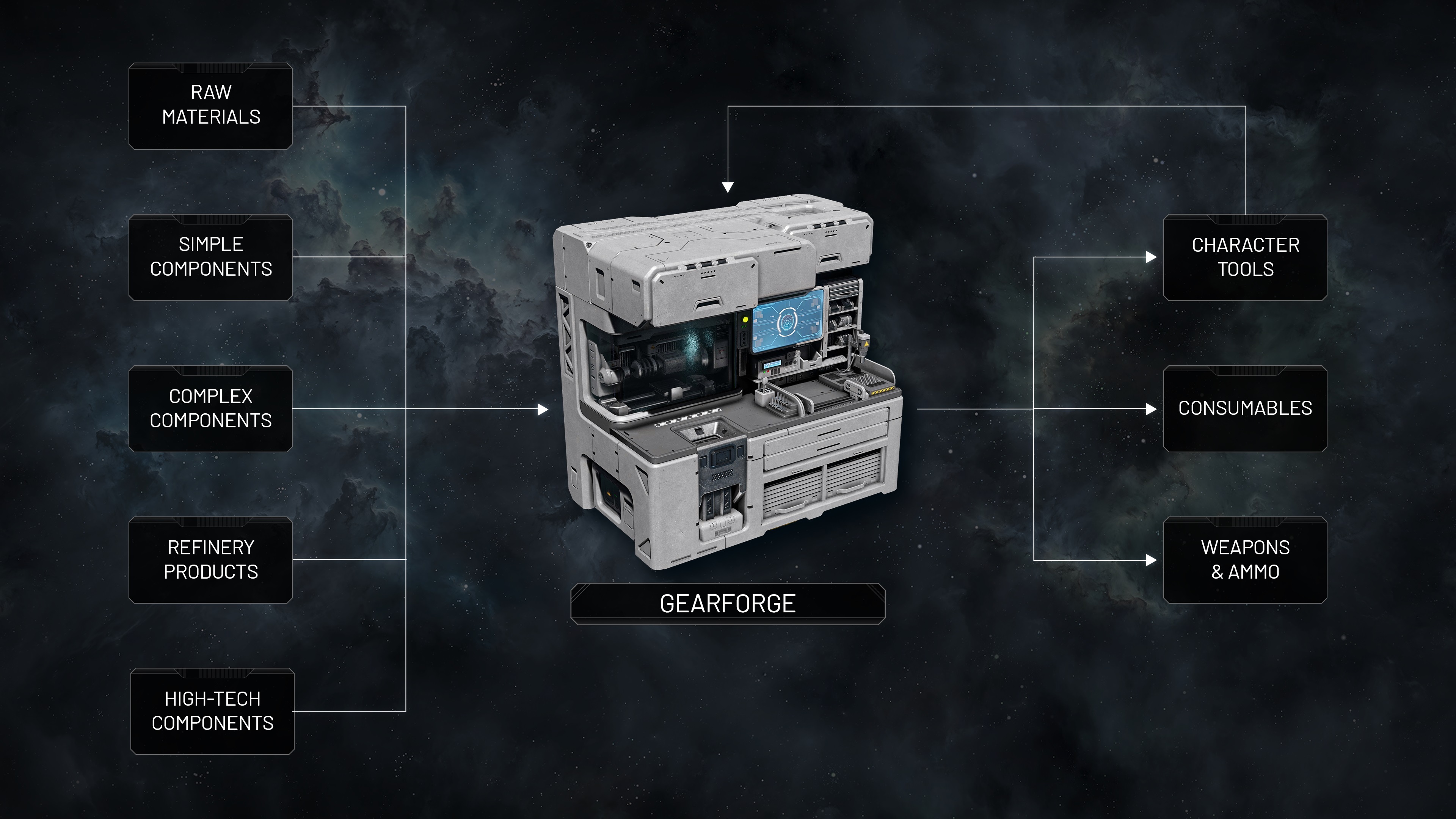
With area welding and ship tools coming in VS 2.2, production will take another big step forward - toward a deeper, more interconnected engineering experience.New BlocksSurvival KitA vital block that allows Space Engineers to respawn and heal when powered and activated. It serves as your first lifeline in survival, providing essential medical support and a basic respawn point for continued exploration and construction.SmelterProduces the simplest components used in almost all blocks. While it might seem less important with the introduction of backpack building, the Smelter will become a key part of your future manufacturing automation.FabricatorAn advanced production block capable of crafting the most complex and high-tech components in the game. Essential for building late-stage machinery, ships, and specialized systems that go far beyond the basics of survival engineering.GearforgeA versatile production block used for manufacturing character-related personal items such as tools and consumables.
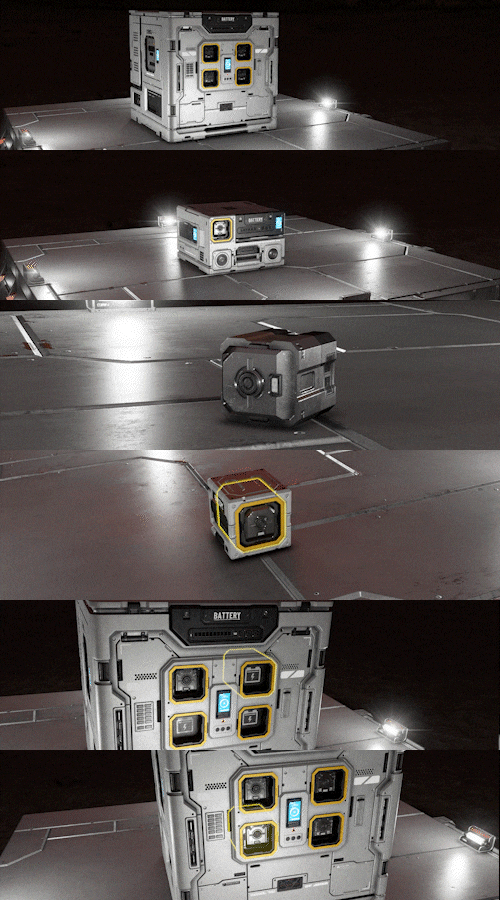
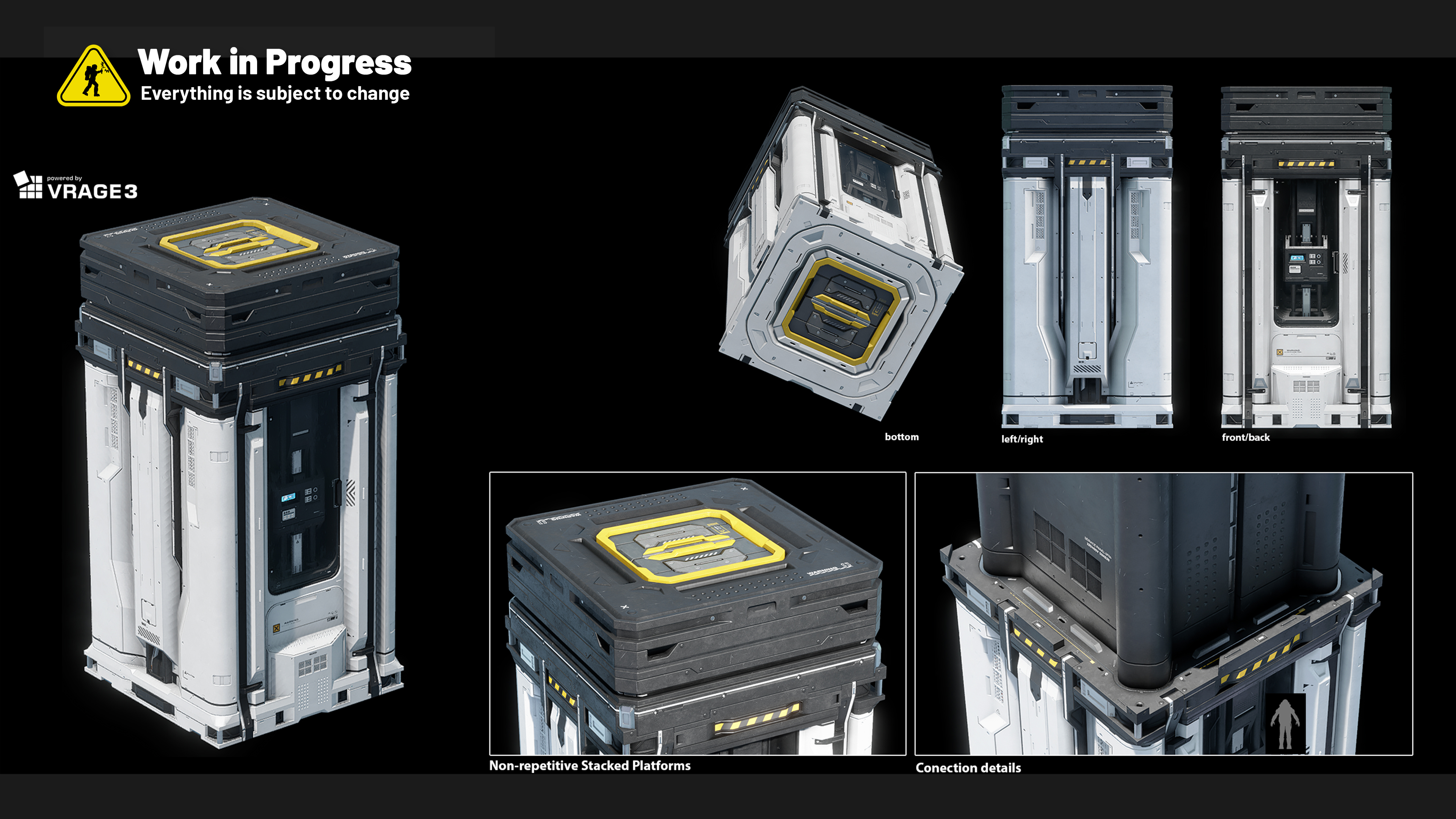
In the future, it will also produce ammo and weapons, expanding its role in personal manufacturing.BatteriesA modular energy storage block built around swappable power cells.
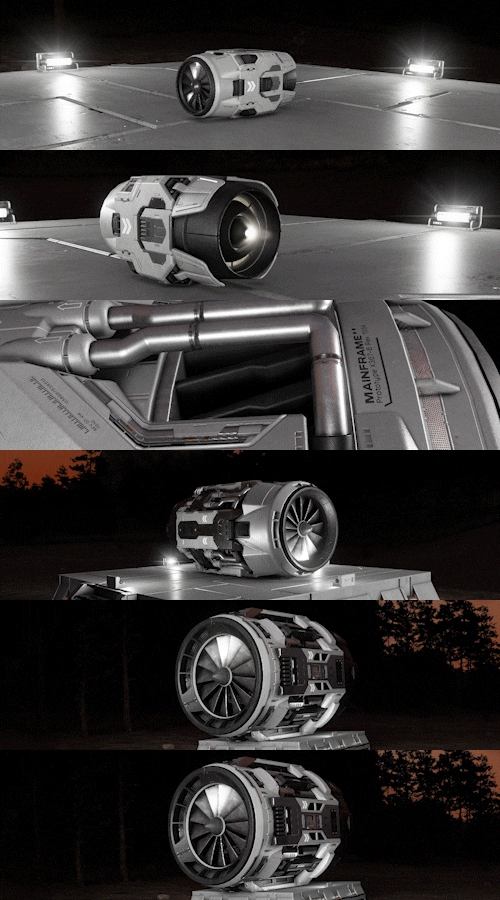
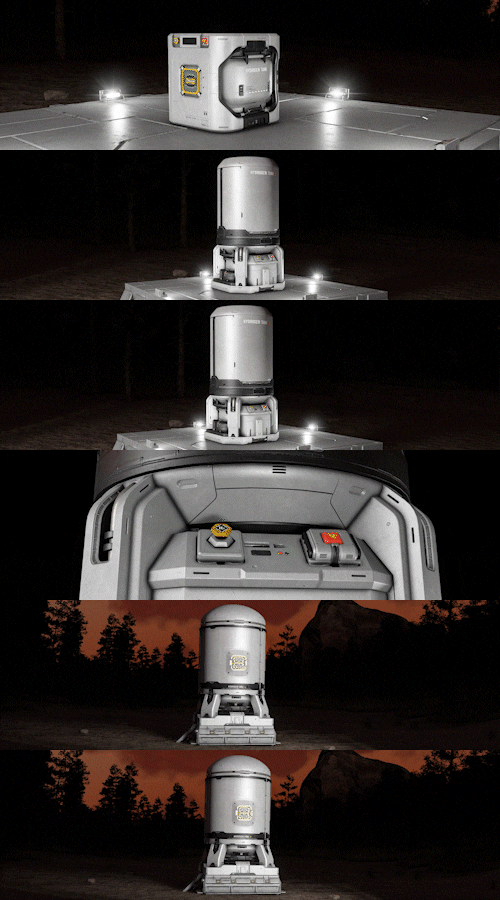
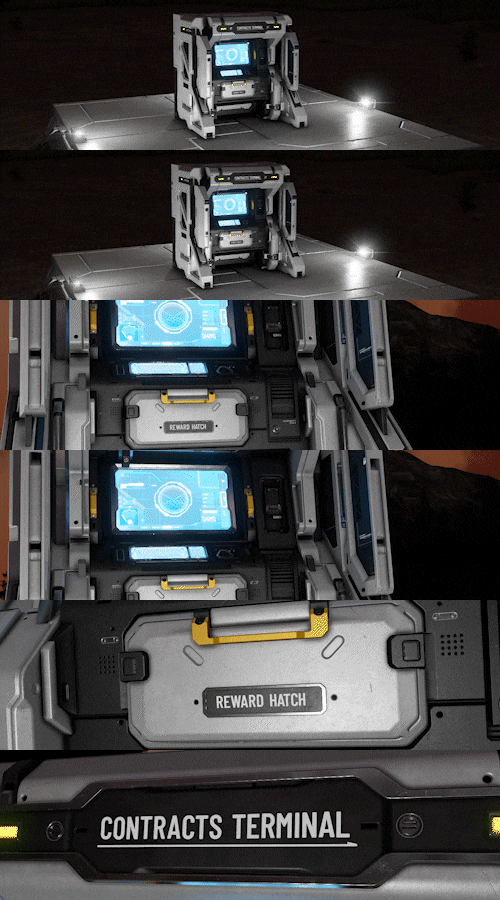
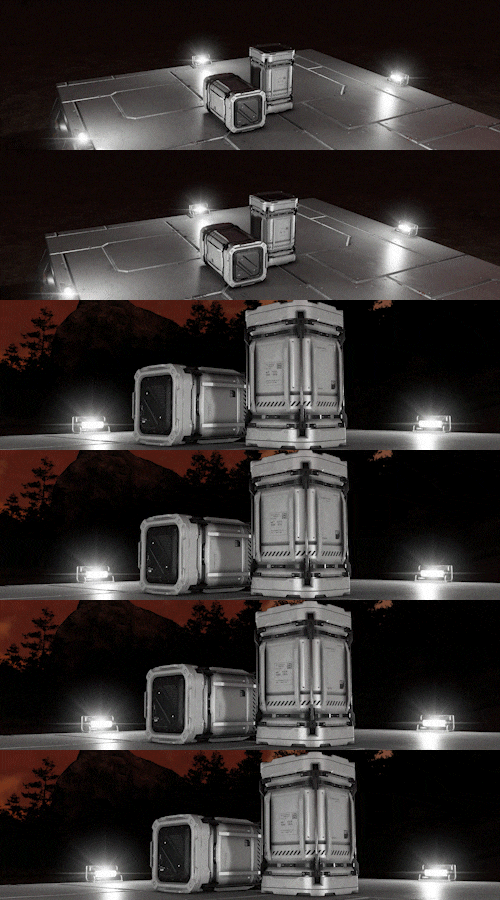
atmoDesigned for flexibility and easy maintenance, it allows you to manage and distribute power efficiently across your grids.Atmospheric Thrusters SetProvides propulsion for ships operating within planetary atmospheres by consuming grid power.Hydrogen Thruster 7.5mThe largest variant in the Hydrogen Thruster set, providing massive propulsion for ships and grids in both atmosphere and space by consuming hydrogen as fuel.Hydrogen Tank SetA storage vessel designed to hold Hydrogen gas, used to power thrusters and other hydrogen-based systems.Drill 5.25mA large variant of a ship drill.Contract BlockA station terminal used to issue contracts to engineers.BarrelA large, standalone storage container without a conveyor access.Blocks with added functionality
- Reactor
- Hydrogen Generator
- Medical Bay
- Ore Detector
- Solar Panels
- Connector - limited functionality, ejector/connector functionality planned
- Conveyor System
- Large O2/H2 Generator (only H2 for now)
- Small O2/H2 Generator (only H2 for now)
- Antenna (works like beacon)
- Crates, lockers, cargo containers
- Animation added to existing blocks (assembler, refinery)
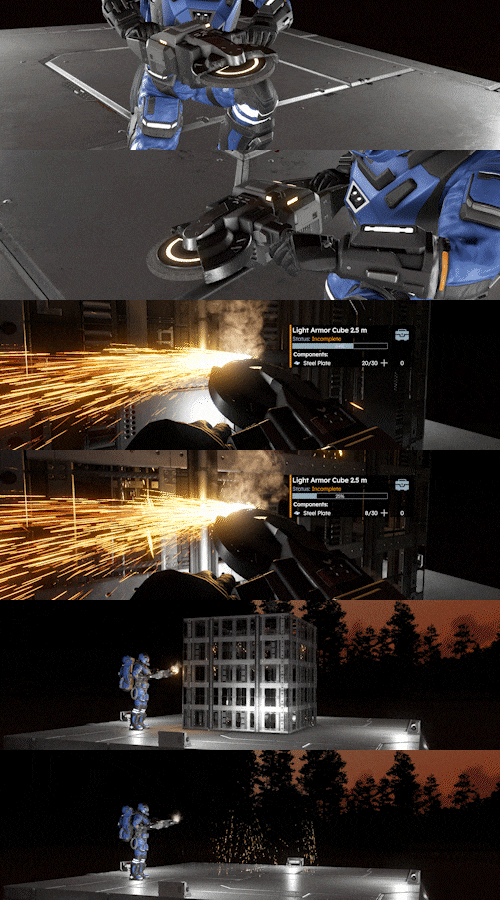
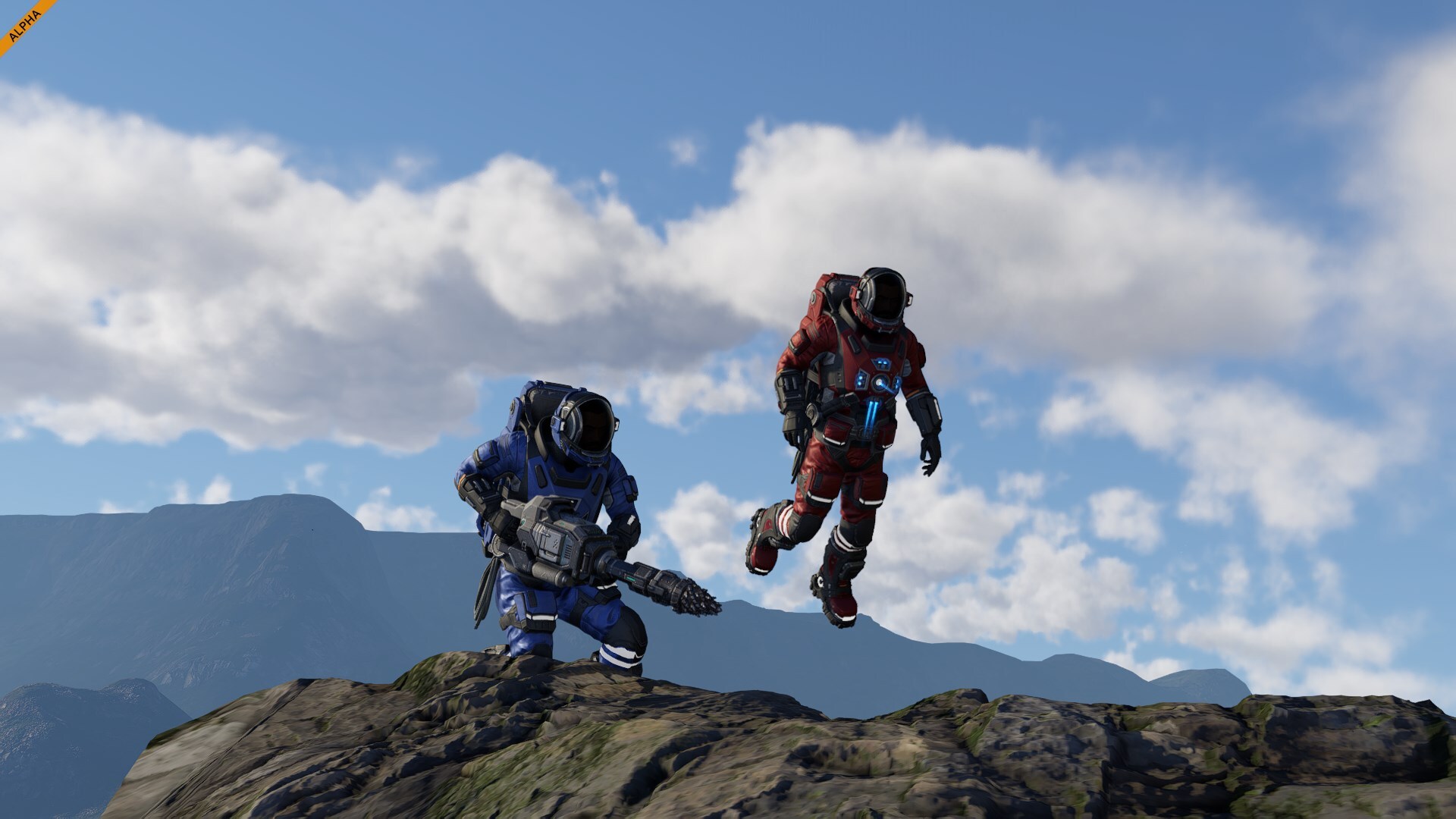
Hand ToolsYou can upgrade your character gear in the Gearforge.Welders - Tier 1-4A handheld tool used to weld projected blocks or repair existing ones, consuming the required materials directly from your backpack. Higher tiers improve welding speed.Grinders - Tier 1-4A handheld tool used to deconstruct blocks, returning their materials to your backpack as you grind.
Higher tiers increase grinding speed.Drills - Tier 1-4A handheld tool used for mining, resource collection, and excavation. It can also detect and locate nearby ore deposits.
Higher tiers increase mining speed.Survival System FoundationsWith today's release, we’re laying down one of the most important cornerstones for Space Engineers 2 - the foundation of survival gameplay. VS2 introduces the core survival systems that will define the experience of building, and thriving in the harshness of space.
This release brings together all the essential systems needed to support the future full survival gameplay. It’s a massive step forward, forming the groundwork upon which every future survival mechanic will be built, expanded, and refined. From here, we’ll continue to broaden and iterate on these systems.
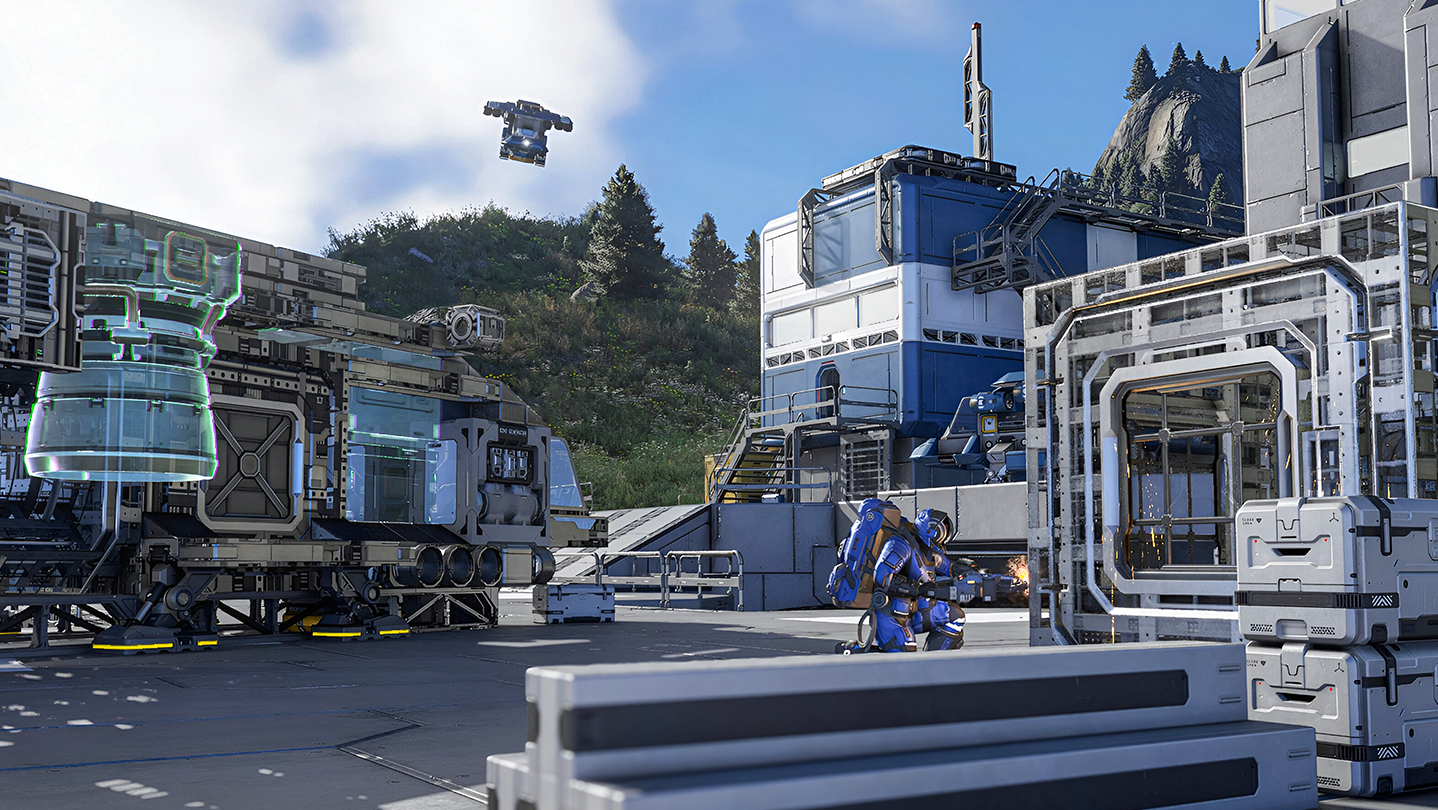
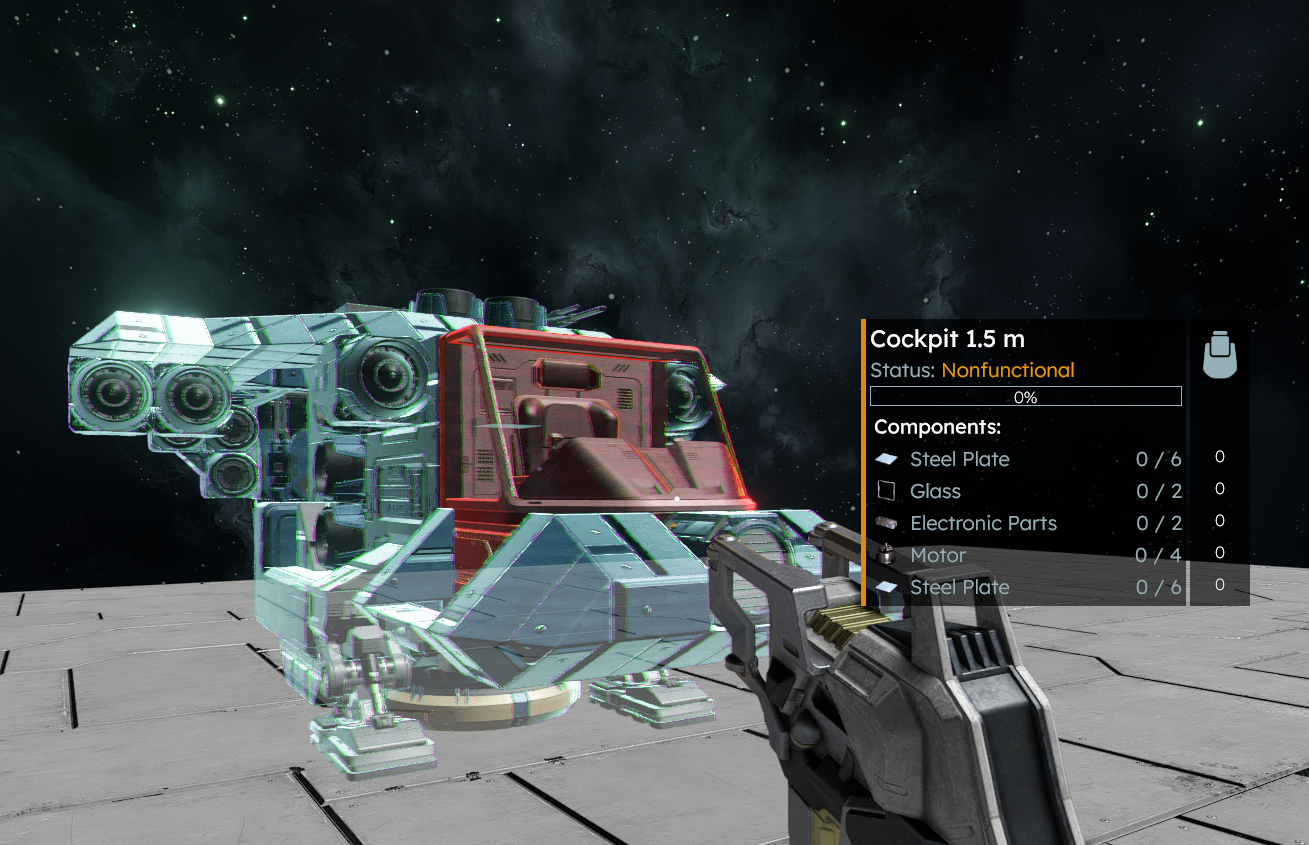
This is where SE2 starts feeling like a real game - not just creative mode with physics.Projection Building & BlueprintsIn Space Engineers 2 Survival you are placing an holographic projection of a block instead of its lowest build state. This makes planning and building feel much closer to creative mode – more intuitive and accessible for everyone.
And that’s not all. This system opens up a whole new level of creative possibilities in survival mode – including mirroring, copy/paste, modular blueprint building, and even undo & redo!Backpack Building & ManufacturingBackpack Building lets your backpack auto-process raw ore into Simple Components, so you can build some blocks straight from ore.
Components and progression will continue to change as more and more sectors are added to the Colonization system.
All production systems have been tuned specifically for the early game experience in this update. Recipes, requirements, and balances are designed to support survival, progression, and exploration in this initial phase. As new features, mechanics, and full automation are introduced, the entire production tree will evolve to match - expect major changes and expansions in future updates.Grid Power System & Swappable Power CellsThis update introduces a new grid power system built around Power Cells and Power Modules. Power Cells act as small, portable batteries, while Power Modules serve as medium and large capacity units that move energy across your grids.
Right now, Power Cells and Power Modules aren’t crafted separately, but that will change as the system expands.
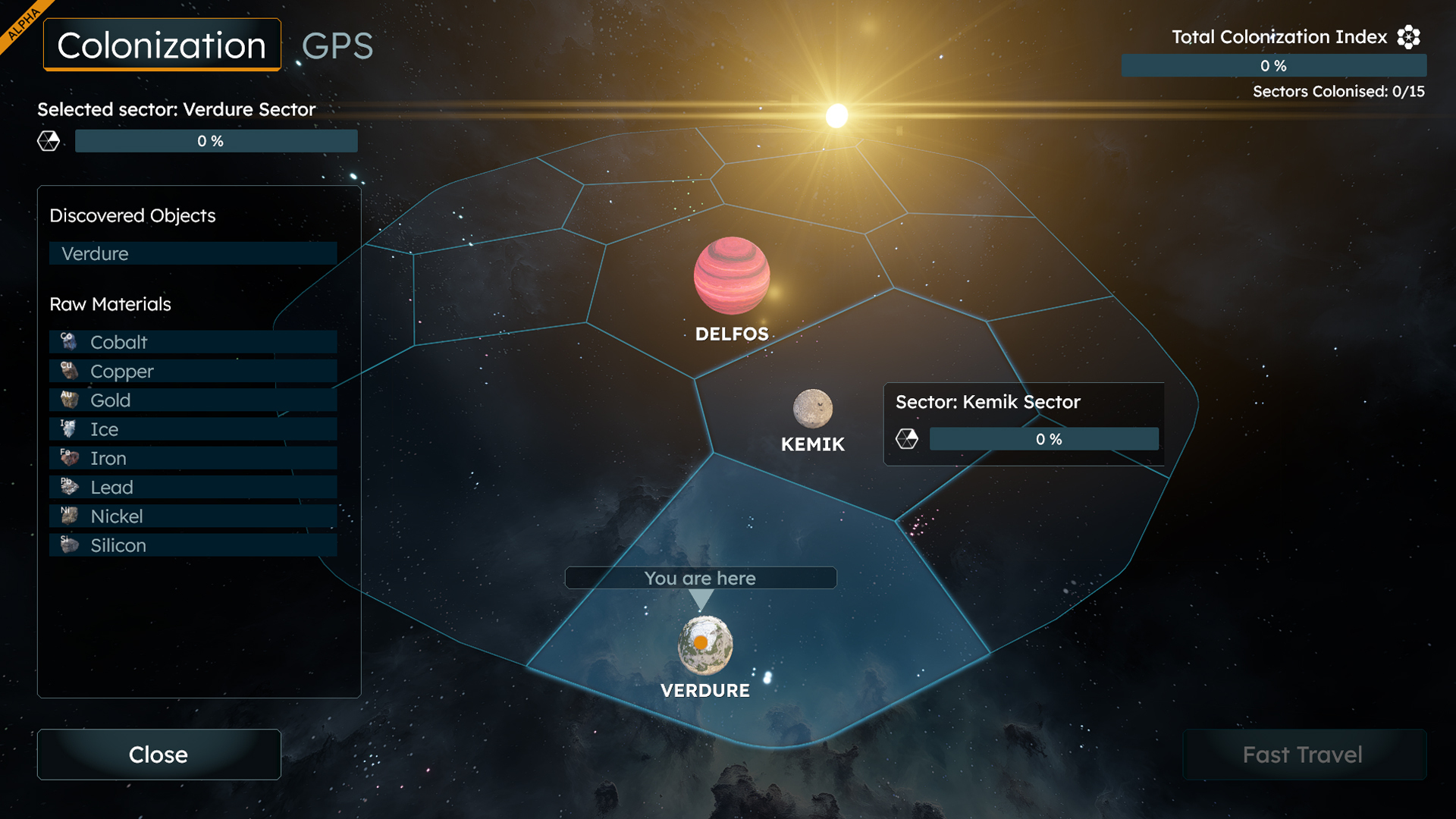
In optimal conditions, a full charge takes about 20 minutes.Setting Base systems for Colonization: Star System & SectorsThis update lays the groundwork for the Colonization system - a long-term progression layer that ties together story, engineering, exploration, and survival aspects of the game.
This is the first draft of the Colonization system - we’re already designing its next evolution and how it will tie into story progression and long-term player progression. Stay tuned, this is just the beginning.
Colonization progression is built around contracts and unlocking new blocks, giving you clear goals and a sense of advancement as you expand your presence across the system. The interactive Colonization Map serves as your overview of the known space, showing current holdings and available missions. For now, it includes two starting sectors to explore and develop.
You can expect regular expansions of contracts and new sectors through smaller updates in the near future, following the same steady approach as our previous block update releases.
Each addition will bring fresh challenges, opportunities, and new ways to grow your colony and influence in the Almagest system!
For now, we’d love you to play and test the colonization and mission systems, and share your feedback during this foundation phase of the game. Let us know - are we on the right track? Can we start expanding on these systems, or do they need more improvements?
Later on, we’ll add true sandbox experience options to turn off mission-based block progression and start with the full set of building options right from the beginning.
In simple terms: you now have goals, progression, and a reason to keep expanding.Storyline Introduction & Base Contract SystemsThe journey of Space Engineers 2’s storyline begins here.
You play as Miro Sokol, arriving in the Almagest system with your brother Ivan as part of the Bering Project, humanity’s first major colonization mission. Your ship suffers critical damage on arrival, pulling you into the first challenges of survival and rebuilding.
For now, contracts are handled through a Contract Block rather than NPCs. The first set of basic engineering contracts focuses on the core gameplay introduced in this update - flying, welding, grinding, and mining.
You can expect new types of contracts (combat and much more) and story content in future vertical slices.
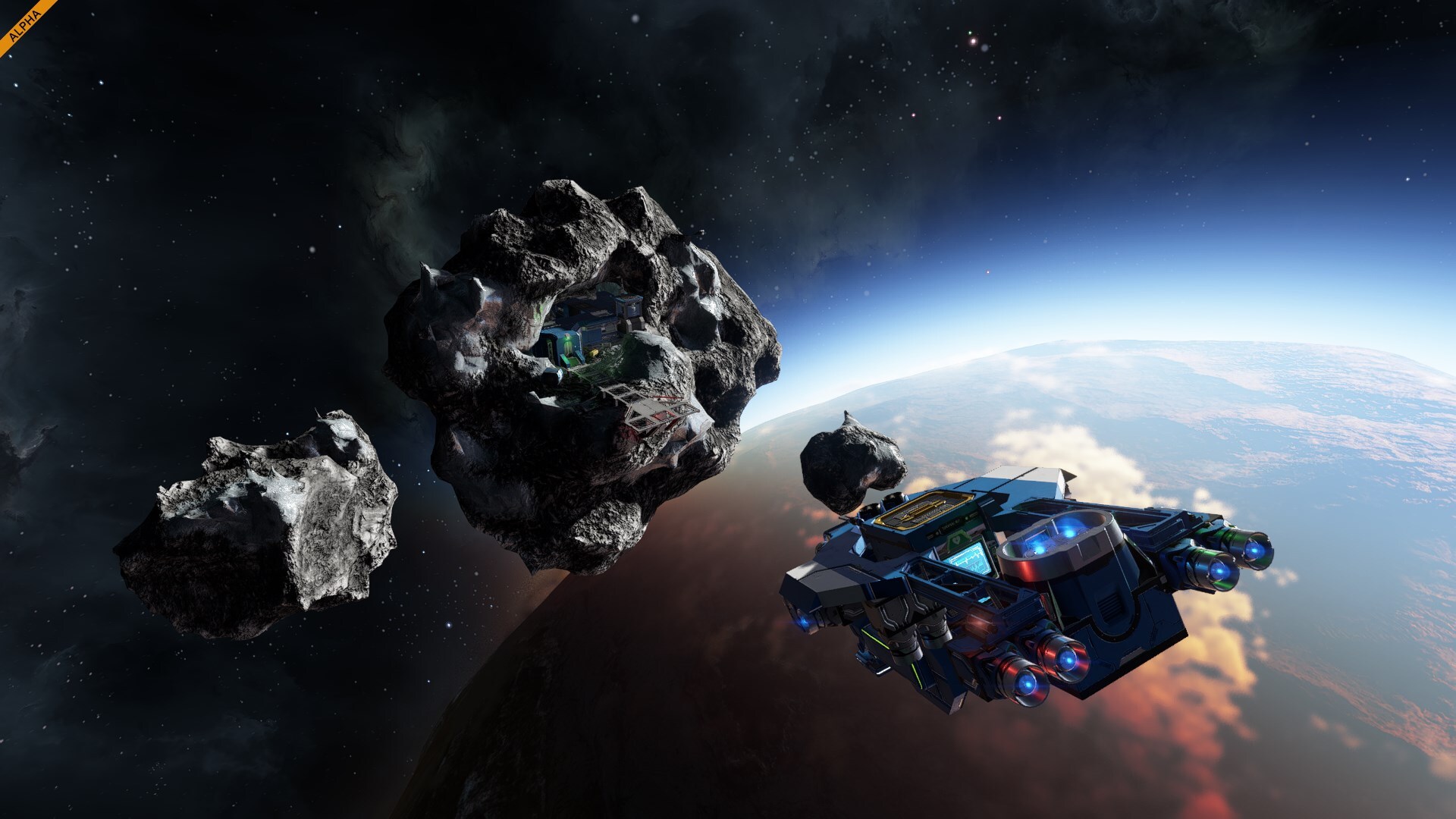
The story gives you a purpose in the world and connects survival, exploration, and colonization.Unknown Signals & Random EncountersVS2 is also introducing the base systems for random encounters. These are non-dynamic and non-NPC for now - simple handcrafted damaged ships, smaller stations and points of interest to bring more life to the world.
We are already working on a much richer encounter system. You can expect broader themes, combat scenarios, and truly dynamic NPC encounters in updates down the road. Step by step, we’re moving toward a universe that feels less static and more reactive - where every playthrough can surprise you.Station Points & Fast TravelYou can explore and find fast travel lanes between major space stations, allowing you to move across the Almagest system long before you gain access to high-tech jump drive technology.
To use fast travel, simply move inside a jump station’s safe zone, open the map, and select a GPS destination. You don’t even need to be seated – any grids within the safe zone will travel with you.
And of course, the classic way of slow traveling everywhere – with no loading screens and full real-time movement – remains available for those who prefer the long haul and the adventure that comes with it.Additional Survival Cornerstones:
- Block Construction Stages
- Consumables (Hydrogen, Energy, Health)
- Jetpack H2 usage for Boost, Energy for non-boost movement
- HUD Additions & Changes
- New UI Screens (initial implementation of Production Screen, Grid & Player Inventory Screen, Respawn Screen
- G-screen Improvements
- Ore Detection (Drill + Ore Detector blocks)
Additional Improvements
- Optimizations & Rendering Improvements
- Destruction LODs
- Tons of new Animations added (welding, grinding, drilling, character movement, and more!)
- Inverse Kinematics
- Added New Particle Effects
- Added New In-game and UI sounds
- ModSDK Tools Updated
We’ve updated the Space Engineers 2 Pioneer Edition with brand new content for all early explorers! The latest update includes one new music track, 40 new pages added to the digital art book for a total of 125 pages, and refreshed behind the scenes materials straight from the development team.
And this is just the start. As Space Engineers 2 continues to grow, we’ll keep adding more exclusive materials to the Pioneer Edition – new music tracks, wallpapers, and concept art that evolve alongside the game itself.
Upgrading to Pioneer is also the most direct way to support SE2’s development and help us build the next vertical slices faster.
https://store.steampowered.com/app/3365540/Space_Engineers_2_Pioneer_Edition/
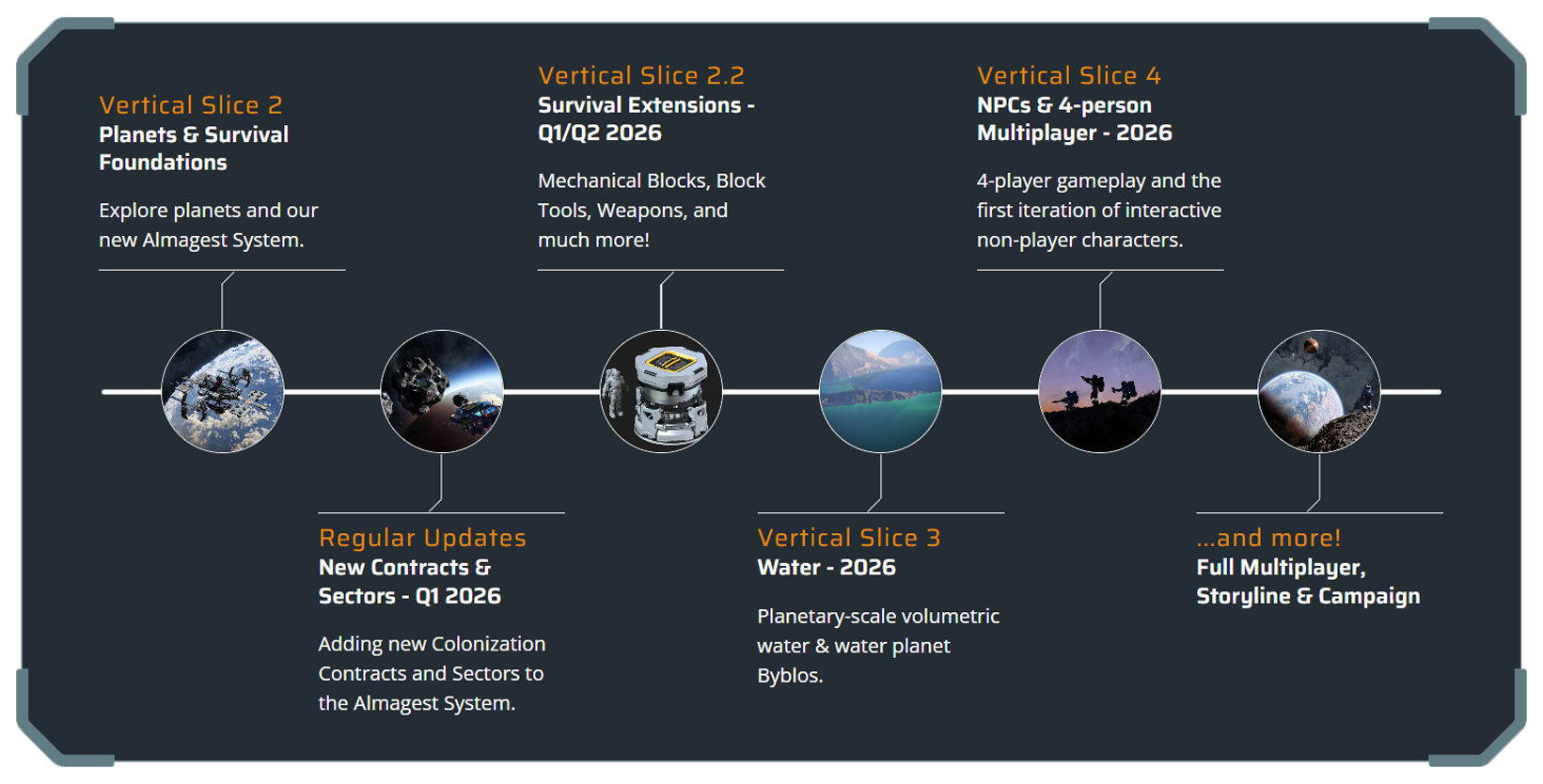
With the release of VS2, we’re updating our roadmap to give you a clearer look at what’s coming next for Space Engineers 2. The foundation is set, and now we can start building on top of it faster and more efficiently.
You can now expect regular expansions of Contracts and new Sectors through smaller updates in the near future, following the same steady approach as our previous block update releases (but probably not on a weekly basis).
The next large milestone will be VS2.2: Survival Extensions, which focuses on expanding the survival and colonization experience. This update will bring mechanical blocks, functional block tools, weapons, area welding, block wrappers, full GPS System, and much more. Since these features build directly on the systems introduced in VS2, we’ll be able to deliver them at a bit faster pace.
After that comes VS3: Water. Planetary-scale volumetric water, along with all the water gameplay systems and blocks. This update will also add a new water planet, Byblos, to the Almagest system.
Following closely will be VS4: NPCs + Cooperative Multiplayer, adding 4-player gameplay and the first iteration of interactive non-player characters. VS5: Full Multiplayer will complete the foundation for large-scale multiplayer sessions.
Two development teams are working in parallel on VS3 and VS4, so the final release order may depend on which reaches completion first. Either way, we’re pushing forward on all fronts to bring you new features and deeper gameplay as quickly as possible!
Many of the features and improvements planned for the future have been requested and shaped by the suggestions and ideas shared through our Support Portal. Your feedback is incredibly valuable, and we appreciate every suggestion you submit.
Check out our full Roadmap.
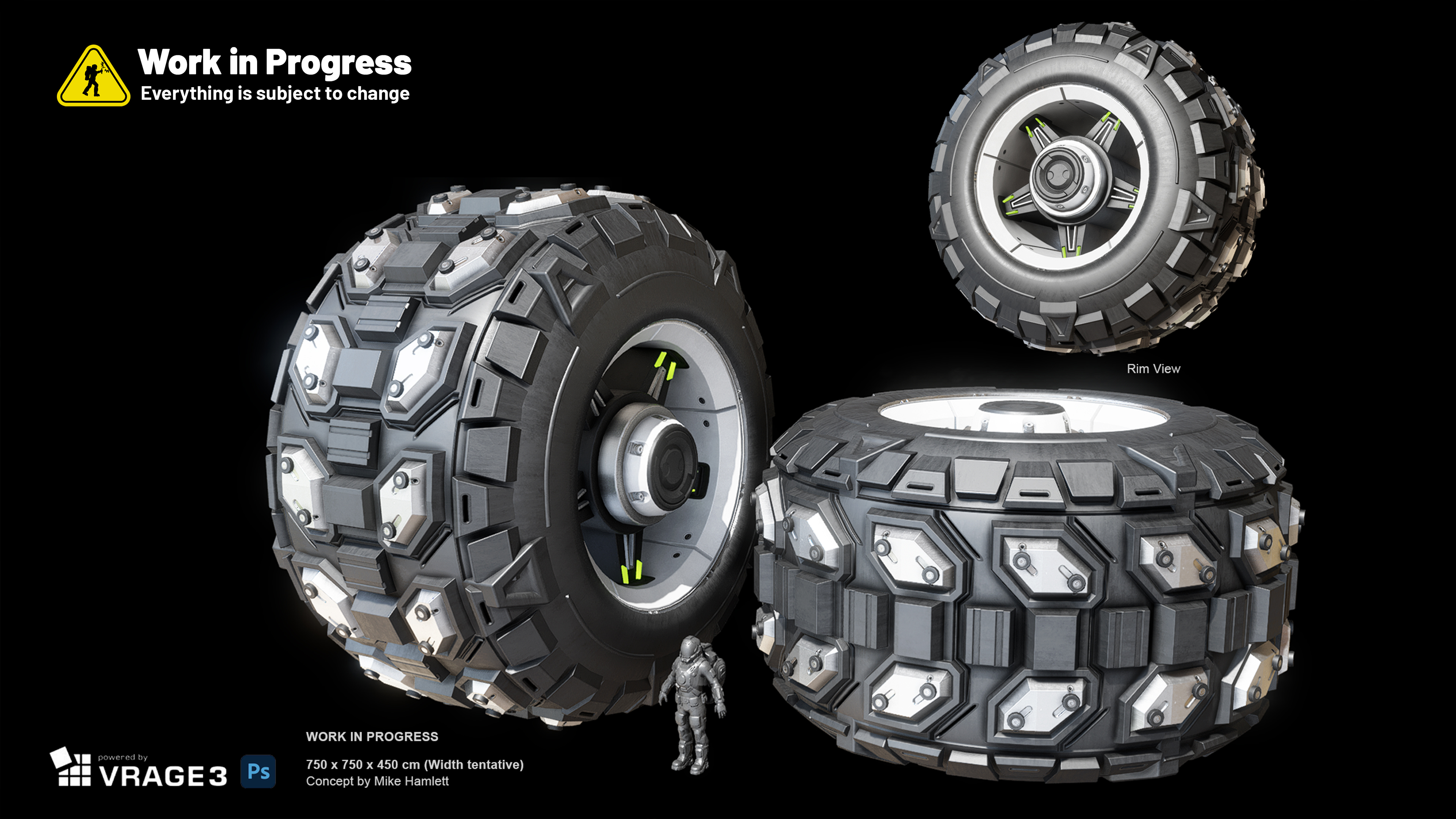
Q: Where is feature/block “X” (Wheels, Weapons, Mechanical Blocks, Oxygen & Airtightness etc.)?
A: We’d love to have them in the game right now too! Some features need more time and testing to reach the quality we aim for. You can check our updated roadmap for an overview of what’s coming next and when you can expect your favorite features to arrive.
Q: What about multiplayer?
A: Because multiplayer only works if the core systems are solid first. If we added MP now, you’d have multiplayer but no real gameplay to use it with - and we’d just rewrite everything later.
We’re starting with 4-player co-op because it’s easier to stabilize, and full MP will follow once the foundations are ready.
Q: And NPCs?
A: NPCs are planned for VS4, alongside the first multiplayer implementation.
Q: Why does the Almagest system map have only 2 sectors?
A: More sectors will be added in the future updates. We also plan to introduce new missions and new mission types in regular smaller updates in between big vertical slices.
Q: Will the sector resources differ in the future?
A: Yes, we plan to make resources more dispersed - not every resource will be available in every sector, encouraging exploration and trade between regions. Also the production chains are just a baseline tweaked especially for VS2 and you can expect more changes as the development progresses.
Q: Can I skip the block progression? I just want to build!
A: For now, we’d love you to play and test the colonization and contract systems, and share your feedback during this foundation phase of the game. Let us know - are we on the right track? Can we start expanding on these systems, or do they need more improvements?
Later on, we’ll add a true sandbox experience option to turn off mission-based block progression and start with the full set of building options right from the beginning.
Q: Can planets be modded?
A: Planet modding is not fully supported at this stage of development - but do not worry, we will bring you modding support for planets in the future updates!
Q: Should I purchase Space Engineers 2 now?
A: If you’re excited about what’s already in the game and want to help shape its future, now is a great time to join. Buying early directly supports development and lets you influence the direction of SE2.
If you’ve been waiting for planets and the first foundations of survival to test and share feedback, this update is for you.
If you prefer to experience the full survival campaign, NPCs, and advanced systems, you may want to wait a bit longer until more features land.
You can also follow development through our weekly dev diaries, subscribe to our newsletter, and add the game to your Steam Wishlist.
Please keep in mind that VS2 is still an Early Access and Alpha version of Space Engineers 2. We are planning daily hotfixes after the initial release.
- Starting with this release, we will always keep previous versions of the game available after major updates. This means you can return to an earlier version at any time and, for example, save your blueprints or creations. You will find these builds in the Steam Beta tab.
- We also want to be upfront about one important thing. We already know that water will be such a monumental change for the game that you will need to start a new save when VS3 arrives. We try to minimize situations like this, but during the alpha stage of development they are sometimes unavoidable.
- Planet modding is not fully supported at this stage of development - we will bring you modding support for planets at later stages!
- Customizable Controls are coming in VS2.2!
- In rare cases, Procedural Voxel Generation may cause a Contract grid to spawn inside a voxel area. If this happens, you will need to start a new map. This is a top priority issue for our next hotfix.
- Attempting to fast travel with a large ship may cause the game to freeze. A fix is already in progress.
- Several edge-case crashes are known and will be addressed in the first hotfix.
- Tutorial Contracts can be broken by not following the task sequence; this will be reworked and mitigated in the future updates.
- Contract-related containers and an unfinished grid may not be affected by planetary gravity in the “Supply Base” Contract.
The best way to provide your feedback is through our Support Portal. You can always find a direct link to the support portal from within the game - just press F1 to access the help screen!
This platform is your direct line to the developers and the Space Engineers community. Here, you can:
- Create a Bugreport
- Create a ticket with your Feedback/Idea
- Vote on other ideas or bug reports
- Comment and Interact with fellow players
- Suggest solutions and provide valuable feedback to help shape the future of Space Engineers 2
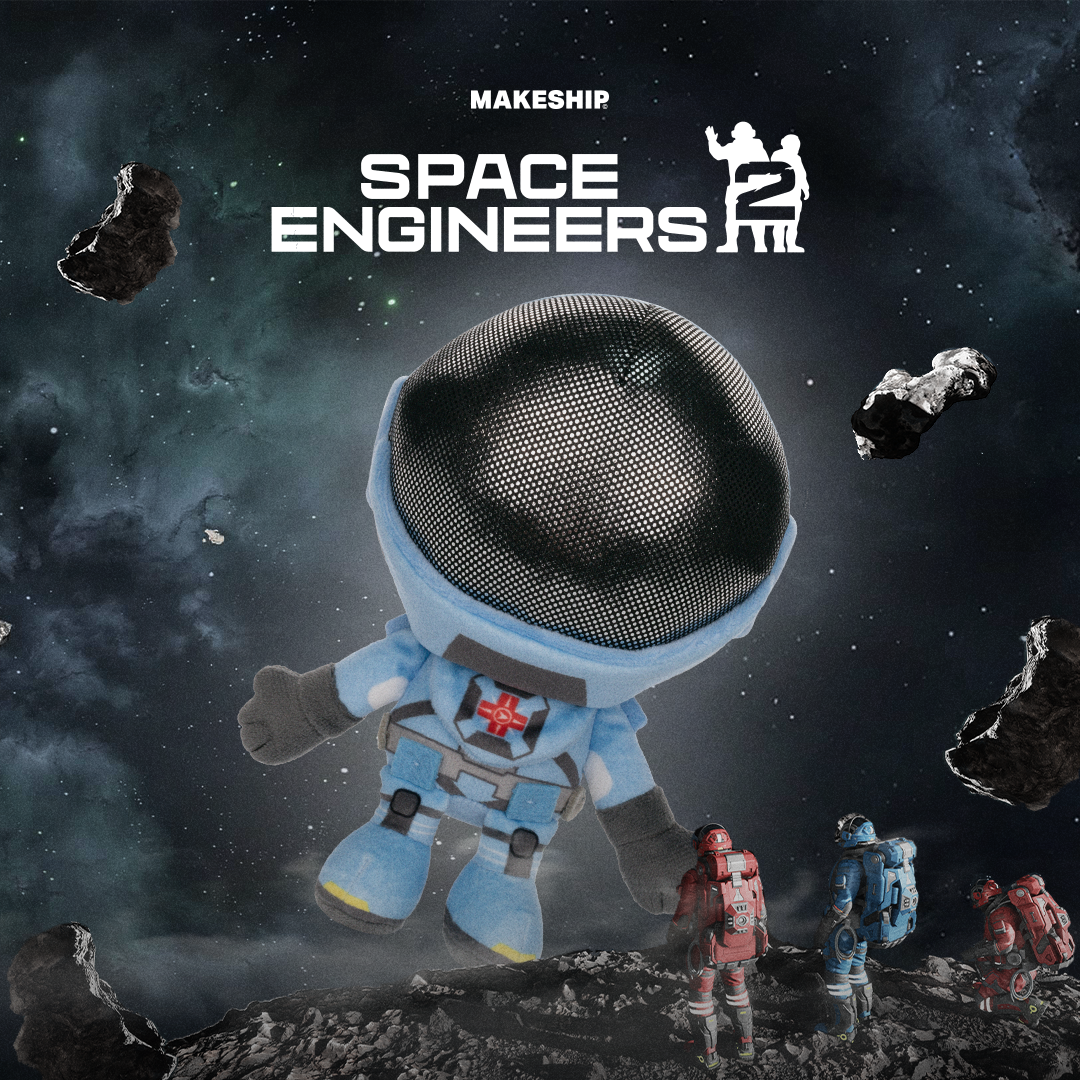
Your First SE2 Crew Member Has Just Docked!
Celebrate Space Engineers 2 with the triumphant return of a fan favorite, the official Space Engineer plushie!
Now rocking the sleek new SE2 suit, this fuzzy crewmate is ready to float by your side on every build and wild adventure.
https://www.makeship.com/products/space-engineers-2-plushie
Bring the beauty of Kemik and Verdure to your wall with our new Space Engineers posters. Each print captures the atmosphere and character of these two iconic planets, making them perfect for your gaming space, office, or workshop.
StabilityPerformance
Fixed a crash when trying to set relative dampening to a fracture
- Fixed a crash in memory
Functional
- Fixed an issue where the game froze while loading a more complex world
- Fixed an issue where the blueprint screen refreshed very slowly
- Fixed an issue where the game froze when modifying a blueprint upon publishing
Render
- Fixed an issue where the character got stuck and clipped into blocks when crouching in low tunnels
- Fixed an issue where switching to static spectator camera from free spectator resulted in an uncontrollable character
- Fixed an issue where the character could move grids weighing over 50 tons
- Fixed an issue where the camera was jittering during character movement
- Fixed an issue where blocks snapped too deep into the voxel
- Fixed an issue where a block preview was not visible when placement was not possible
- Fixed an issue where the block placer stopped detecting moving ships
- Fixed an issue where changing blueprint visibility in the web browser was not reflected in-game
- Fixed an issue where editing a published mod in Steam did not take effect in-game
- Fixed an issue where no warning message appeared after removing mods from a saved game
- Fixed an issue where a published mod was not listed as an available mod in the Manage Mods screen
- Fixed an issue where publishing a blueprint while Steam was offline triggered a nonspecific error
- Fixed an issue where it was not possible to drag a block by its tile edge in the G-screen
- Fixed an issue where blocks and blueprints could not be dragged off of a toolbar
- Fixed an issue where it was possible to see inside a voxel
- Fixed an issue where opening mod details added the mod to the available mods list
- Fixed an issue where Alt + Enter did not toggle full screen mode
- Fixed an issue where the Paint Tool single-size decal stayed on the grid when aiming off the grid
- Fixed an issue where the Paint Tool ignored certain blocks when using a larger brush
- Fixed an issue where colors in the palette were duplicated
- Fixed an issue where fractured Landing Gear without a bottom part stayed connected
- Fixed an issue where a grid continued rotating even when all gyroscopes were disabled
- Fixed an issue where a burning, ruined Cockpit remained functional
- Fixed an issue where disconnecting a ship from voxel did not make it dynamic
- Fixed an issue where it was not possible to slide a ship on flat surfaces
- Fixed an issue where searching numbers switched toolbar tiles
- Fixed an issue where block placement and removal particles were not scaled with block size
- Fixed an issue where the Medical Room had a redundant highlight part
- Fixed an issue where renaming a save folder created a corrupted copy of the save
UI
- Fixed an issue where the radius of projected light was much smaller than the block’s actual light sphere
- Fixed an issue where the game became blurry when deselected
- Fixed an issue where an armor block occluded too early when entering the Red Ship
- Fixed an issue where block previews cast shadows when the block model included a grating
- Fixed an issue where changing the graphic preset made toolbar icons blurry
Animation
- Fixed an issue where the disabled button did not appear disabled
- Fixed an issue where a control hint was displayed as plain text instead of keybinding style
- Fixed an issue where blocks in the control panel could not be sorted by name
- Fixed an issue where the block group icon in the terminal had a low resolution
- Fixed an issue where graphic settings were scrolled down when opening the menu
- Fixed an issue where an incorrect message was displayed when enabling fullscreen mode
- Fixed an issue where voxel hand operator hints did not start with capital letters
- Fixed an issue with inconsistent capitalization in the Help screen
- Fixed an issue where discarding pending changes returned the user to the wrong tab
- Fixed an issue where the pending changes dialog was redundant
- Fixed an issue where windowed mode resolutions were missing
Particles
- Fixed a delay before the floating animation when exiting the cockpit
- Fixed an issue where mirrored blocks did not have the correct rotation animation
- Fixed an issue where the character’s legs were twisted when sprinting and toggling the jetpack
- Fixed an issue where headbob was missing in first-person camera while sprinting
- Fixed an issue where the character had deformed animations after colliding with fractures
- Fixed an issue where it was possible to look through the character's head when standing or crouching
Art
- Fixed an issue where the Debug Gun and Paint Tool did not shake after falling
- Fixed an issue where particles appeared when the character collided with a spinning drill
- Fixed an issue where destruction particles were missing for the final destruction stage of single blocks
Audio
- Fixed various art-related issues on fractured block models: Wall Pillar Slope 2.5 m, Gyroscope 2.5 m, Gyroscope 7.5 m, Cargo Container 2.5 m, Cargo Container 7.5 m, and Refinery 7.5 m
- Fixed an issue where it was possible to see inside the Reactor 7.5 m model
- Fixed an issue with Z-fighting on the Reactor’s button
- Fixed an issue with glitchy conveyor port handles on Cargo Container 1.5 m
- Fixed an issue where the Crate’s UVs were stretched
- Fixed an issue where the Interior Light flare was offset
VRAGE3 Mod Editor - Stability
- Fixed an issue where the sounds of the flying Blue Ship were not balanced
- Fixed an issue where selecting a tile in the G-screen by its edge did not play a sound
- Fixed an issue where thrusters were missing SFX after the grid was disconnected from a static grid
- Fixed an issue where in-game music did not loop
VRAGE3 Mod Editor - Performance
- Fixed a crash when naming two assets the same and choosing “Abort” in the pop-up message
- Fixed a crash when renaming a folder
- Fixed a crash when swapping Entry Node state between two Single Clip States twice and deleting the Animation Controller
- Fixed a crash when adding a NamedDefinitionSetLoaderComponent to an empty prefab
- Fixed a crash when deleting a HierarchyComponent in a prefab
- Fixed a crash when editing animation files
- Fixed a crash when modifying the Duration field in Mixer1D in the animation controller
- Fixed a crash when importing definitions into the editor
- Fixed a crash when resizing the editor window while a particle effect was playing
- Fixed a crash when deleting any
_Collision.hkt file - Fixed a crash when playing a particle effect while another asset was displayed in the Render View window
- Fixed a crash when deleting a read-only asset
- Fixed a crash when interacting with the Particle Effects editor
- Fixed a crash when removing the Planet Atmosphere RenderComponent from EarthLike.partialdef
- Fixed a crash when opening a prefab of Hydrogen Thruster 2 m
- Fixed a crash when deleting a newly created configuration override
- Fixed a crash when trying to dock a window
VRAGE3 Mod Editor - Functional
- Fixed an issue where the editor consumed a large amount of memory at rest
- Fixed a performance issue when renaming an asset
VRAGE3 Mod Editor - UI
- Fixed an issue where the editor did not display block preview after adding or removing components
- Fixed an issue where the build progress slider displayed jittery movement
- Fixed inconsistent behavior of the import dialog
- Fixed an issue where Ctrl + Z did not work when Render View was focused
- Fixed an issue where Ctrl + Z did not update values when the Inspector was focused
- Fixed an issue where it was not possible to spawn a prefab and a particle effect at the same time
- Fixed an issue where navigation to an asset was not possible through a readonly reference property in the Inspector
- Fixed an issue where adding an element to VerdureEnvironmentServer.def produced a validation error
- Fixed an issue where no validation errors were displayed for an invalid asset
- Fixed an issue where the preview of Verdure.partialdef disappeared after removing a texture under Terrain Texture Variation in GrassBrush.def
- Fixed an issue where suggestions for BreakableBlock Definition were duplicated
- Fixed an issue where suggestions were missing in AnimationController Definition
- Fixed an issue where it was not possible to copy asset names
- Fixed an issue where tooltips in the animation controller were not shown
- Fixed an issue where tooltips were not displayed correctly
- Fixed an issue with VRAGE capitalization in the splash screen
- Fixed an issue where blue template icons did not have priority over green partial copy icons
- Fixed an issue where large numbers were not displayed in the Inspector
️ Feedback & Support - https://support.keenswh.com/
️ Roadmap: https://2.spaceengineersgame.com/roadmap-2/#current
️ Discord: https://discord.gg/keenswh
Newsletter: https://www.keenswh.com/newsletter
➡️ Connect and find us on your platform of choice: https://www.keenswh.com/connect/
https://steamcommunity.com/games/1133870/announcements/detail/582781208710088786 https://steamcommunity.com/games/1133870/announcements/detail/582781208710088583 https://steamcommunity.com/games/1133870/announcements/detail/626690914537964566